
QR Code (Generator and Reader)
Generate QR codes from page URLs, links, or selected text; decode QR codes from images.

What it does
Permissions and access
Taken from the extension's own manifest file inside the package. The store listing does not spell this out, so it is worth reading before you install.
| Permission | What it allows |
|---|---|
activeTab | Access the current tab when you click the extension |
contextMenus | Add items to the right-click menu |
scripting | Run its own code on pages |
storage | Store its own settings and data |
unlimitedStorage | Store unlimited data on your computer |
Requests 5 permissions — extensions doing the same job average 5.4.
Technical details
Show all 55 languages
Keyboard shortcuts
| Shortcut | Action |
|---|---|
| Alt+Shift+Q | _execute_action |
Description
QR Code Generator and Reader allows you to create QR codes from the current page URL, a specific link, or selected text on any website. It also decodes QR codes from images, making it a versatile tool for both generating and scanning QR codes directly in your browser. The extension is designed to handle various types of QR codes and includes advanced features like a scan history and customizable display options. You can access its functions via a popup or by right-clicking on a page or selection (context menu).
Key Features
- QR Code Generation from Multiple Sources: Generate QR codes from the URL of the active tab, any text you've selected on a webpage, or a link you provide manually. This is useful for quickly sharing a page's address or sharing selected information in a scannable format.
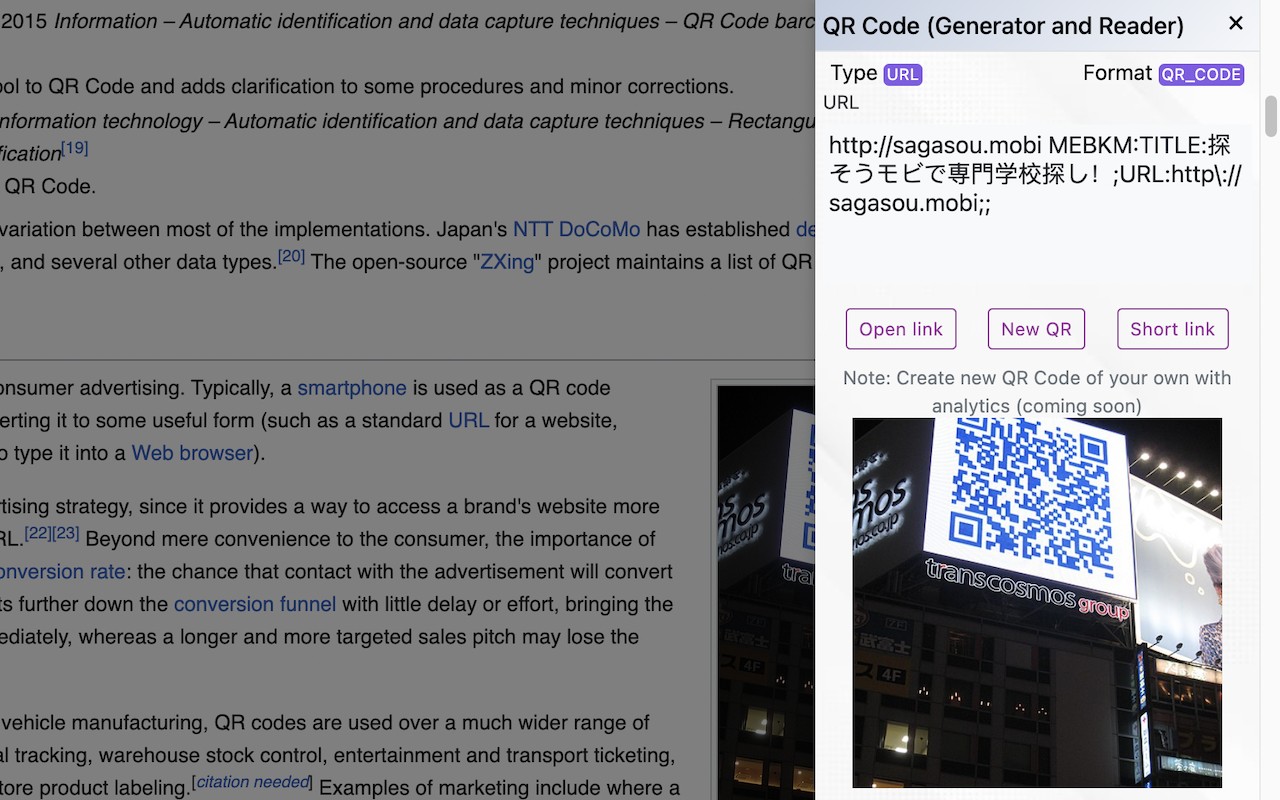
- QR Code Decoding from Images: Scan and decode QR codes embedded in images on any website. This allows you to extract information such as URLs, contact details, or text without needing a separate scanner app.
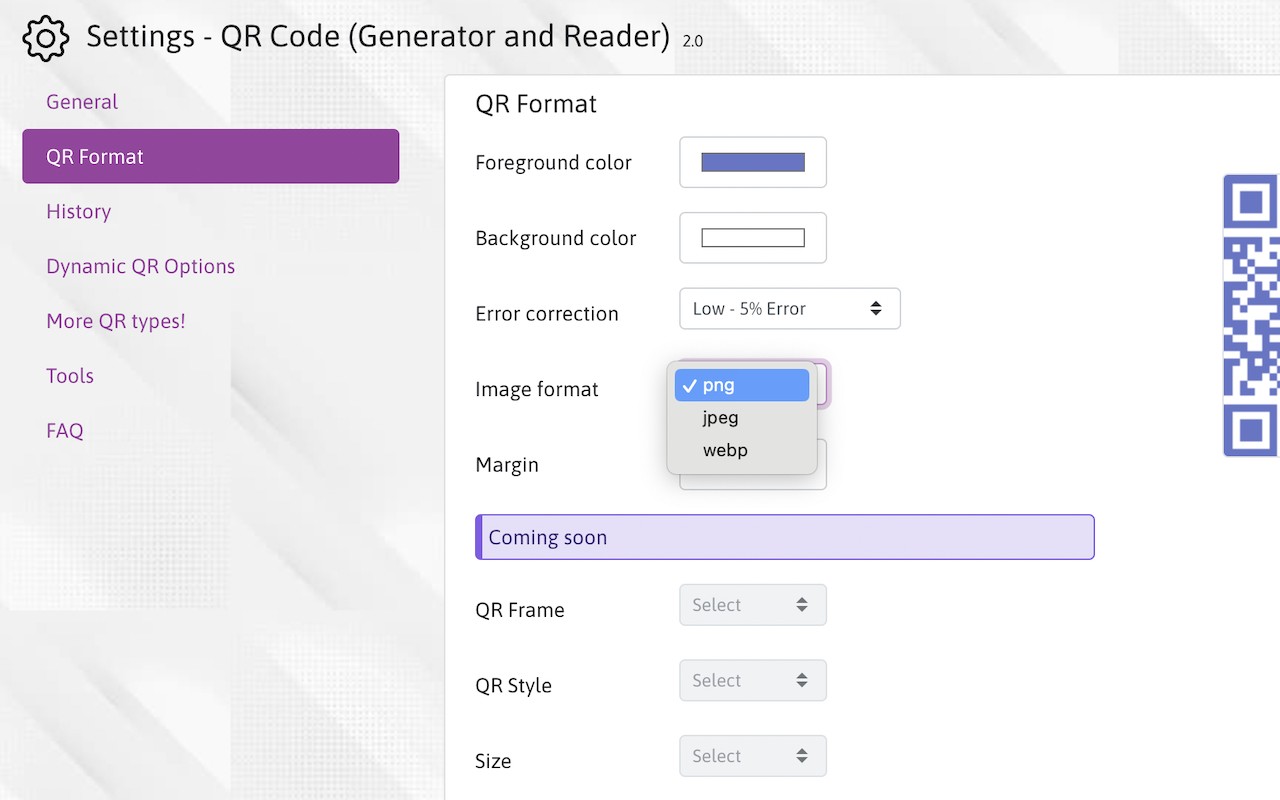
- Customization Options: Adjust the QR code's appearance by changing colors, complexity level, and other formatting settings. This is helpful when you need QR codes to match a brand or specific design requirements.
- History of Generated QR Codes: All previously created QR codes are saved in a history log, enabling you to reuse them without regenerating. This is convenient for frequently accessed links or information.
- Multiple QR Code Standards: Support for various native QR code formats ensures compatibility with different scanners and applications.
- Clean and Elegant Interface: The popup and context menu are designed to be intuitive and visually simple, making it easy to generate or scan QR codes without clutter.
- Security: QR codes are generated locally in your browser, ensuring that your data is not transmitted to external servers. This protects sensitive information when generating codes for private links or text.
- Periodic Notifications: The extension may occasionally display notifications about new features, bug fixes, or configuration updates to keep you informed.
If you encounter any issues or have questions, you can use the Support link provided on the extension's page for assistance.
Extensions that do the same job
Matched by what these extensions actually do, not by store category, and sorted so the ones asking for the least access come first.
| Extension | Site access | Permissions | Users | Rating |
|---|---|---|---|---|
| QR Code (Generator and Reader) — this page | Limited | 5 | 100K | 3.8★ |
| Figma | Limited | 4 | 200K | 4.2★ |
| CocoShot: Screenshot & Screen Recorder | Limited | 4 | 70K | 4.9★ |
| NameMC Extras | Limited | 1 | 3K | 5.0★ |
| QR Code Reader | Limited | 6 | 200K | 3.6★ |
| PPSPY-#1 Shopify analytics & dropship tool | All sites | 1 | 100K | 3.9★ |
| Site Palette | All sites | 3 | 80K | 3.6★ |
Want the same thing with less access? Figma, CocoShot: Screenshot & Screen Recorder, NameMC Extras ask for fewer permissions than this one.
Store data last checked August 14, 2026.