
Firelinks URL Shortner
Free URL shortener extension that shortens links with one click and auto-copies to clipboard.
What it does
Permissions and access
Taken from the extension's own manifest file inside the package. The store listing does not spell this out, so it is worth reading before you install.
| Permission | What it allows |
|---|---|
activeTab | Access the current tab when you click the extension |
alarms | Schedule background tasks |
contextMenus | Add items to the right-click menu |
scripting | Run its own code on pages |
storage | Store its own settings and data |
unlimitedStorage | Store unlimited data on your computer |
Requests 6 permissions — extensions doing the same job average 2.8.
Technical details
Description
Firelinks URL Shortner is a free browser extension that transforms lengthy website URLs into compact, manageable links. Since its launch in 2009, the service has focused on simplicity and efficiency, allowing users to shorten URLs without any registration or payment. The extension integrates directly into the browser, enabling quick access through a toolbar button or right-click context menu.
Key Features
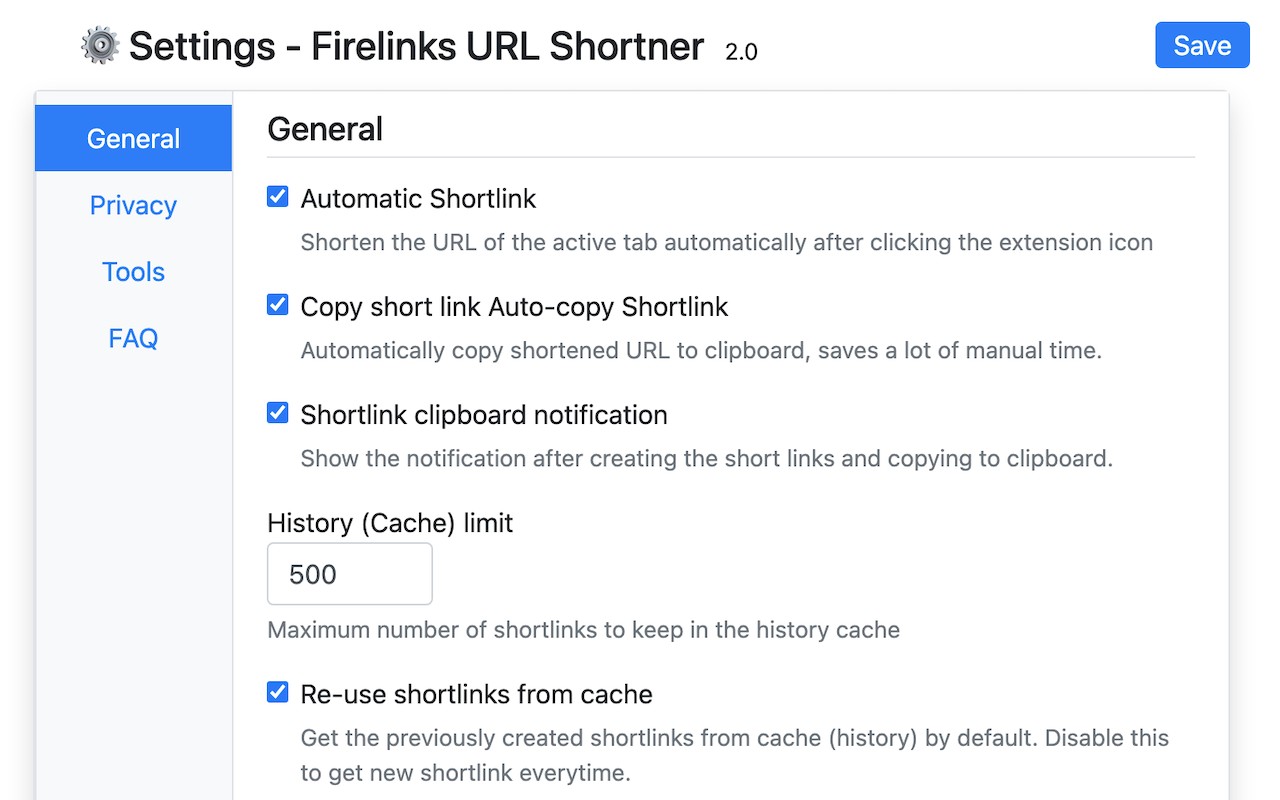
- Free and No Sign-Up Required: The extension is completely free to use, and there is no need to create an account or log in. You can start shortening URLs immediately after installation.
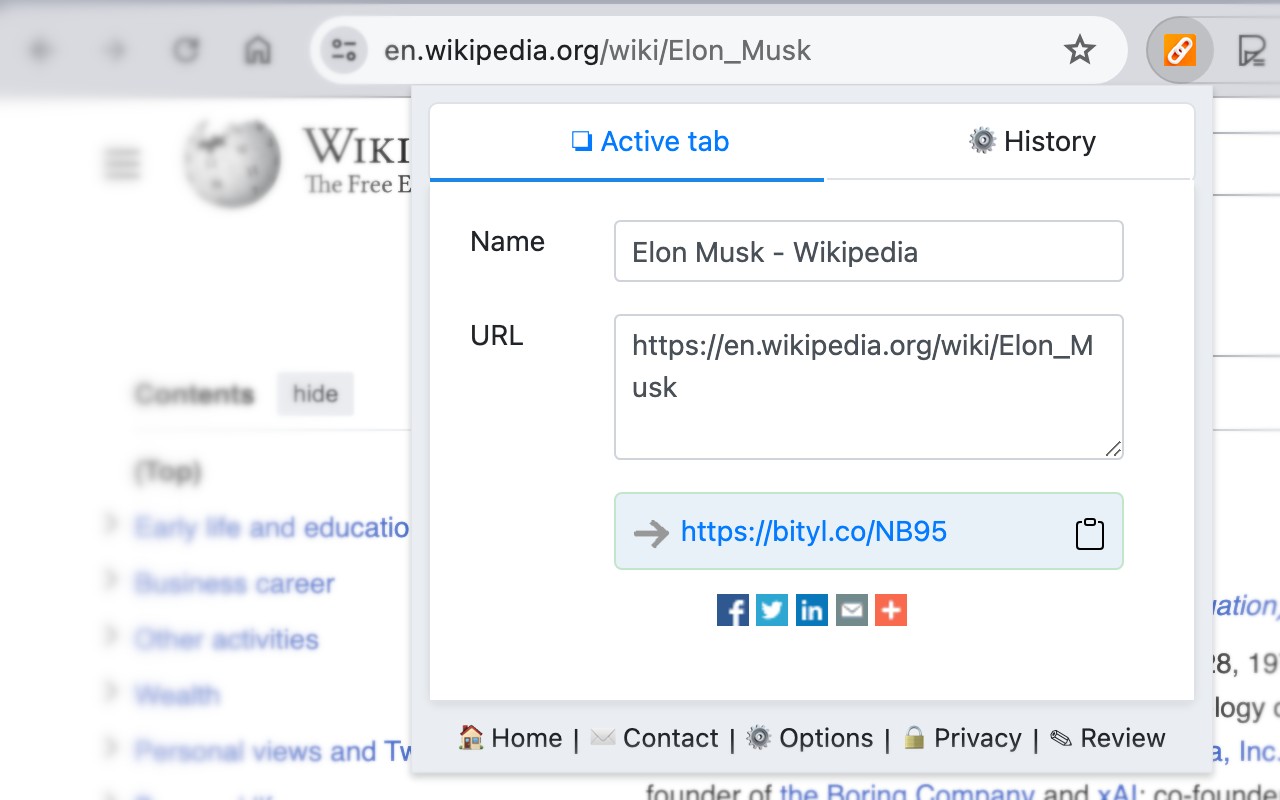
- One-Click Shortening: With a single click on the extension icon, the current tab's URL is instantly shortened. This is ideal for quickly sharing links in emails, messages, or social media posts.
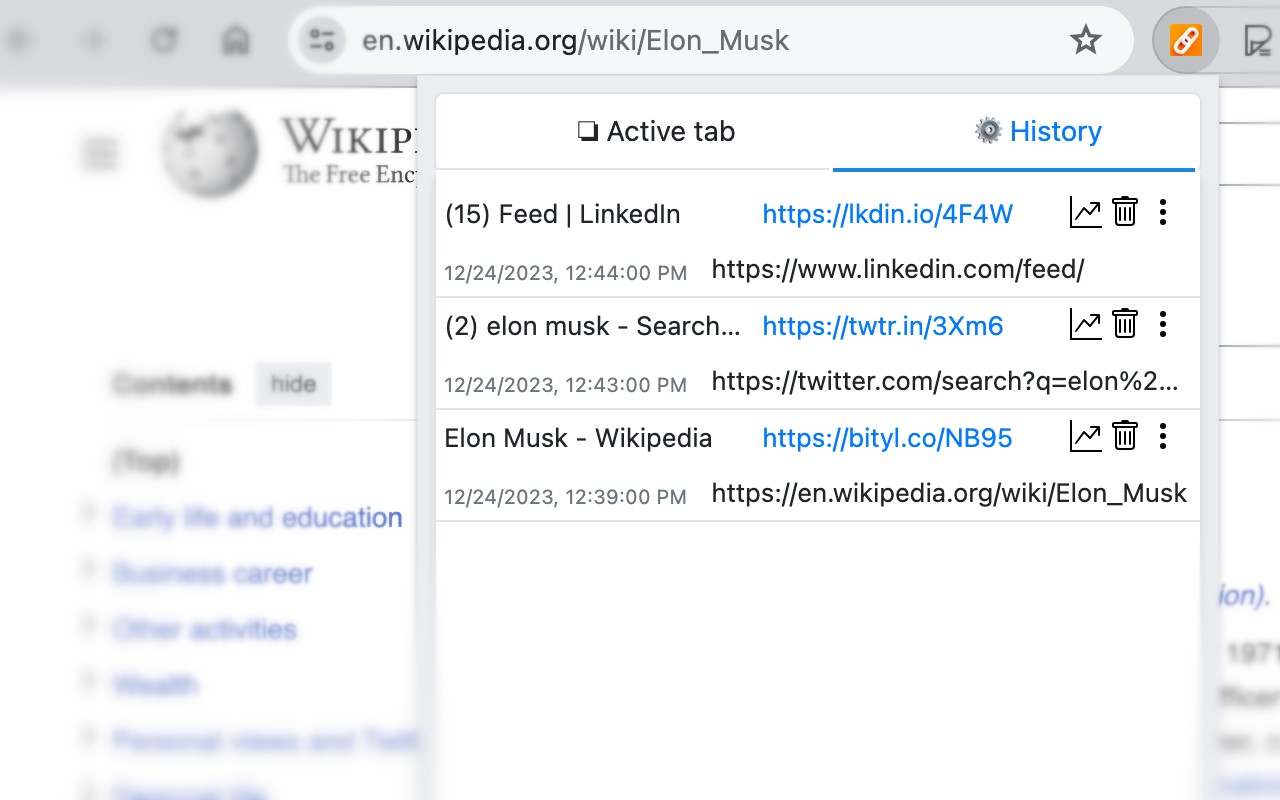
- Automatic Clipboard Copy: After shortening, the new short URL is automatically copied to your clipboard. This saves time when pasting the link elsewhere, such as in a chat window or document.
- Social Network Sharing: The extension provides direct sharing options for popular social networks, making it easy to post shortened links to platforms like Twitter, Facebook, or LinkedIn without extra steps.
- Context Menu Integration: Right-click on any link or selected text (which may contain a URL) to shorten it via the context menu. If the selected text includes a link, the extension automatically extracts the first URL found, streamlining the process for power users.
- Notifications for Updates: The extension can display notifications for critical updates or announcements from the service, ensuring users stay informed about any changes or improvements.
- Safety and Security: All shortened links are checked to be safe and secure, providing peace of mind when sharing or clicking on them.
For any technical issues, feature requests, or bug reports, users can contact support through the provided link. The extension is designed for anyone who regularly shares URLs and needs a fast, no-fuss shortening tool directly in their browser.
Extensions that do the same job
Matched by what these extensions actually do, not by store category, and sorted so the ones asking for the least access come first.
| Extension | Site access | Permissions | Users | Rating |
|---|---|---|---|---|
| Firelinks URL Shortner — this page | Limited | 6 | 20K | 4.6★ |
| GIPHY for Chrome | Limited | 1 | 200K | 3.5★ |
| Automate Bing Searches Rewards | Limited | 2 | 2K | 3.9★ |
| Bisma - Prayer Times | — | — | 1K | 5.0★ |
| Web Maker | All sites | 3 | 50K | 4.8★ |
| Macify - Gorgeous Aerial Videos as Your New Tab | Limited | 4 | 8K | 4.9★ |
| Spatium | Limited | 3 | 4K | 4.7★ |
Want the same thing with less access? GIPHY for Chrome, Automate Bing Searches Rewards ask for fewer permissions than this one.
Store data last checked August 14, 2026.