
Macify - Gorgeous Aerial Videos as Your New Tab
Replace Chrome's new tab with macOS-style 4K aerial videos, weather, Zen mode, and quick access.
What it does
Permissions and access
Taken from the extension's own manifest file inside the package. The store listing does not spell this out, so it is worth reading before you install.
| Permission | What it allows |
|---|---|
favicon | Read site icons |
idle | Detect when you are away from the computer |
storage | Store its own settings and data |
topSites | Read your most visited sites |
Requests 4 permissions — extensions doing the same job average 2.7.
Technical details
Show all 4 languages
Description
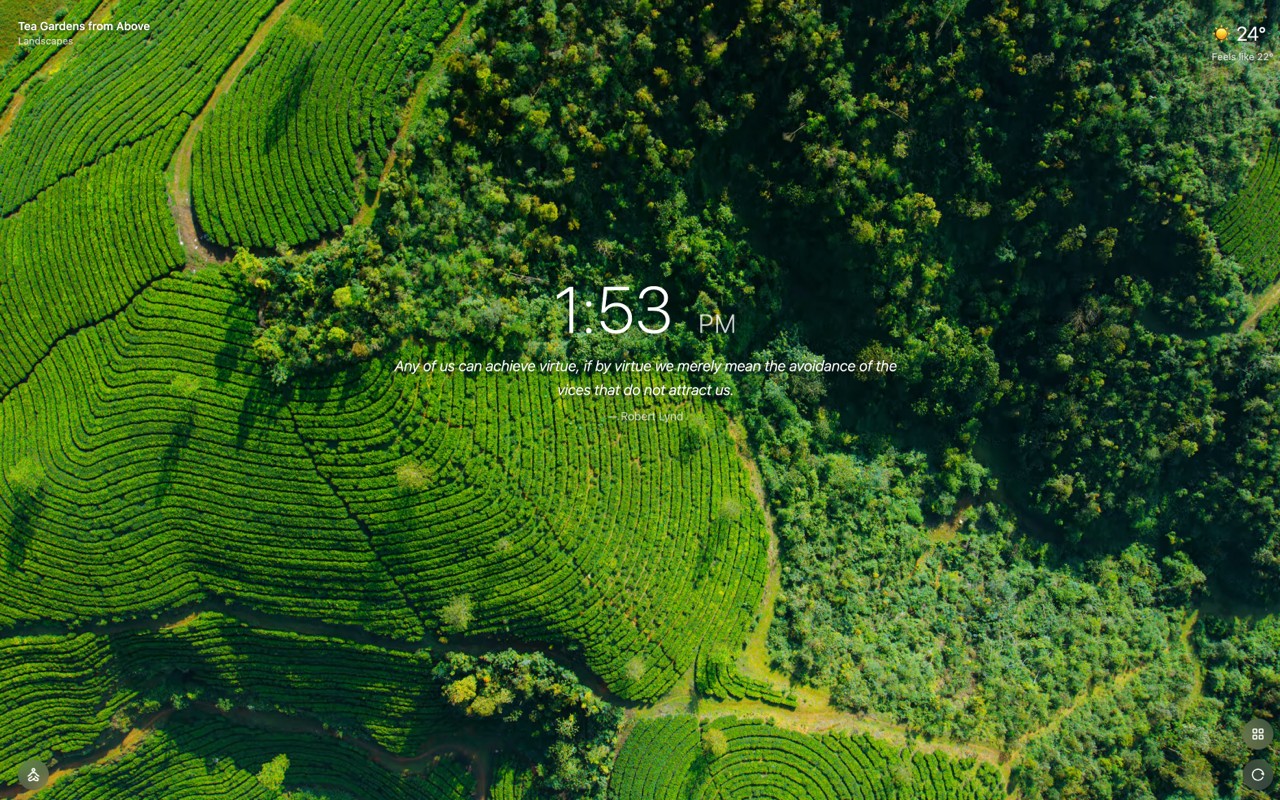
Macify transforms your Chrome new tab page into a serene, cinematic experience inspired by macOS aerial screensavers. It replaces the default blank tab with stunning 4K video footage, turning each new tab opening into a moment of calm. The extension works seamlessly on any operating system, not just macOS, with no additional setup required.
Key Features
- 156 macOS 4K Aerial Videos: A curated collection of ultra-high-definition videos showcasing landscapes, cityscapes, underwater scenes, and space imagery. These videos play automatically as your new tab background, providing a visually captivating and ever-changing backdrop.
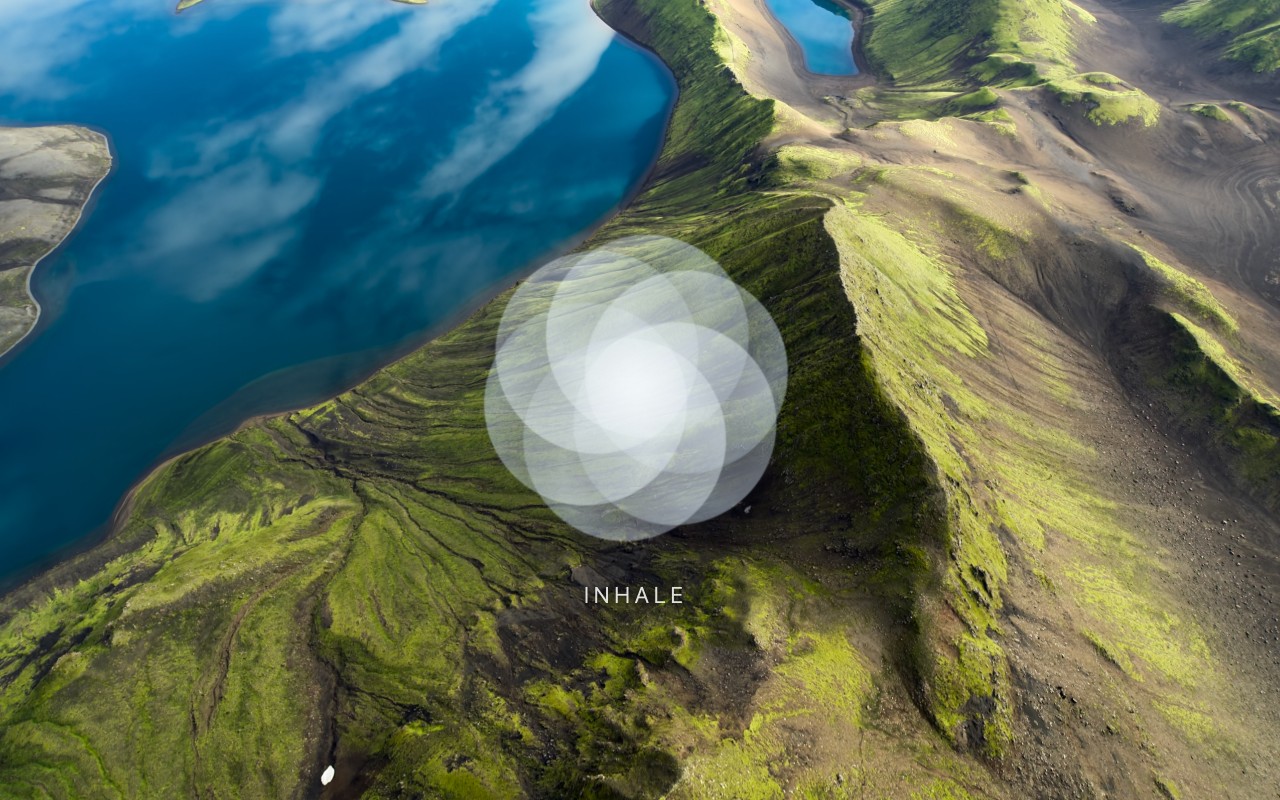
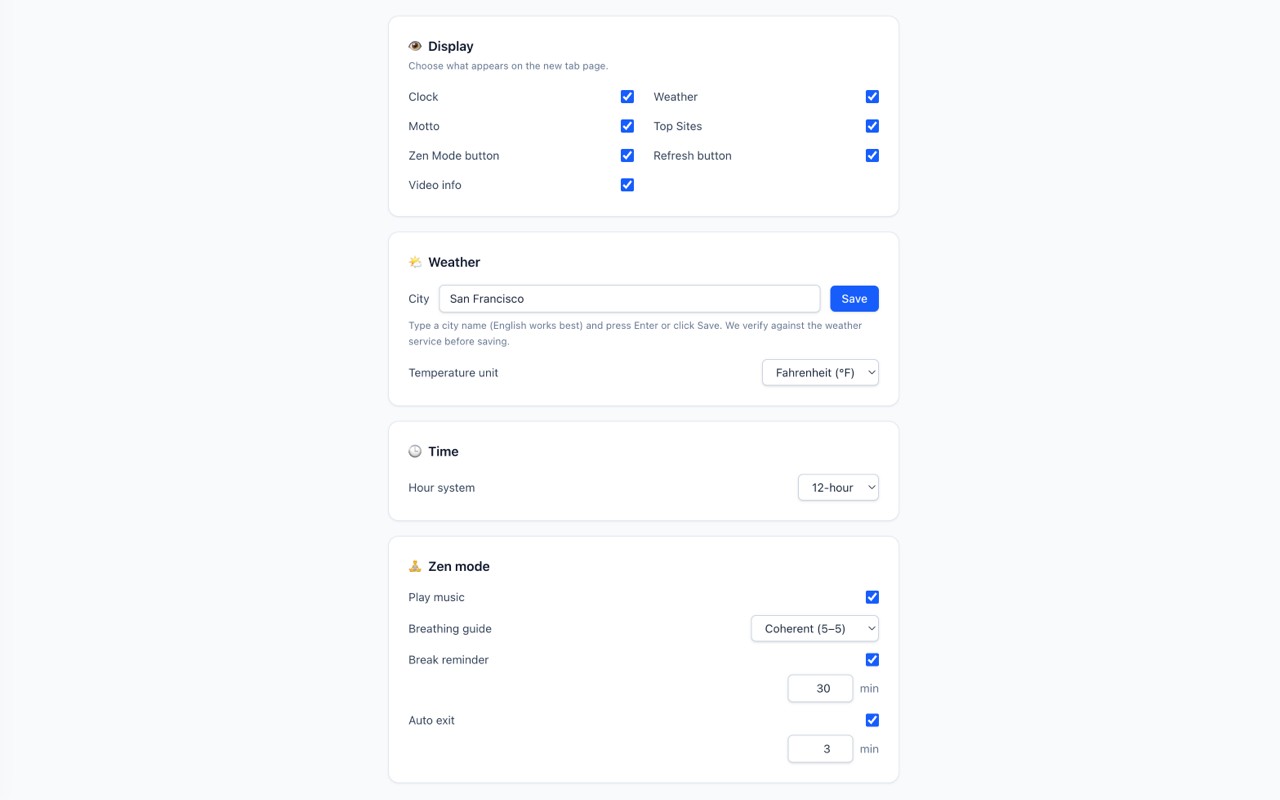
- Mindful Zen Mode: Activate a fullscreen video player with optional ambient music and an on-screen breathing guide. Choose from three breathing patterns: Coherent 5-5 (inhale 5s, exhale 5s), Box 4-4-4-4 (inhale, hold, exhale, hold each 4s), or Relaxing 4-7-8 (inhale 4s, hold 7s, exhale 8s). The mode includes gentle break reminders and a fixed-length auto exit timer, making it easy to incorporate short meditation sessions into your day.
- Live Weather Information: Displays current temperature, "feels like" temperature, a 3-day forecast, UV index, wind speed, and air quality. This feature helps you plan your day at a glance without needing a separate weather app.
- Take-a-Walk Panel: Shows the next sunrise and sunset times with a minute-precision countdown. This is useful for planning outdoor activities or simply not missing the golden hours of light.
- Quick Access to Most-Visited Sites: A one-click shortcut to your frequently visited websites, saving time and reducing clutter.
- Random Inspirational Quotes: Each new tab displays a different motivating quote. Optionally, the quote can be translated into your display language using Chrome's on-device Translator API, ensuring it's accessible in your preferred language.
To get started, install Macify, optionally enter your city for localized weather data, and enjoy a beautiful, functional new tab page that combines aesthetics with practical tools.
Extensions that do the same job
Matched by what these extensions actually do, not by store category, and sorted so the ones asking for the least access come first.
| Extension | Site access | Permissions | Users | Rating |
|---|---|---|---|---|
| Macify - Gorgeous Aerial Videos as Your New Tab — this page | Limited | 4 | 8K | 4.9★ |
| Spatium | Limited | 3 | 4K | 4.7★ |
| Modern Glass Widget Theme-X Evolution | Limited | 4 | 3K | 4.4★ |
| Anime Girl and Kuromi Live Wallpaper | Limited | 1 | 1K | 4.8★ |
| Art New Tabs | Limited | 0 | 1K | 4.0★ |
| Chiikawa Wallpaper New Tap | Limited | 1 | 1K | 4.7★ |
| ESA/Hubble Top 100 Images | Limited | 0 | 1K | 4.7★ |
Want the same thing with less access? GIPHY for Chrome, Automate Bing Searches Rewards, WhatsApp Web Designer - Themes & Backgrounds ask for fewer permissions than this one.
Store data last checked August 14, 2026.