
Spatium
Spatium displays a daily space image, sun/moon widgets, and a quote on every new tab.
What it does
Permissions and access
Taken from the extension's own manifest file inside the package. The store listing does not spell this out, so it is worth reading before you install.
| Permission | What it allows |
|---|---|
geolocation | Read your location |
identity | Sign you in with your Google account |
storage | Store its own settings and data |
Asks for these only when you use the matching feature:
topSites
Requests 3 permissions — extensions doing the same job average 3.3.
Technical details
Description
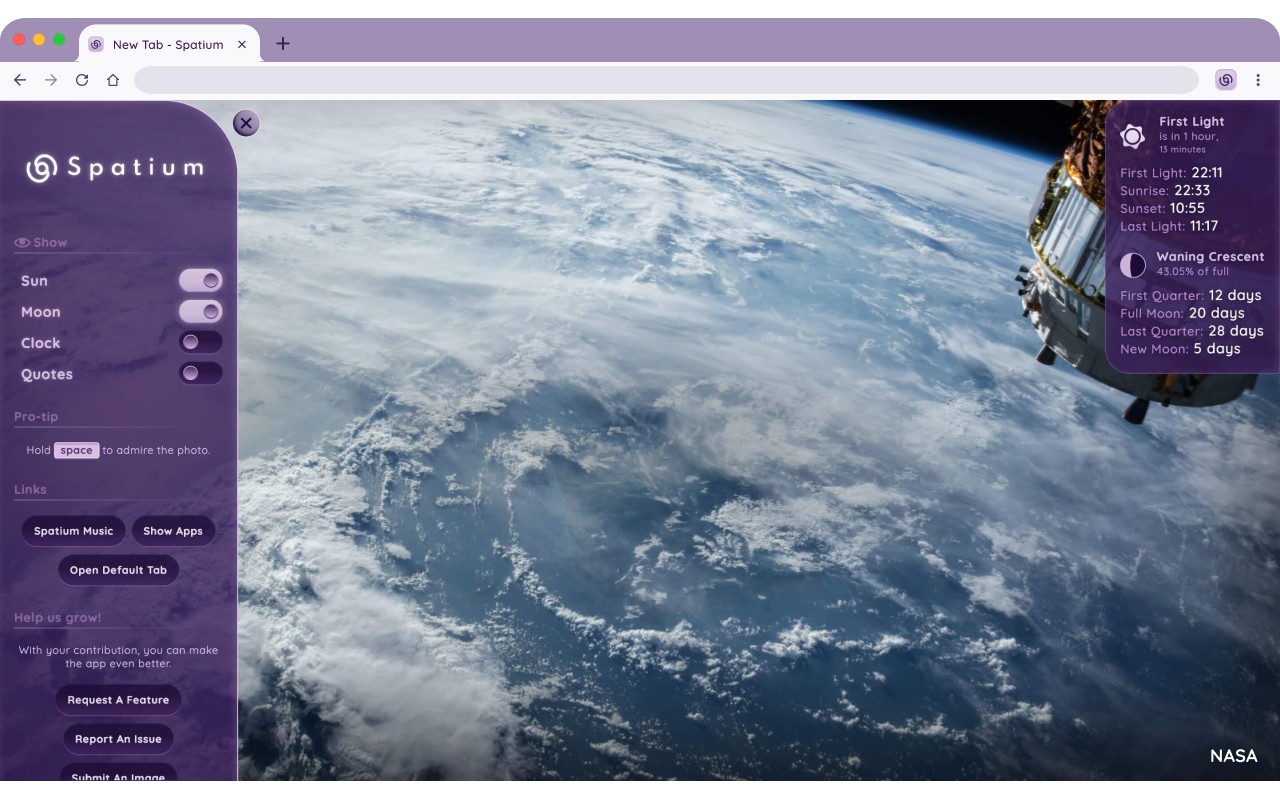
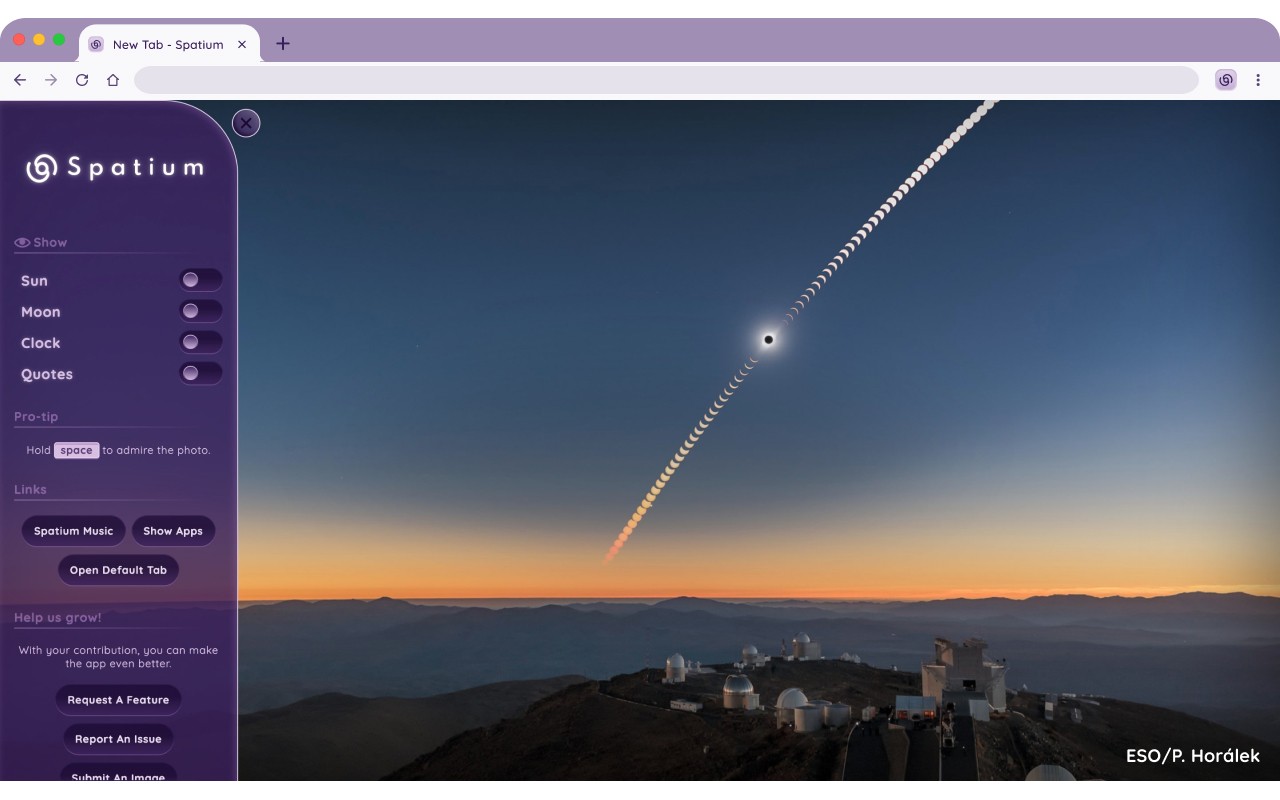
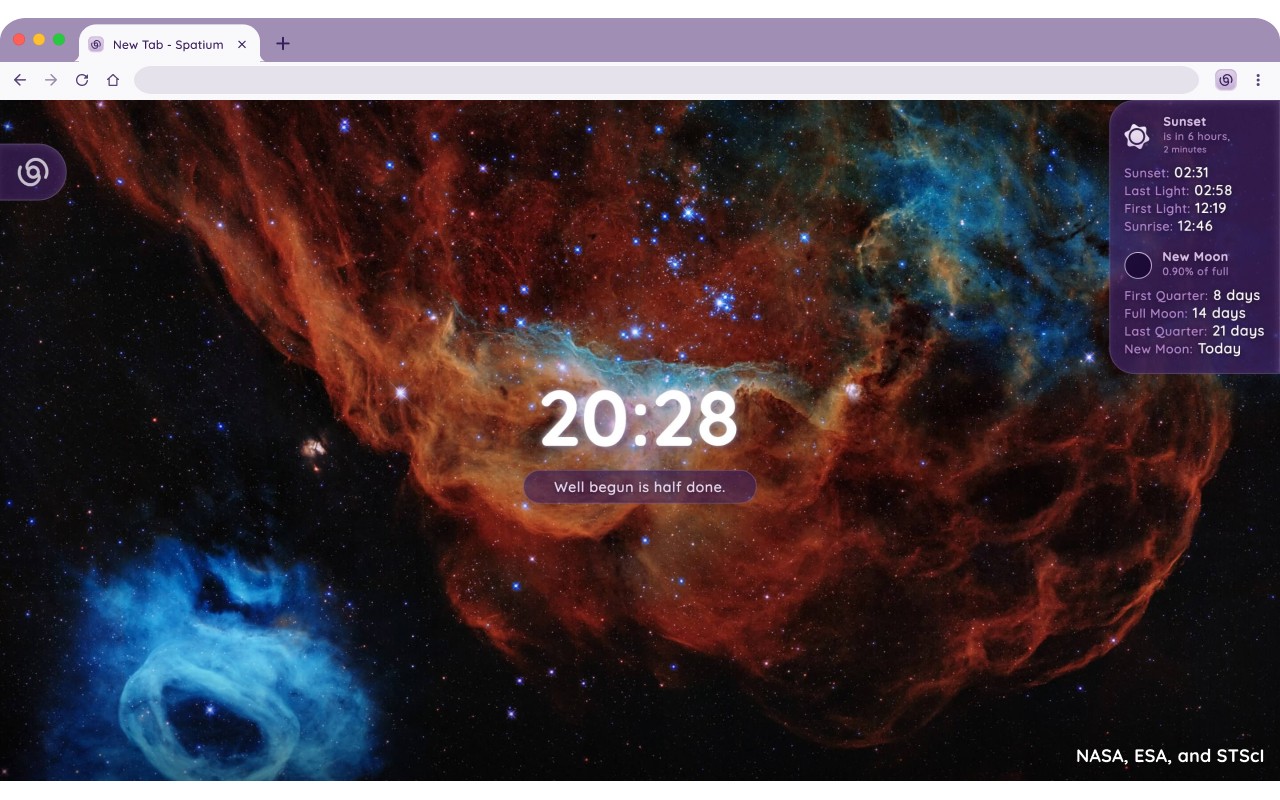
Transform your new tab into a gateway to the cosmos with Spatium. Every time you open a tab, you are greeted by a high-quality, distraction-free space image chosen from a curated daily collection. These visuals span stars, planets, nebulae, galaxies, and more, ensuring a fresh and inspiring start to each browsing session. Beyond the imagery, Spatium provides a daily quote to keep you motivated and clear-headed.
Key Features
- Space Images: Each day features a new, top-quality space photograph that adapts beautifully to any screen size. The images are carefully selected to be both breathtaking and free of clutter, so you can focus on what matters.
- Daily Quote: A short, thought-provoking quote appears each day to offer inspiration and mental clarity. This feature is perfect for moments when you need a quick dose of motivation or a mindful pause.
- Sun Widget: Displays sunrise, sunset, first light, and last light times based on your location. It also includes countdowns to the next solar event, helping you plan outdoor activities or simply appreciate the day's rhythm.
- Moon Widget: Shows the current moon phase, illumination percentage, and countdowns to the next New Moon, First Quarter, Full Moon, and Last Quarter. Ideal for astronomers, photographers, or anyone curious about lunar cycles.
- Customizable Interface: You can choose which widgets appear and toggle details on or off. This flexibility allows you to tailor the new tab page to your preferred level of information and visual simplicity.
- Rich Image Details & Feedback: Each image comes with its title, source, and contextual information. You can also like or dislike images to help improve the selection for the community, ensuring the best space photos rise to the top.
For those who want even more control, Spatium Pro offers a Pomodoro Timer integrated into the new tab for focused work sessions with breaks, the ability to update the background image on demand, and the option to skip any image you don't like. Additionally, Pro users get early access to new features as they roll out. Note that Spatium requires location permission solely to calculate accurate sun and moon times, and the optional most-visited sites feature generates tiles locally without collecting your browsing history.
Extensions that do the same job
Matched by what these extensions actually do, not by store category, and sorted so the ones asking for the least access come first.
| Extension | Site access | Permissions | Users | Rating |
|---|---|---|---|---|
| Spatium — this page | Limited | 3 | 4K | 4.7★ |
| Bisma - Prayer Times | — | — | 1K | 5.0★ |
| Macify - Gorgeous Aerial Videos as Your New Tab | Limited | 4 | 8K | 4.9★ |
| Modern Glass Widget Theme-X Evolution | Limited | 4 | 3K | 4.4★ |
| Anime Girl and Kuromi Live Wallpaper | Limited | 1 | 1K | 4.8★ |
| Art New Tabs | Limited | 0 | 1K | 4.0★ |
| Chiikawa Wallpaper New Tap | Limited | 1 | 1K | 4.7★ |
Want the same thing with less access? GIPHY for Chrome, News Feed Eradicator, ScratchTools for Scratch ask for fewer permissions than this one.
Store data last checked August 14, 2026.