
DNS Checker - SEO and Domain Analysis
Analyzes DNS, SEO, and domains with tools for IP lookup, link checks, and DNS records.
What it does
Permissions and access
Taken from the extension's own manifest file inside the package. The store listing does not spell this out, so it is worth reading before you install.
| Permission | What it allows |
|---|---|
activeTab | Access the current tab when you click the extension |
cookies | Read and change cookies for the sites it runs on |
storage | Store its own settings and data |
tabs | See the addresses and titles of your open tabs |
webRequest | Watch your network requests |
Requests 5 permissions — extensions doing the same job average 3.9.
Technical details
Keyboard shortcuts
| Shortcut | Action |
|---|---|
| Ctrl+Shift+Space | opens a popup |
Description
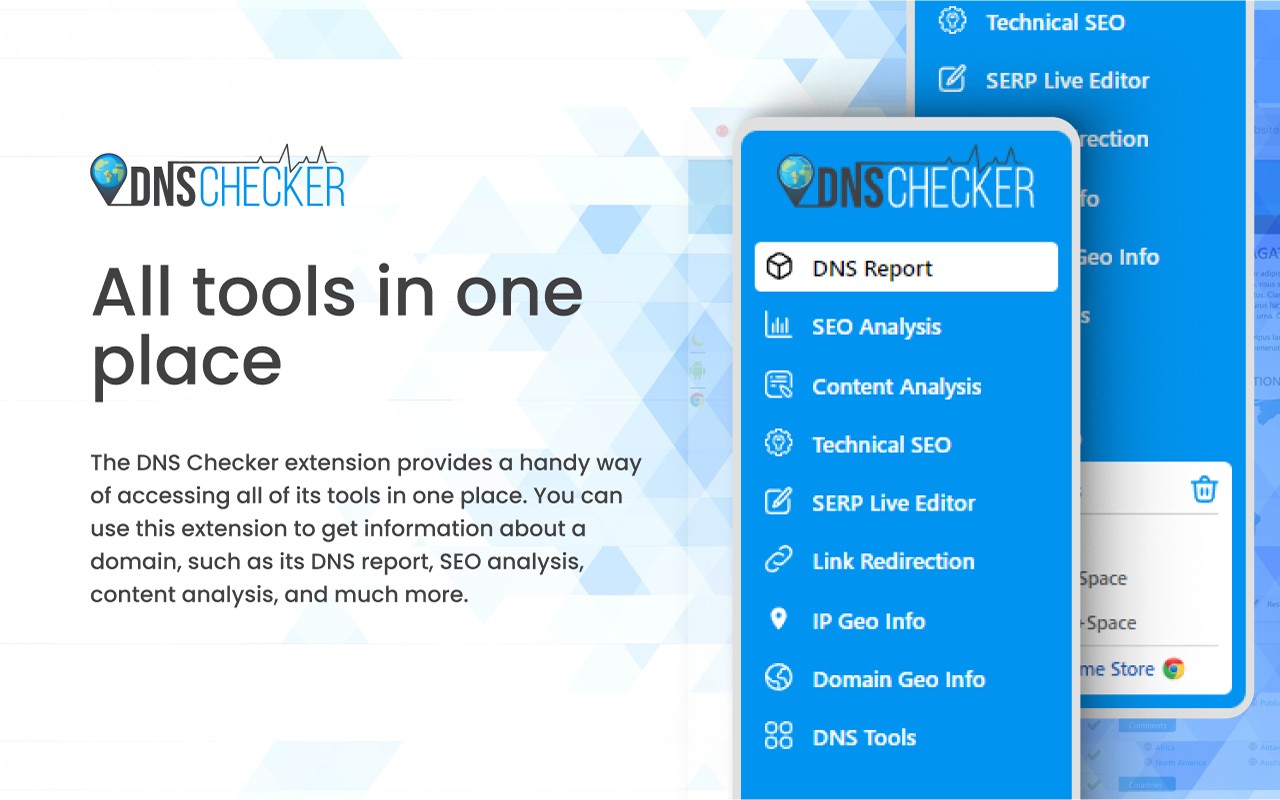
The DNS Checker - SEO and Domain Analysis extension is a comprehensive browser tool that combines DNS lookup, network diagnostics, SEO auditing, and domain intelligence into a single interface. It is designed for webmasters, SEO professionals, and digital marketers who need to analyze their own websites or competitors' sites to improve search engine rankings and understand technical infrastructure. The extension provides real-time data on IP addresses, geolocation, traffic estimates, link profiles, HTML structure, and DNS health, all without leaving the current page.
Key Features
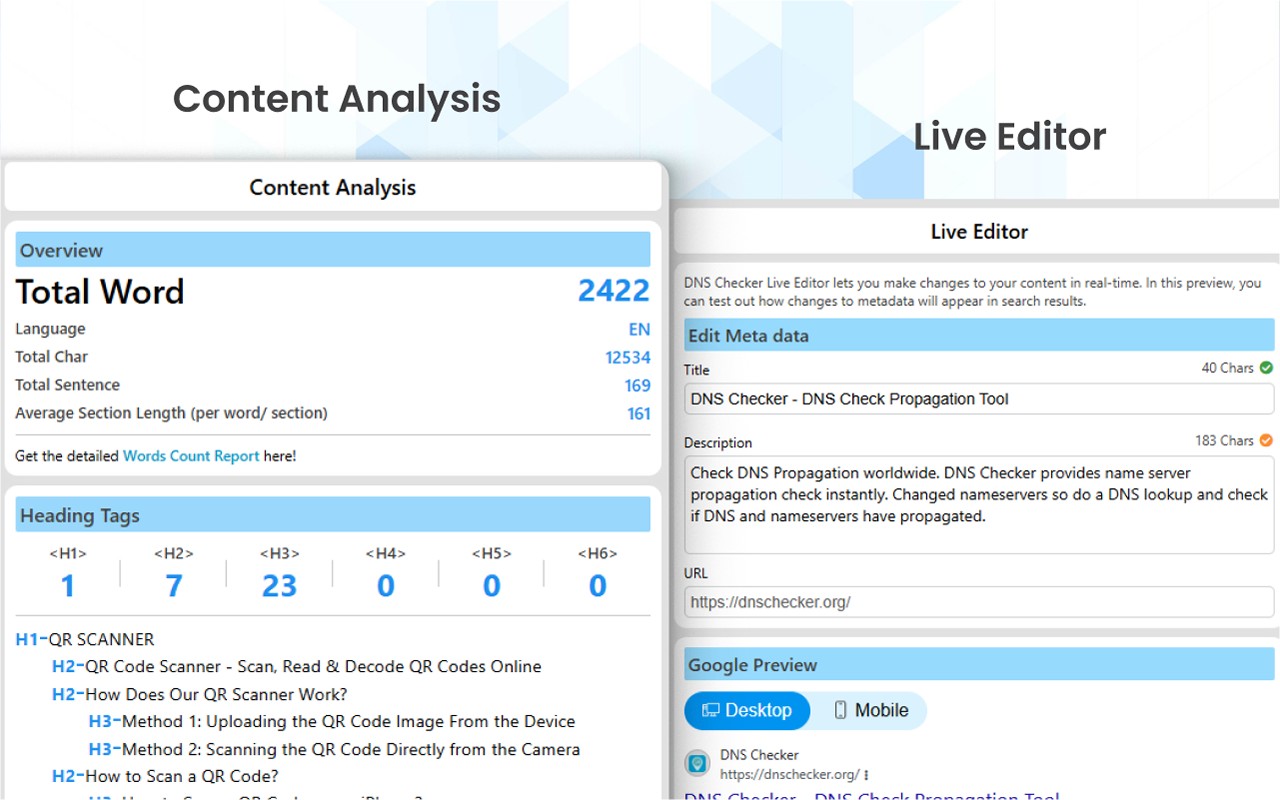
- SEO Analysis Report: Generates a detailed on-page SEO report for any webpage, including meta title and description character counts, keyword usage, heading tags (H1-H6), alt attributes for images, and a word cloud of prominent terms. This helps identify optimization gaps and compare content strategies against competitors.
- Link Redirection Checker: Displays the full HTTP response headers for a URL, showing redirect chains, status codes (e.g., 301, 404), and server information. Useful for detecting broken links or improper redirects that harm user experience and SEO.
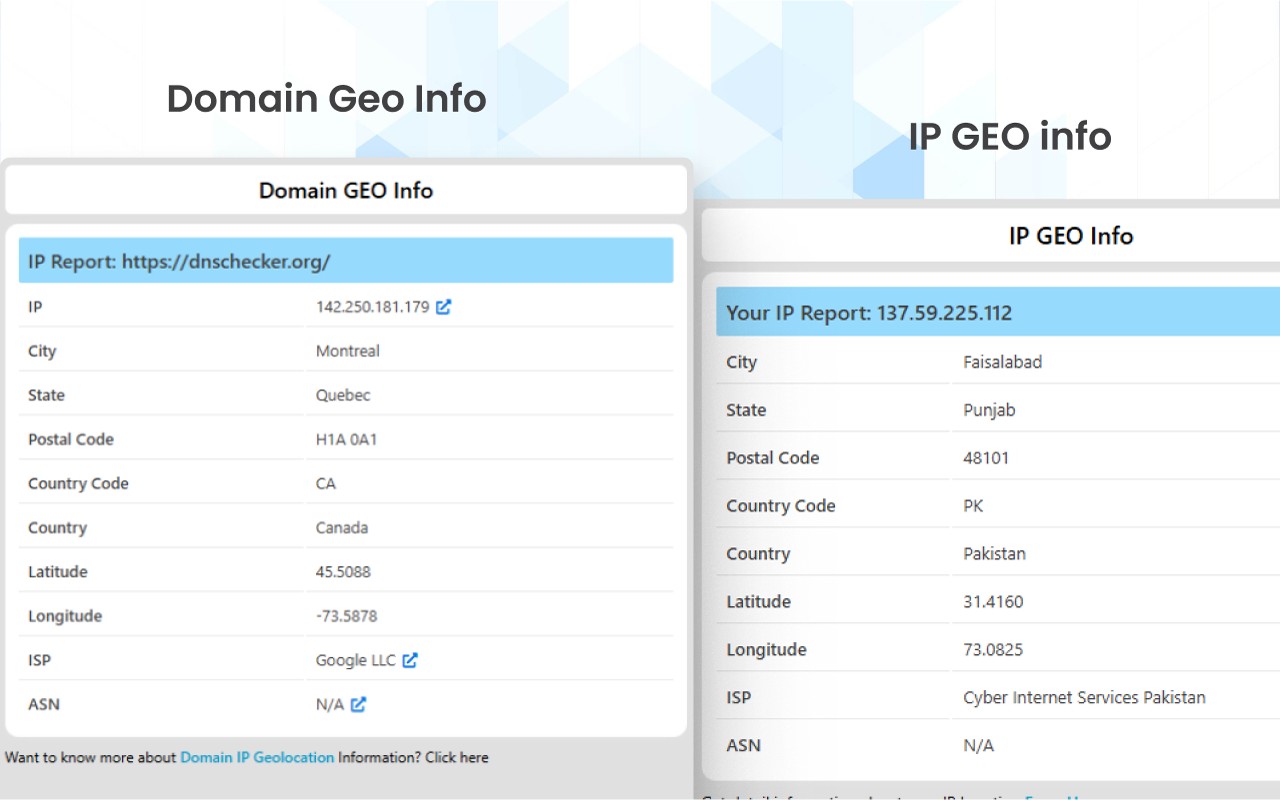
- Domain Geo-Information: Retrieves the geographical location of a domain's server, including city, state, country, latitude, longitude, ISP, and ASN. This helps assess content delivery network usage or target audience alignment.
- IP Geo-Information: Shows your own public IP address along with its location details, such as city, postal code, and ISP. Useful for verifying VPN/proxy settings or troubleshooting network issues.
- Traffic Rank: Displays the website's global traffic ranking and state (e.g., country rank) based on third-party data. Helps gauge site popularity and market position.
- HTML Analysis: Counts the number of images, internal and external links, and provides a summary of do-follow vs no-follow links. Also lists anchor texts for external links to assess link-building patterns.
- DNS Tools Suite: Includes Domain DNS validation, DMARC lookup, Reverse DNS Lookup, DNS Lookup (A, AAAA, CNAME, etc.), NS and MX record lookup, and Flush DNS (clear local cache). These help diagnose DNS propagation issues or verify mail server configurations.
- Network Tools: TCP/UDP port scanner, MAC Address lookup, and ASN Whois lookup for identifying hardware vendors or network ownership.
- IP Tools: IP address location lookup, email trace (track sender location), IP to decimal converter, and IP Blacklist checker to see if an IP is listed on spam databases.
- Dev Tools: Password generator, HTTP Headers Check (view response headers for any URL), and Website Operating System detector (identifies server OS like Linux, Windows).
- Webmaster Tools: Website Link Analyzer (crawls internal/external links), Google Page Rank checker, and video downloaders for Vimeo and Facebook.
- General Report: Quick summary on any domain showing GEO status, traffic rank, SEO analysis stats, and your own IP/country.
All features are accessible via a single click on the extension icon while browsing any website. The tool is free to use and does not require registration. It is ideal for conducting competitive research, troubleshooting website errors, optimizing on-page SEO, and managing DNS configurations from one place.
Extensions that do the same job
Matched by what these extensions actually do, not by store category, and sorted so the ones asking for the least access come first.
| Extension | Site access | Permissions | Users | Rating |
|---|---|---|---|---|
| DNS Checker - SEO and Domain Analysis — this page | All sites | 5 | 20K | 4.5★ |
| IP Address and Domain Information | Limited | 1 | 100K | 4.4★ |
| EverBee - Find Best Selling Products on Etsy | All sites | 3 | 200K | 4.7★ |
| HeadingsMap | All sites | 3 | 100K | 4.5★ |
| PPSPY-#1 Shopify analytics & dropship tool | All sites | 1 | 100K | 3.9★ |
| SEO Pro Extension | All sites | 2 | 100K | 4.8★ |
| Check My Links | All sites | 4 | 90K | 4.4★ |
Want the same thing with less access? IP Address and Domain Information, EverBee - Find Best Selling Products on Etsy, HeadingsMap ask for fewer permissions than this one.
Store data last checked August 14, 2026.