
Chromium browser automation
Automation extension for Chromium that records interactions, injects code, and manages projects with local storage,
What it does
Permissions and access
Taken from the extension's own manifest file inside the package. The store listing does not spell this out, so it is worth reading before you install.
| Permission | What it allows |
|---|---|
cookies | Read and change cookies for the sites it runs on |
scripting | Run its own code on pages |
storage | Store its own settings and data |
tabs | See the addresses and titles of your open tabs |
Requests 4 permissions — extensions doing the same job average 3.9.
Technical details
Description
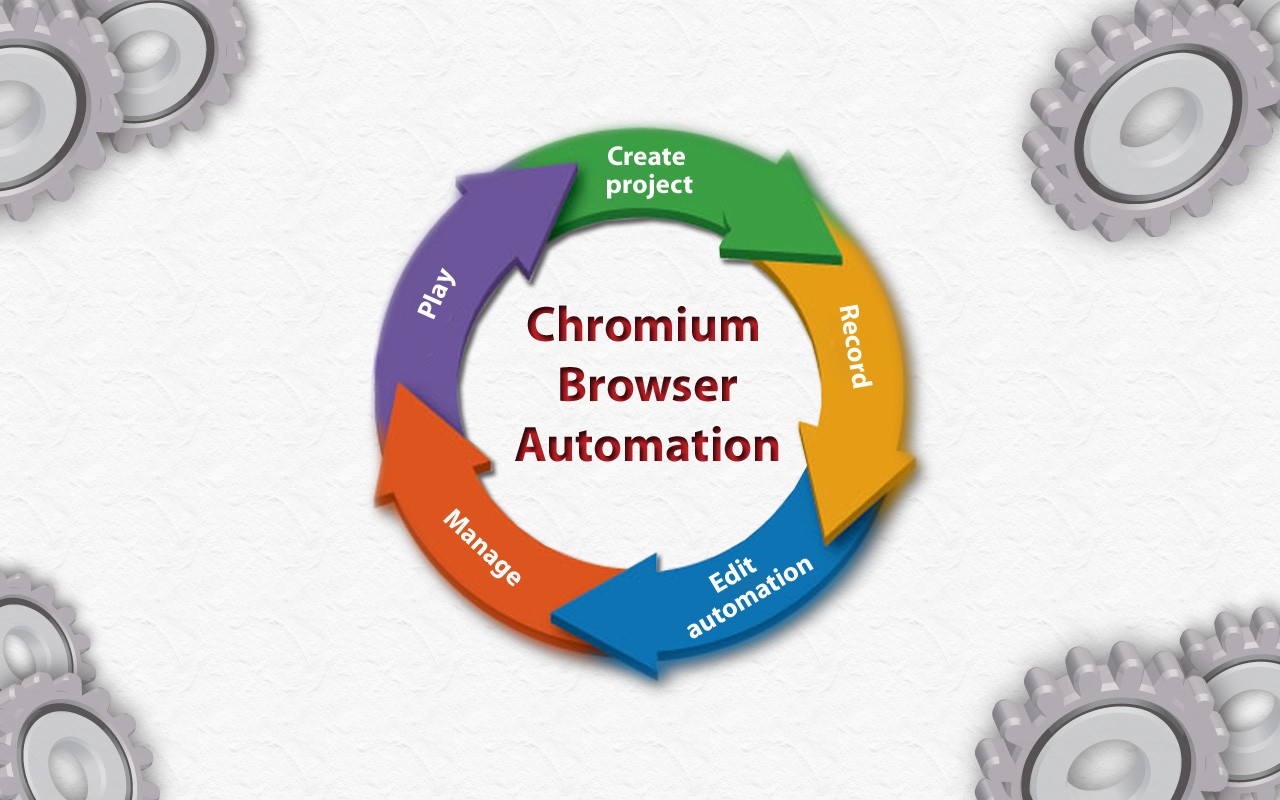
Chromium Browser Automation (CBA) is a powerful tool for automating tasks within the Chromium browser. It allows you to create automation projects by recording your interactions on web pages, editing the recorded steps, and then playing them back. The extension uses Manifest V3 and is designed to streamline repetitive browser tasks.
Key Features
- Project Creation and Management: You can create new automation projects directly from the extension's popup interface. Each project is saved in your browser's local storage, allowing you to manage multiple automations without external dependencies.
- Interaction Recording: Record user actions such as filling out forms, clicking buttons, and following hyperlinks. The extension employs smart algorithms to calculate DOM element paths, ensuring reliable playback even on dynamic pages.
- Step-by-Step Code Injection: After recording, you can review and edit each step individually. The extension supports injecting custom JavaScript code at any step, enabling fine-grained control over the automation sequence.
- Import, Export, and Collaboration: Projects can be exported as files and shared with collaborators. Importing projects allows you to reuse automations created by others or on different machines.
- Built-in Extension Functions and Placeholders: The extension provides ready-to-use functions and placeholders that simplify common automation tasks, such as waiting for elements or extracting data. These can be inserted into your automation without writing code from scratch.
- Custom DOM Access: Advanced users can write their own code to directly access and manipulate the web page's DOM, enabling complex interactions that go beyond simple recording.
- Open Source and Community Support: The source code is available on GitHub, and you can report issues or request features through the project's issue tracker. A privacy policy is in place to ensure your data is handled responsibly.
Whether you are automating form submissions, testing web applications, or scraping data, CBA provides a flexible and transparent platform. The extension is particularly useful for developers and power users who need to repeat complex browser workflows without manual intervention.
Extensions that do the same job
Matched by what these extensions actually do, not by store category, and sorted so the ones asking for the least access come first.
| Extension | Site access | Permissions | Users | Rating |
|---|---|---|---|---|
| Chromium browser automation — this page | All sites | 4 | 30K | 3.5★ |
| Figma | Limited | 4 | 200K | 4.2★ |
| GitZip for github | Limited | 2 | 100K | 4.1★ |
| IP Address and Domain Information | Limited | 1 | 100K | 4.4★ |
| Lightning Studio | Limited | 3 | 100K | 3.9★ |
| Pixel Measurement | Limited | 3 | 100K | 4.5★ |
| AI Code Finder, Alerts, Ask Questions about Papers: CatalyzeX | Limited | 3 | 50K | 4.8★ |
Want the same thing with less access? Figma, GitZip for github, IP Address and Domain Information ask for fewer permissions than this one.
Store data last checked August 14, 2026.