
Amplitude Event Explorer
Inspect and debug Amplitude JavaScript SDK events, properties, and configuration in real time on your site.
What it does
Permissions and access
Taken from the extension's own manifest file inside the package. The store listing does not spell this out, so it is worth reading before you install.
| Permission | What it allows |
|---|---|
cookies | Read and change cookies for the sites it runs on |
cookies | Read and change cookies for the sites it runs on |
declarativeNetRequest | Block or modify network requests |
scripting | Run its own code on pages |
storage | Store its own settings and data |
tabs | See the addresses and titles of your open tabs |
userScripts | userScripts |
webNavigation | See which pages you navigate to |
webRequest | Watch your network requests |
Requests 9 permissions — extensions doing the same job average 3.8.
Technical details
Description
Amplitude Event Explorer is a developer tool that helps you inspect and debug the instrumentation of Amplitude's JavaScript SDK directly on your website. It provides a real-time view of events, event properties, and user properties as they are being tracked, allowing you to verify that your analytics implementation is working correctly without leaving the page.
Key Capabilities
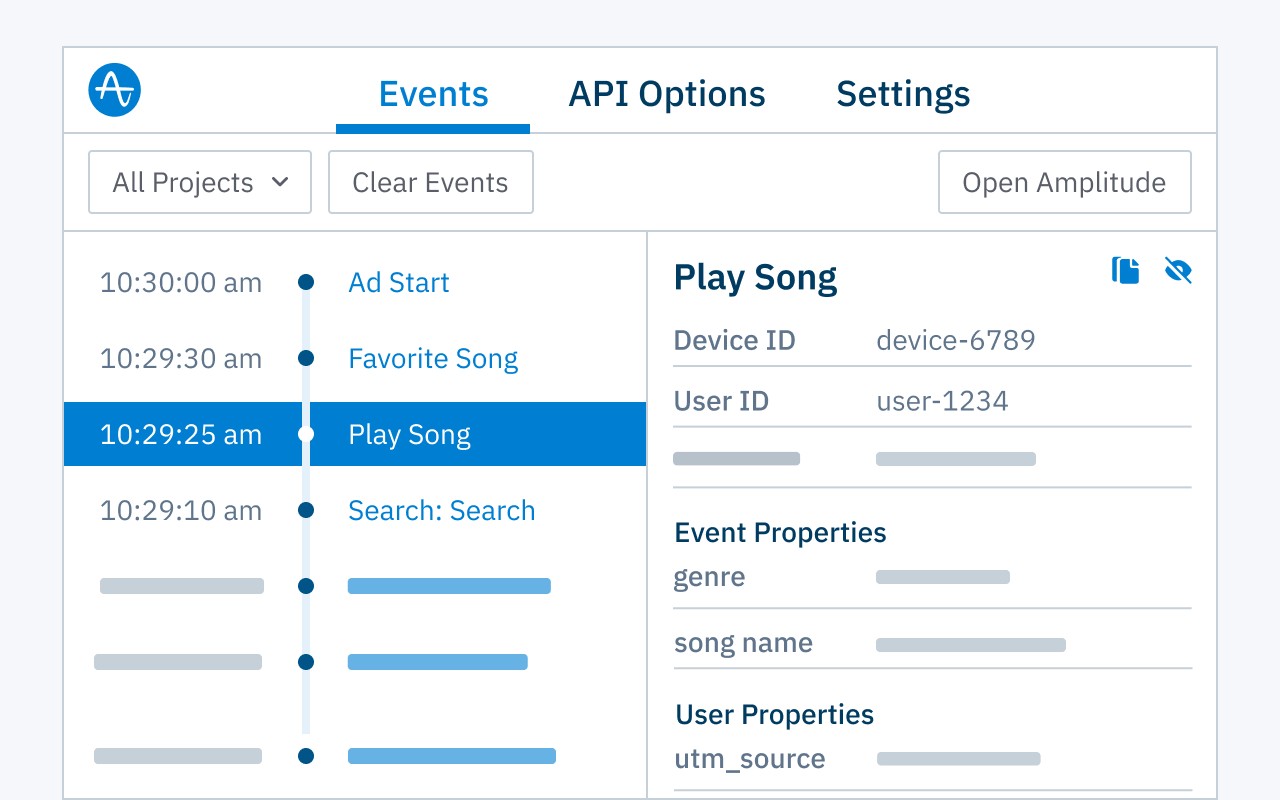
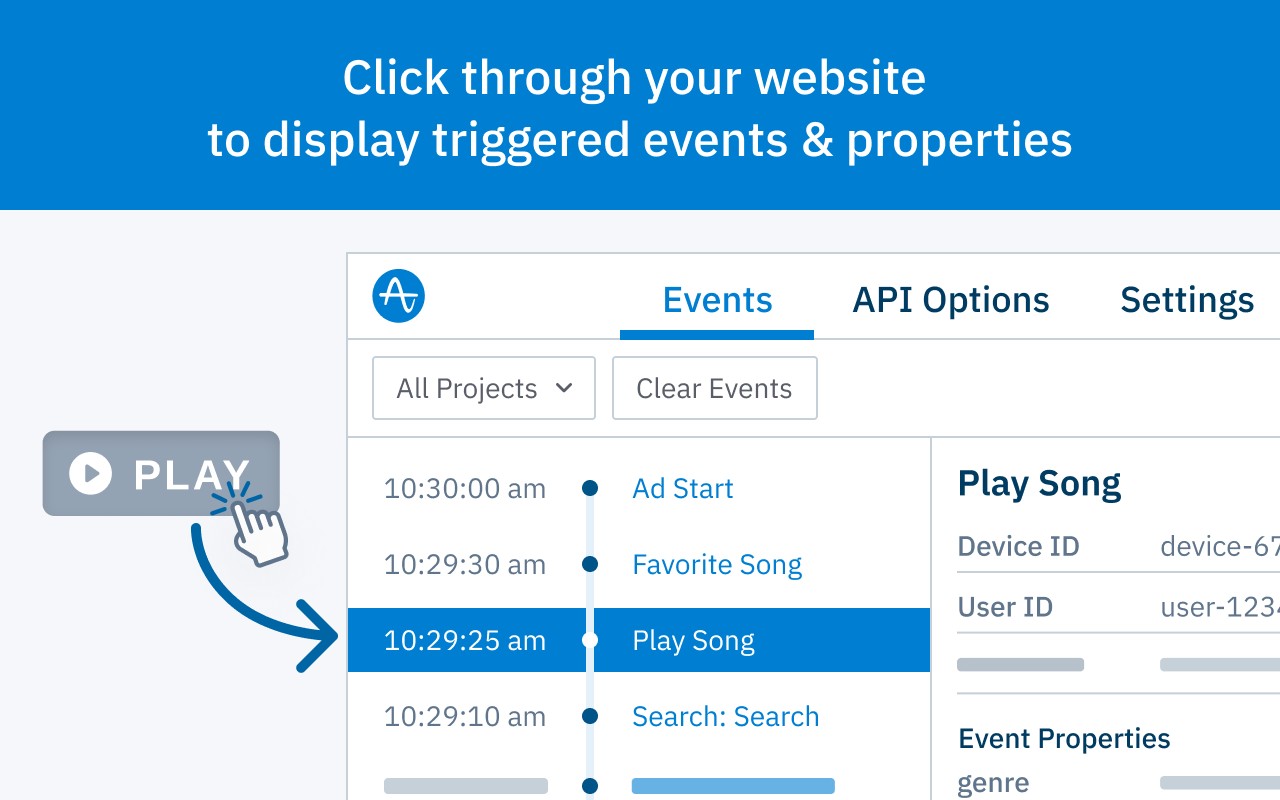
- Real-time event timeline: As you interact with your web application, all Amplitude events are displayed in a chronological list. Each entry shows the event name, timestamp, and a summary of its properties, making it easy to monitor tracking in action.
- Detailed event inspection: Click on any event in the timeline to expand its full payload, including all event properties (e.g., revenue, product ID) and user properties (e.g., language, plan type). This is useful for checking that the correct data is being sent to Amplitude.
- SDK configuration viewer: The API Options tab reveals the current configuration of your Amplitude SDK instance, such as API key, server URL, and tracking options. This helps you confirm that settings like offline mode or event upload intervals are applied correctly.
- Cross-SDK compatibility: Works with all Amplitude Browser SDKs (e.g., TypeScript, JavaScript). For mobile or server-side SDKs, Amplitude provides separate tools like User Lookup and Ingestion Debugger.
- Endpoint support: Operates with the default Amplitude HTTP endpoints. Note that custom domains are not supported at this time.
Use this extension during development or QA to catch missing events, incorrect property values, or misconfigured SDK options. It eliminates the need to switch between your app and Amplitude's debugger, streamlining the testing workflow.
Extensions that do the same job
Matched by what these extensions actually do, not by store category, and sorted so the ones asking for the least access come first.
| Extension | Site access | Permissions | Users | Rating |
|---|---|---|---|---|
| Amplitude Event Explorer — this page | All sites | 9 | 50K | 4.3★ |
| Figma | Limited | 4 | 200K | 4.2★ |
| GitZip for github | Limited | 2 | 100K | 4.1★ |
| IP Address and Domain Information | Limited | 1 | 100K | 4.4★ |
| Lightning Studio | Limited | 3 | 100K | 3.9★ |
| Pixel Measurement | Limited | 3 | 100K | 4.5★ |
| AI Code Finder, Alerts, Ask Questions about Papers: CatalyzeX | Limited | 3 | 50K | 4.8★ |
Want the same thing with less access? Figma, GitZip for github, IP Address and Domain Information ask for fewer permissions than this one.
Store data last checked August 14, 2026.