
WhatsApp Web Designer - Themes & Backgrounds
Customize WhatsApp Web with themes, backgrounds, custom fonts, and sound effects.
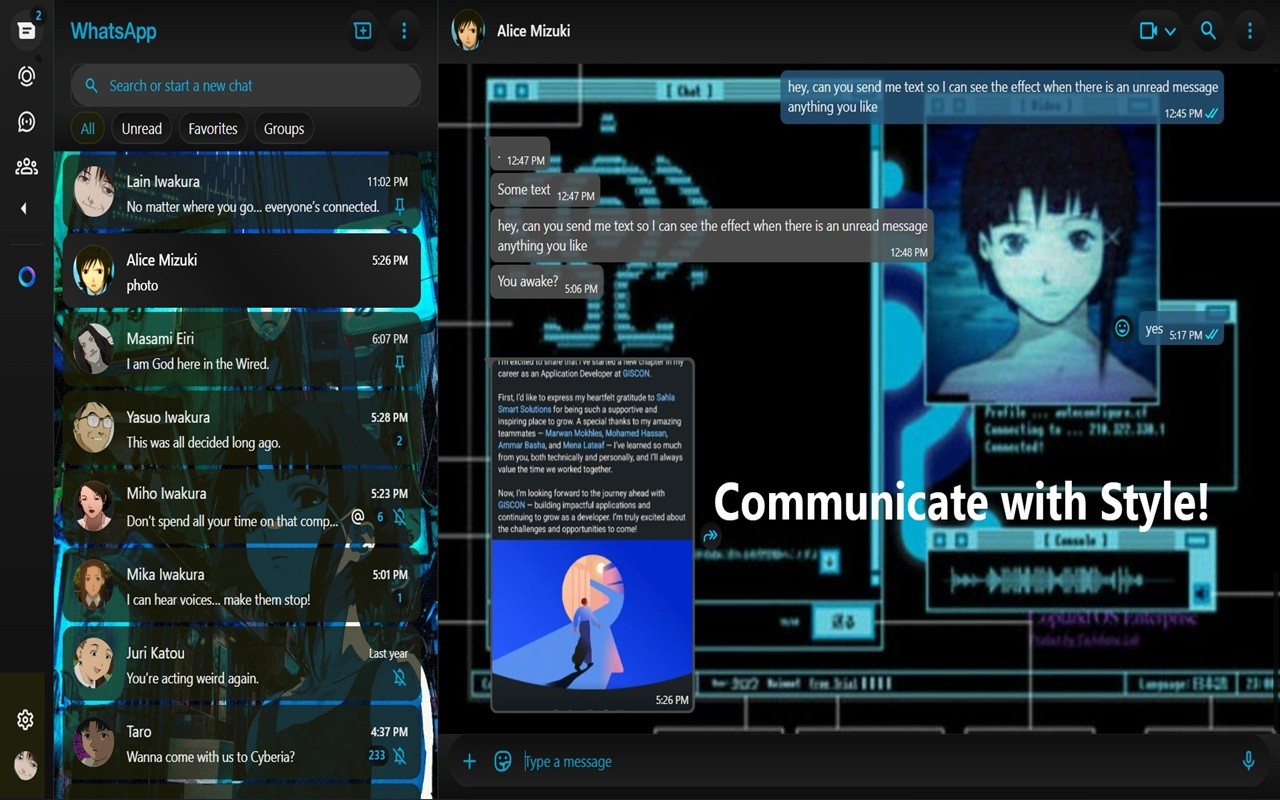
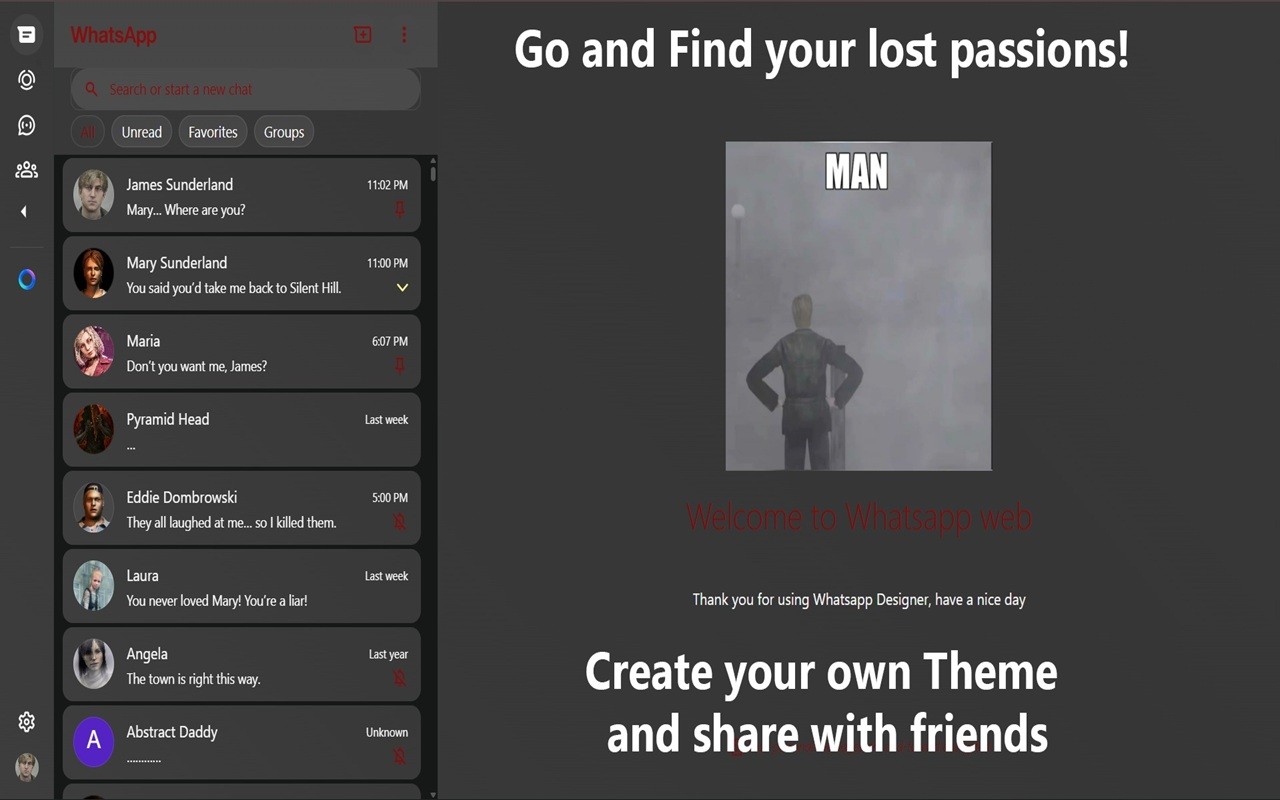
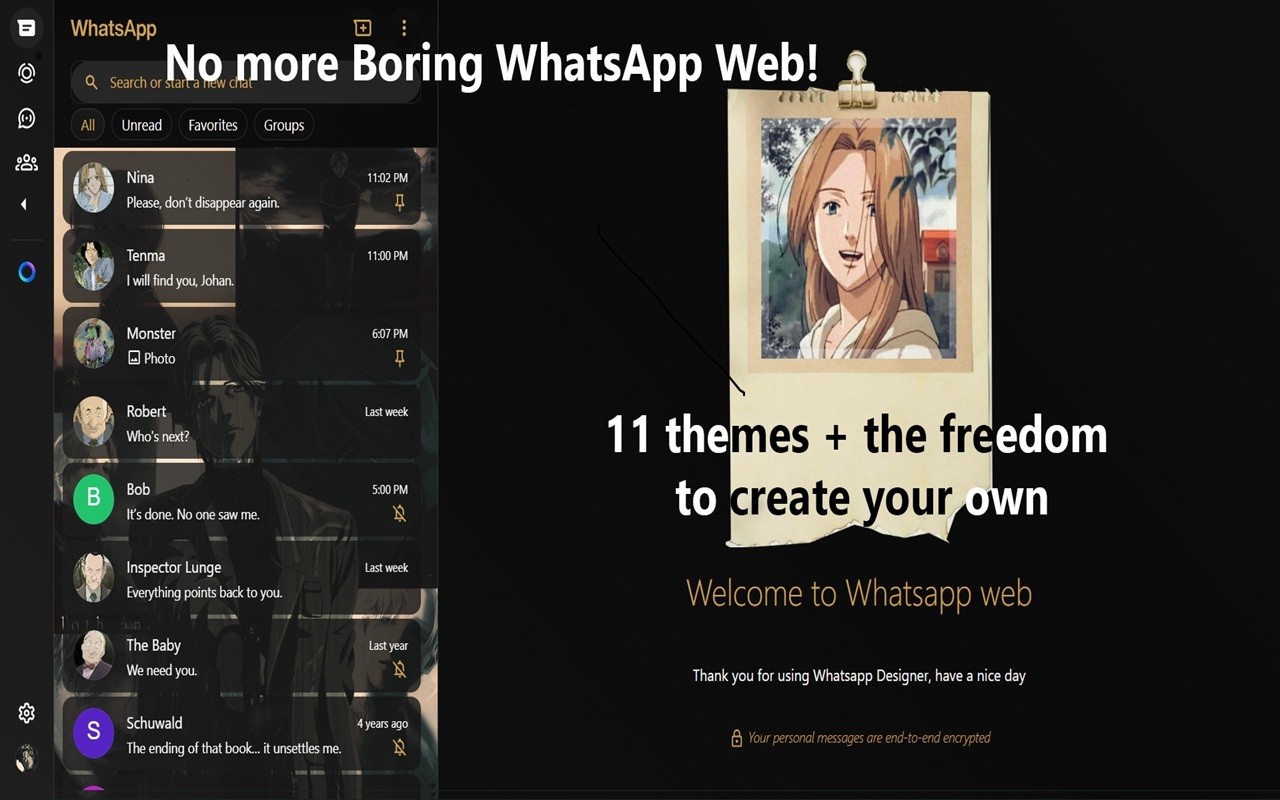
What it does
Permissions and access
Taken from the extension's own manifest file inside the package. The store listing does not spell this out, so it is worth reading before you install.
| Permission | What it allows |
|---|---|
storage | Store its own settings and data |
Requests 1 permission — extensions doing the same job average 2.5.
Technical details
Show all 4 languages
Description
WhatsApp Web Designer lets you take full control over the visual appearance of WhatsApp Web, turning the standard interface into a personalized messaging environment. You can change background images for individual sections such as chat windows, the contact list, and the welcome screen, making each part of the app look the way you want. The extension includes a library of preset themes that apply coordinated colors and styles with one click. For those who want something truly unique, you can create and edit your own custom themes, adjusting every visual element to match your taste. Themes can be exported as files and imported on other devices or shared with friends, so your personal design is always available. To keep the interface clean and adaptable, the sidebar showing your contacts can be hidden, shown, or resized to any width you prefer. This is useful when you need more space for chatting or want a minimal layout. Additionally, you can replace the default message notification sound with any audio file of your choice, adding a personal touch to incoming messages. The extension also supports custom fonts: you can select any font installed on your system and apply it to the text in your chats, changing the reading experience. All these features work together to give you a unique, daily messaging experience without altering the core functionality of WhatsApp Web.
Features
- Custom background images for chats, contact list, and welcome screen: set different wallpapers for each area to create a distinct look for every part of the interface. This is useful when you want to separate work and personal chats visually or just enjoy a fresh view.
- Preset theme collection: choose from a variety of ready-made designs that instantly change colors, fonts, and backgrounds. Ideal when you want a quick makeover without manual adjustments.
- Create and edit custom themes: design your own theme by selecting colors, fonts, and backgrounds for each element. This gives you unlimited possibilities to match your brand, mood, or style.
- Import and export themes: save your custom themes as files and load them on another computer or share them with friends. Perfect for syncing your setup across multiple devices or gifting a design.
- Hide, show, or resize the contacts sidebar: toggle the sidebar visibility or drag it to any width. Useful when you need more screen space for a chat or prefer a cleaner interface without contact list distractions.
- Custom sound effects for incoming messages: upload any audio file to replace the default notification sound. This lets you assign a unique sound for WhatsApp messages, making them distinguishable from other notifications.
- Apply any font to chat messages: select a font from your system and use it for the text in conversations. This can improve readability or add a personal aesthetic to your chats.
With these features, WhatsApp Web Designer transforms the plain web app into a customized workspace that reflects your personality and preferences, all while preserving the original messaging experience.
Extensions that do the same job
Matched by what these extensions actually do, not by store category, and sorted so the ones asking for the least access come first.
| Extension | Site access | Permissions | Users | Rating |
|---|---|---|---|---|
| WhatsApp Web Designer - Themes & Backgrounds — this page | Limited | 1 | 1K | 3.9★ |
| BetterTTV | Limited | 2 | 3M | 4.6★ |
| Bitly | Short links and QR Codes | Limited | 4 | 400K | 3.7★ |
| Markdown Reader | Limited | 2 | 100K | 4.7★ |
| Old Reddit Redirect | Limited | 1 | 100K | 4.7★ |
| Visual CSS Editor | Limited | 4 | 50K | 3.5★ |
| Material Icons for GitHub | Limited | 3 | 30K | 5.0★ |
Store data last checked August 14, 2026.