
Todoist for Chrome: Planner & Calendar
Add and manage tasks from your browser with Quick Add, save websites and text, and plan your day with list, board, or
What it does
Permissions and access
Taken from the extension's own manifest file inside the package. The store listing does not spell this out, so it is worth reading before you install.
| Permission | What it allows |
|---|---|
contextMenus | Add items to the right-click menu |
declarativeNetRequestWithHostAccess | Block or modify requests on sites it can access |
scripting | Run its own code on pages |
storage | Store its own settings and data |
tabs | See the addresses and titles of your open tabs |
webNavigation | See which pages you navigate to |
Requests 6 permissions — extensions doing the same job average 4.3.
Technical details
Show all 20 languages
Keyboard shortcuts
| Shortcut | Action |
|---|---|
| Alt+T | __MSG_openPopup__ |
| Alt+Q | __MSG_quickAddTask__ |
| Alt+Shift+A | __MSG_addToTodoist__ |
Description
Todoist for Chrome brings your task management directly into your browser, allowing you to capture and organize tasks without leaving your current web page. Whether you're researching, shopping, or reading articles, you can quickly add to-dos and keep your workflow uninterrupted.
Key Features
- Quick Add in the browser: Use the extension's Quick Add feature to instantly create tasks while browsing. This is especially useful when you think of something that needs to be done but are in the middle of an online activity, ensuring you don't forget important tasks.
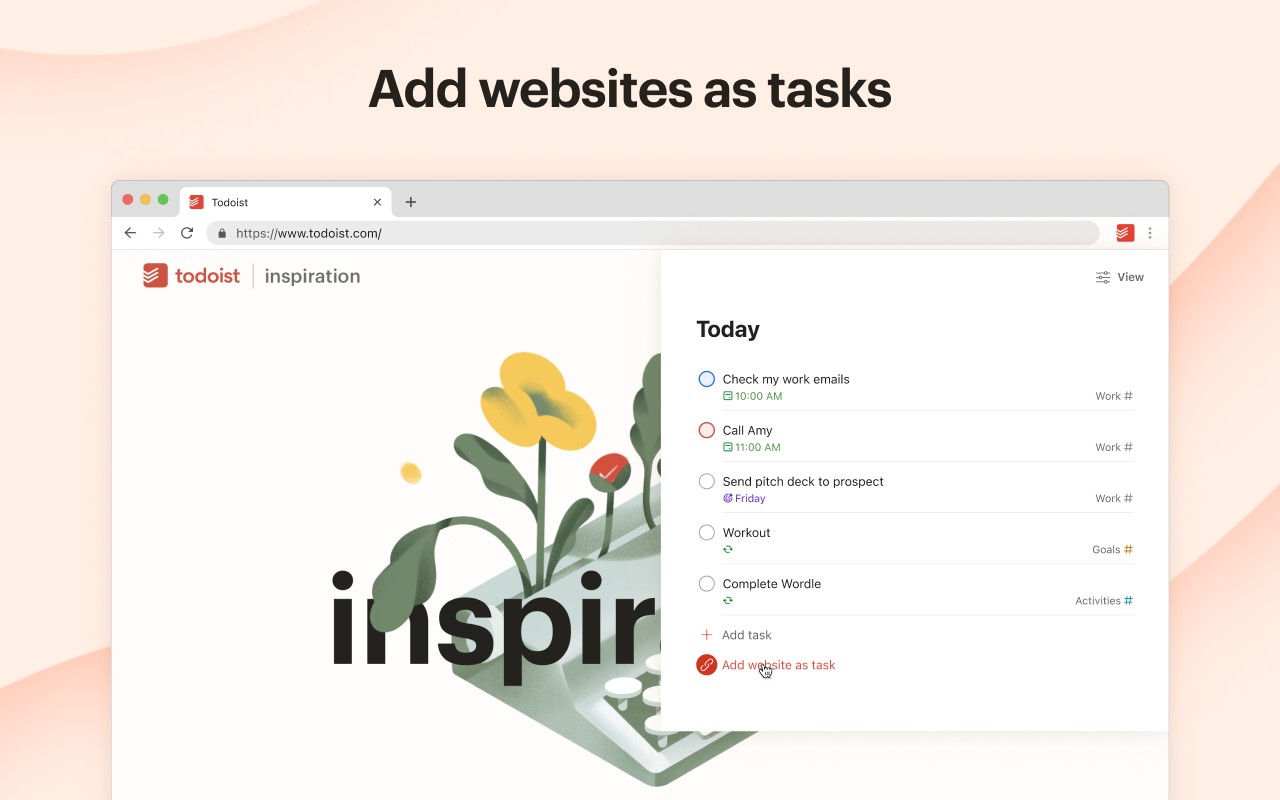
- Save websites as tasks: Turn any webpage into a task with a single click. This is handy for saving articles you want to read later, products you're considering, or reference pages for projects, automatically adding them to your reading list or to-do list.
- Convert selected text to tasks: Highlight any text on a webpage, right-click, and choose to save it as a task. The text becomes a hyperlinked task, making it easy to return to the exact source. This is perfect for capturing quotes, snippets, or important information you encounter online.
- Plan your day with multiple views: Organize your tasks for the day directly from the extension. You can view your tasks as a list, on a board, or in a calendar planner, giving you flexibility in how you prioritize and schedule your work.
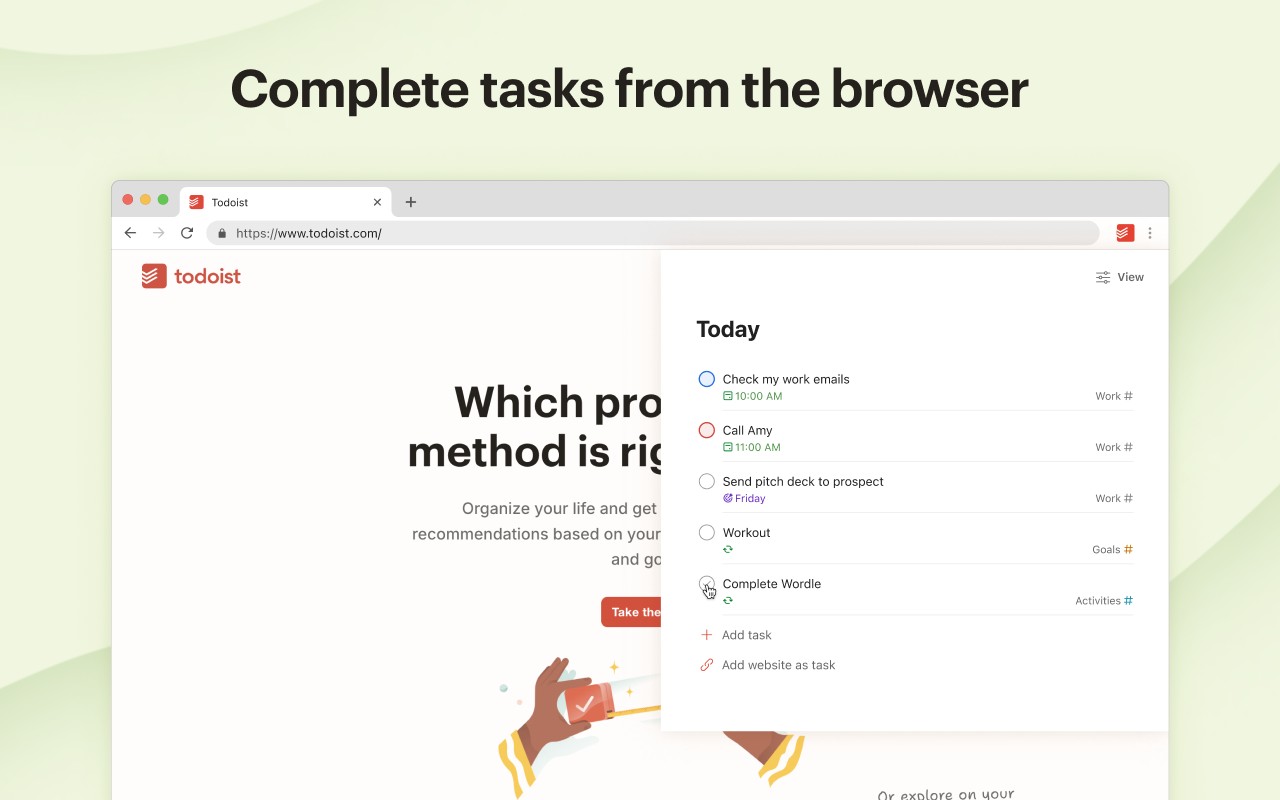
- Complete tasks without switching tabs: Check off tasks as you finish them right from the browser extension. This saves time and reduces context switching, allowing you to stay focused on your current activity while still managing your productivity.
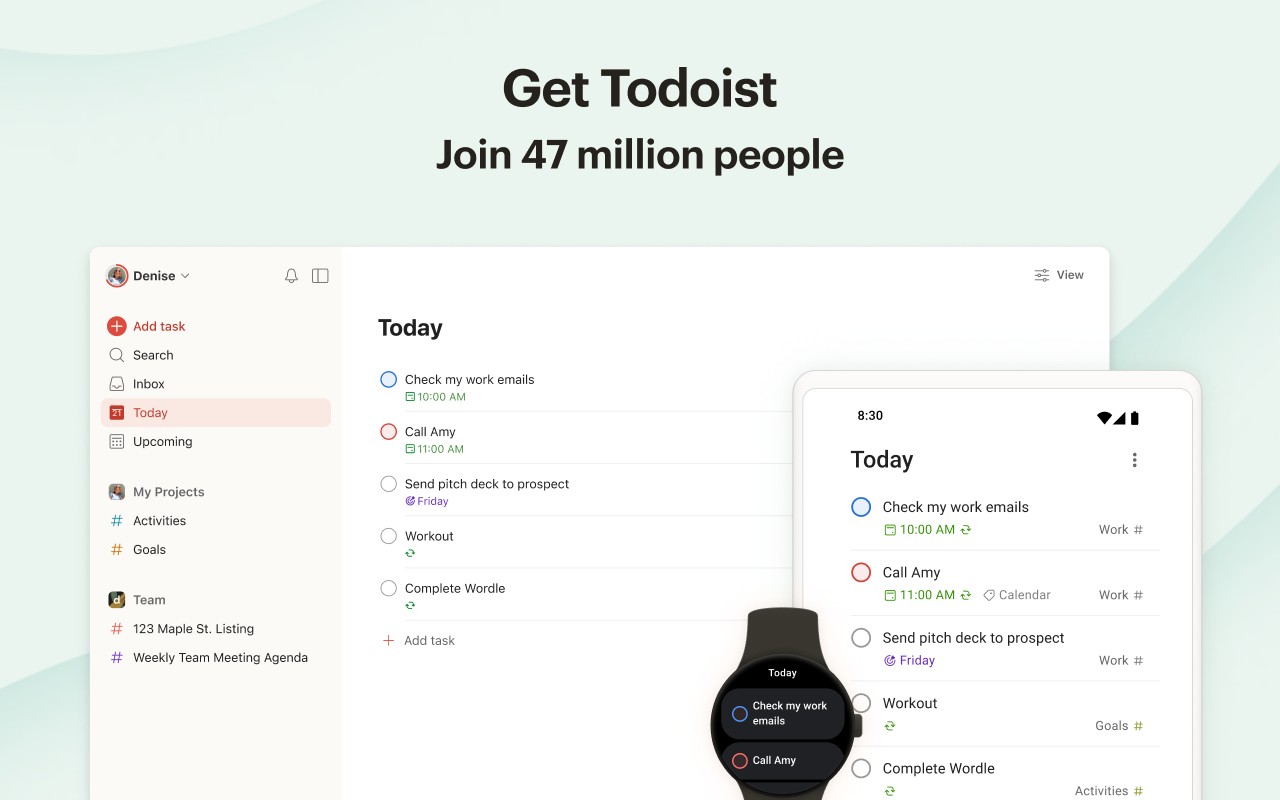
Todoist is available on multiple devices, including apps, extensions, and widgets, ensuring your tasks are always in sync and accessible wherever you work. For any questions or feedback, visit todoist.com/help.
Extensions that do the same job
Matched by what these extensions actually do, not by store category, and sorted so the ones asking for the least access come first.
| Extension | Site access | Permissions | Users | Rating |
|---|---|---|---|---|
| Todoist for Chrome: Planner & Calendar — this page | Limited | 6 | 500K | 4.7★ |
| Careerflow AI Job Application Tracker, ATS Resume Checker, Autofill & more | All sites | 3 | 200K | 4.4★ |
| InsC - Instagram comment picker & exporter | Limited | 4 | 3K | 4.6★ |
| Modern Glass Widget Theme-X Evolution | Limited | 4 | 3K | 4.4★ |
| Anime Girl and Kuromi Live Wallpaper | Limited | 1 | 1K | 4.8★ |
| Simplify Copilot - Autofill job applications, job tracker & AI resumes | All sites | 10 | 500K | 4.9★ |
| Tabs Outliner | Limited | 6 | 100K | 4.4★ |
Want the same thing with less access? Fathom AI Note Taker for Google Meet, NoteGPT: YouTube Summary, Chat with AI Assistant, ChatGPT DeepSeek Claude, Markdown Reader ask for fewer permissions than this one.
Store data last checked August 14, 2026.