
Docusign eSignature for Chrome
Manage Docusign eSignature tasks directly in Chrome: sign, send, track, and remind without leaving your browser.
What it does
Permissions and access
Taken from the extension's own manifest file inside the package. The store listing does not spell this out, so it is worth reading before you install.
| Permission | What it allows |
|---|---|
contextMenus | Add items to the right-click menu |
storage | Store its own settings and data |
Requests 2 permissions — extensions doing the same job average 4.8.
Technical details
Show all 14 languages
Description
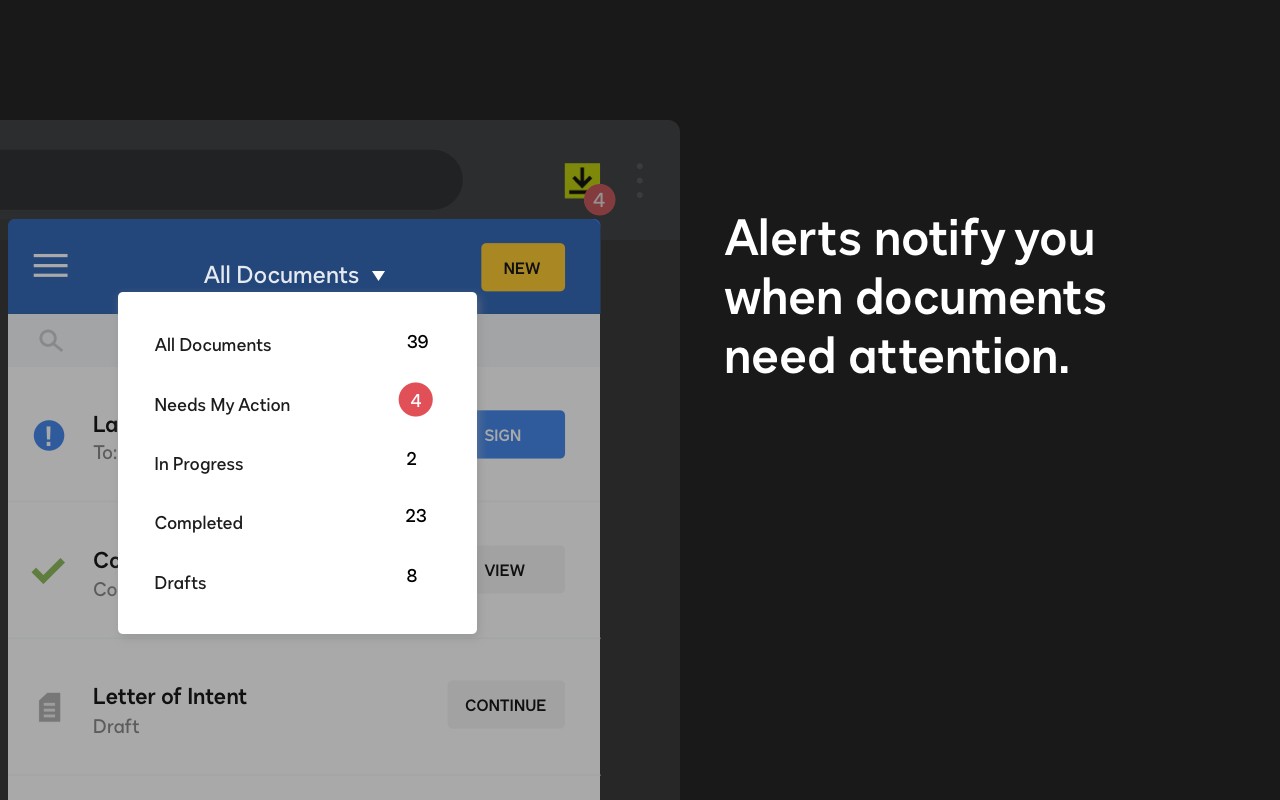
The Docusign eSignature extension integrates directly into your Chrome browser, allowing you to manage electronic signatures without leaving your current tab. Whether you are shopping online, browsing the web, or streaming content, you can stay informed about your documents and take action immediately. The extension displays envelope status updates, enables you to send reminders to signers, lets you sign documents yourself, and allows you to initiate signature collection from any webpage.
Key Features
- One-Click Signing: Sign documents with a single click directly within Chrome. When you receive a document that requires your signature, the extension detects it and provides a streamlined signing interface. This is useful when you need to quickly approve a contract or agreement without downloading files or switching to another application.
- Send Documents for Signature: Upload a document from your computer or Google Drive to the extension, and it will guide you through placing signature tags (e.g., sign here, date, initials). After tagging, the document is sent to recipients via Docusign. This feature is ideal for small business owners or freelancers who need to send up to three documents for signature per free plan.
- Monitor Envelope Status: View the real-time status of all your sent and received envelopes from a dedicated panel. You can see whether documents are waiting for signature, completed, or declined. This helps you track the progress of multiple agreements without manually checking emails.
- Send Reminders: If a recipient has not signed after a period of time, you can send a reminder directly from the extension. This ensures that time-sensitive documents move forward without requiring you to log into the full Docusign website.
- Security and Privacy: The extension works within Chrome's secure environment and leverages Docusign's encryption standards. All data transmission is protected, and the extension does not store documents locally. This is crucial for handling sensitive contracts or legal paperwork.
- Free Plan Includes: Unlimited signing as a recipient, ability to send up to three documents for signature, and access to basic features like sign-here tags, document routing, and mobile app access. The free tier is suitable for occasional users who need to sign or send a few documents each month.
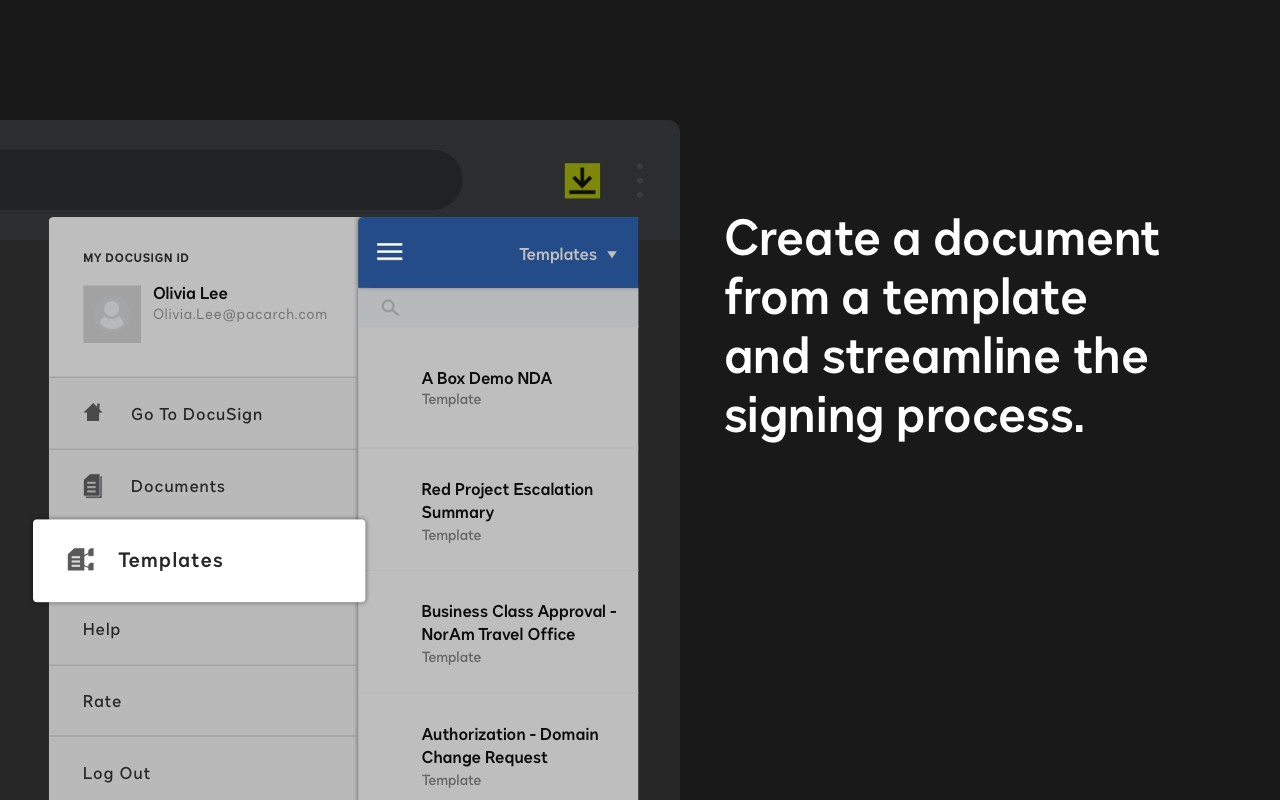
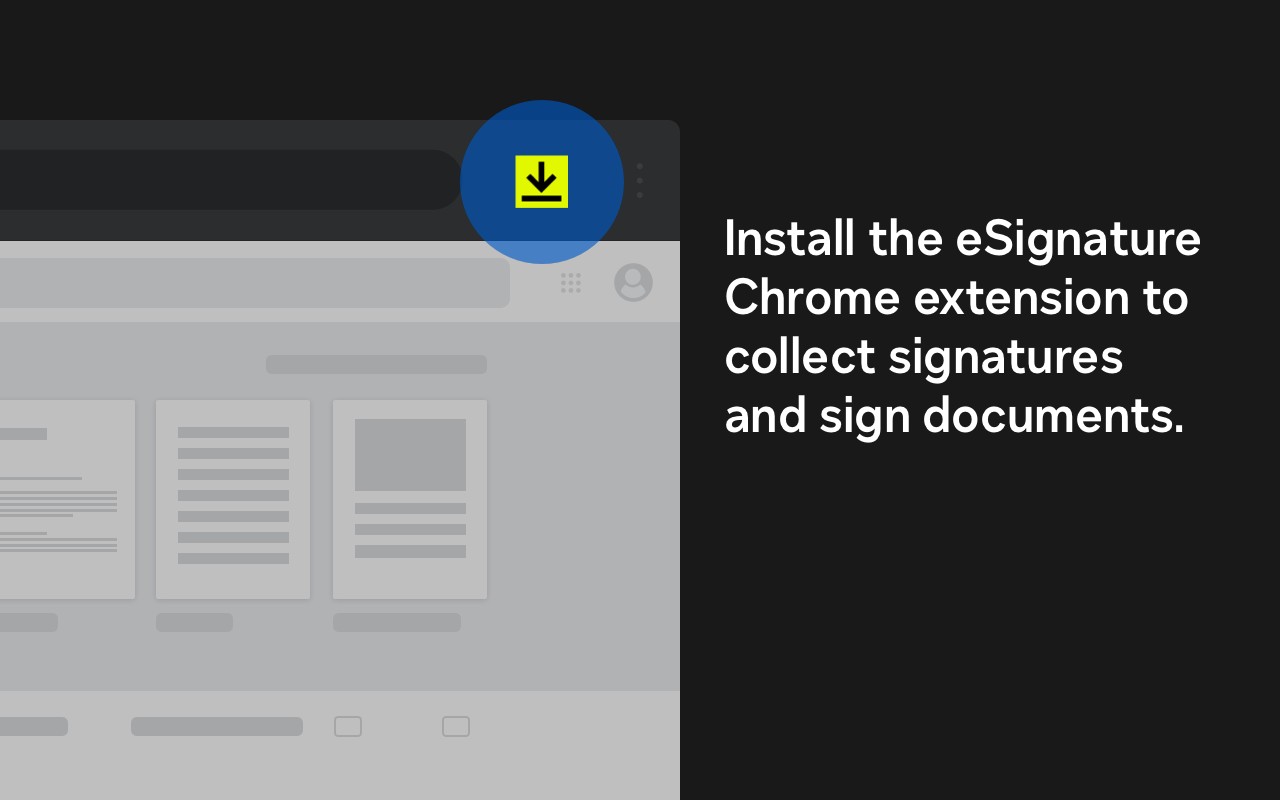
To get started, install the extension and sign in with your free Docusign account. From any webpage, click the Docusign icon to view recent envelopes, send a new document, or sign pending requests. The extension eliminates the need to switch between tabs or applications, making eSignature workflows faster and more convenient within your daily browsing routine.
Extensions that do the same job
Matched by what these extensions actually do, not by store category, and sorted so the ones asking for the least access come first.
| Extension | Site access | Permissions | Users | Rating |
|---|---|---|---|---|
| Docusign eSignature for Chrome — this page | Limited | 2 | 300K | 4.3★ |
| Virtru Email Protection | Limited | 2 | 700K | 3.9★ |
| CocoShot: Screenshot & Screen Recorder | Limited | 4 | 70K | 4.9★ |
| Ghostwrite: ChatGPT Email Assistant | Limited | 3 | 20K | 4.0★ |
| Email Signature Rescue - Browser Extension | Limited | 3 | 10K | 4.1★ |
| Gmail Message Preview by cloudHQ | Limited | 3 | 10K | 4.0★ |
| Auto Label for Google Gmail™ by cloudHQ | Limited | 3 | 3K | 4.7★ |
Store data last checked August 14, 2026.