
Gmail Message Preview by cloudHQ
Preview email content in Gmail inbox without opening messages, with four display options and tracking pixel blocking.
What it does
Permissions and access
Taken from the extension's own manifest file inside the package. The store listing does not spell this out, so it is worth reading before you install.
| Permission | What it allows |
|---|---|
background | Keep running in the background |
scripting | Run its own code on pages |
storage | Store its own settings and data |
Requests 3 permissions — extensions doing the same job average 4.6.
Technical details
Description
Gmail Message Preview by cloudHQ enhances your email management by allowing you to read message content directly in your Gmail inbox without opening each email. This saves time and reduces clicks when you need to quickly scan through incoming messages. The extension is particularly useful for high-volume inboxes where you want to decide which emails require immediate attention versus those that can wait.
Features
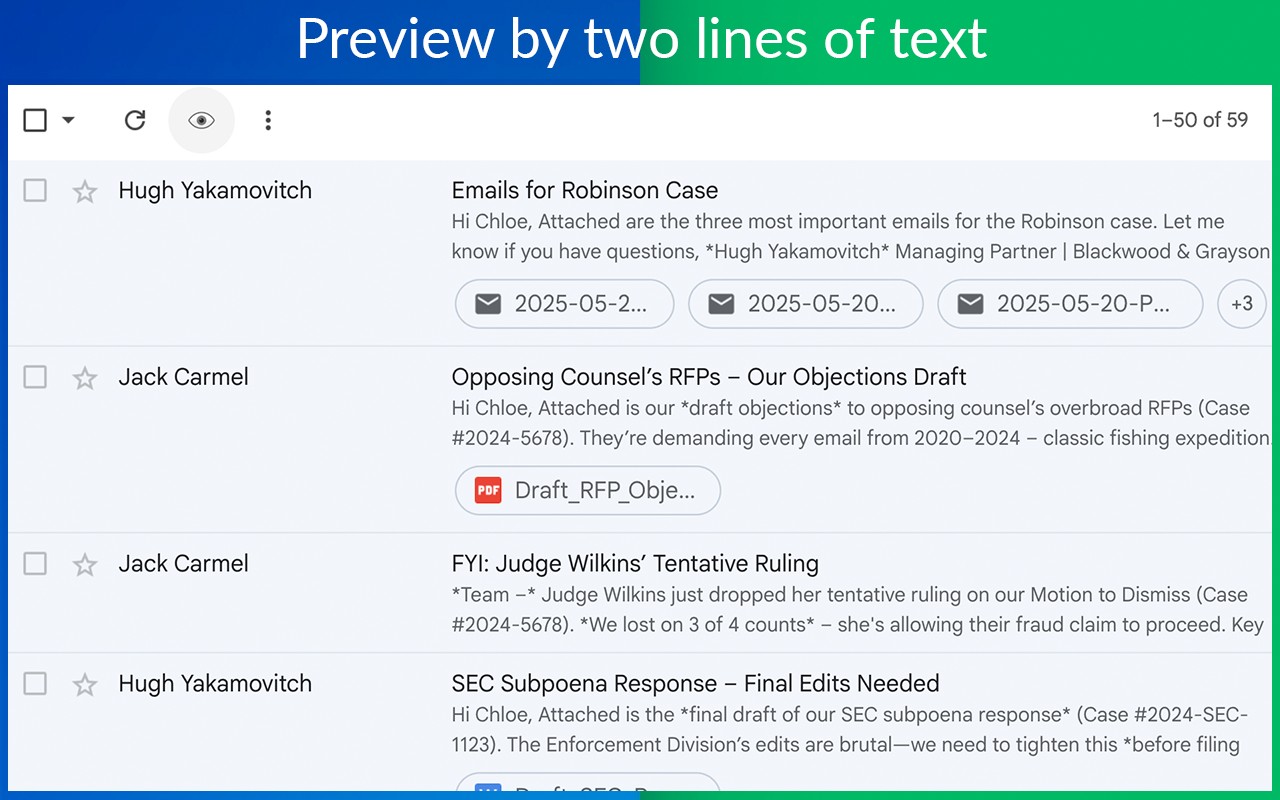
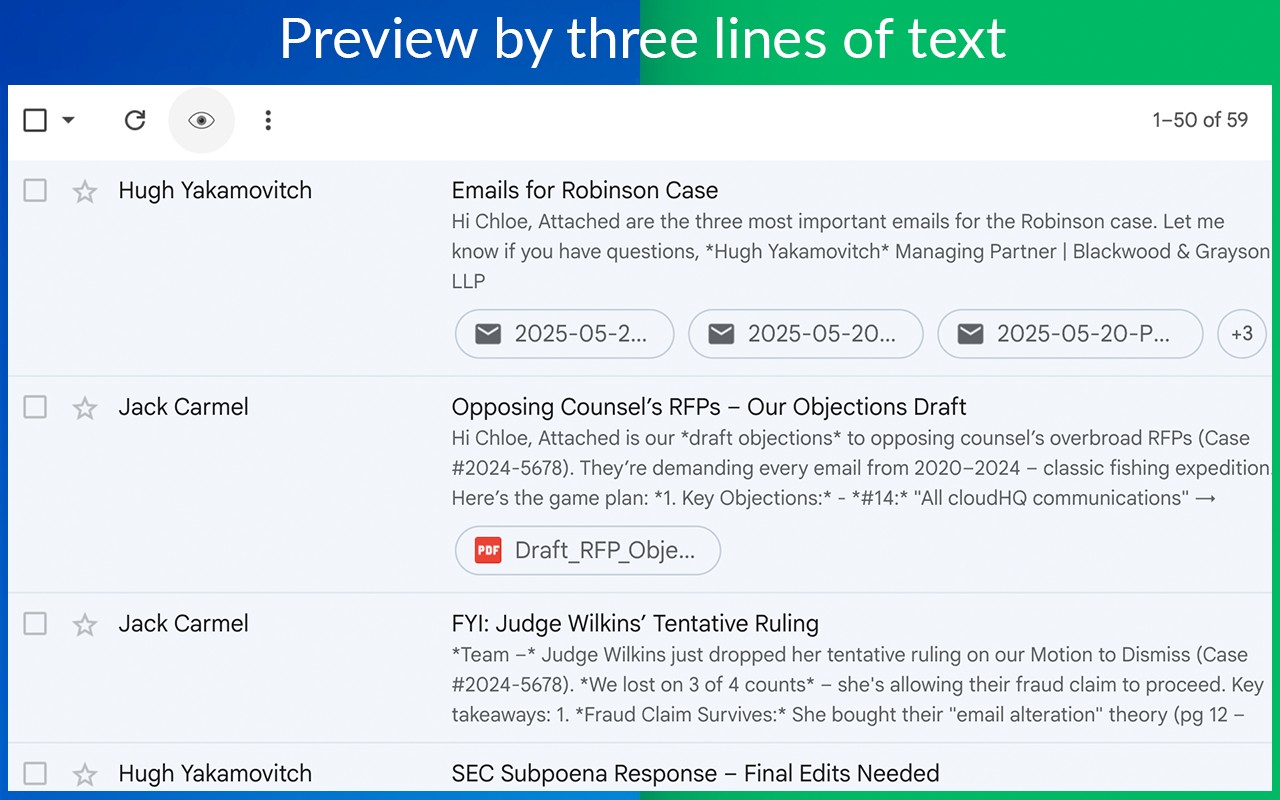
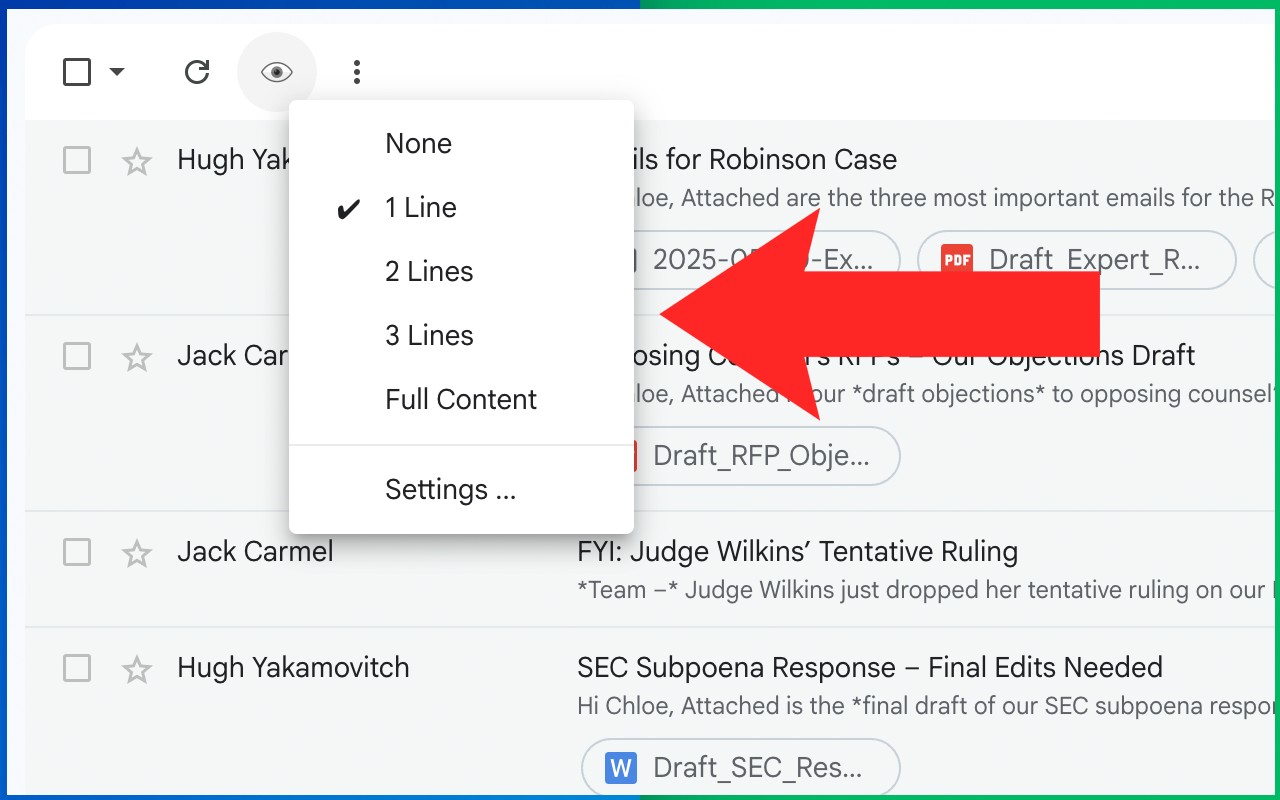
- Four preview modes: You can choose to show only the first line, first two lines, first three lines, or the entire body of each email directly in the inbox list. This flexibility lets you balance between seeing enough context and keeping the list compact. For example, use the first-line mode for a quick glance or the full-body mode to read an entire short message without opening it.
- Tracking pixel protection: When you preview an email using this extension, all tracking pixels are blocked. This means senders cannot know that you have viewed their email, preserving your privacy. This is especially valuable for newsletters or marketing emails that often embed invisible images to track opens.
- No additional clicks required: The preview appears automatically in the inbox view, so you can scan messages as you scroll. There is no need to hover, click, or open a separate pane. This streamlines the workflow for processing emails rapidly.
- Seamless integration with Gmail: The extension works directly within the standard Gmail interface on desktop browsers. It does not alter the layout or add extra steps, making it easy to adopt without a learning curve.
Gmail Message Preview is ideal for professionals who receive numerous emails daily and need to triage them efficiently. By combining quick previews with tracking protection, it helps maintain productivity while safeguarding your reading habits. The extension is part of the cloudHQ suite of productivity tools, and support is available through their website.
Extensions that do the same job
Matched by what these extensions actually do, not by store category, and sorted so the ones asking for the least access come first.
| Extension | Site access | Permissions | Users | Rating |
|---|---|---|---|---|
| Gmail Message Preview by cloudHQ — this page | Limited | 3 | 10K | 4.0★ |
| Virtru Email Protection | Limited | 2 | 700K | 3.9★ |
| Docusign eSignature for Chrome | Limited | 2 | 300K | 4.3★ |
| Ghostwrite: ChatGPT Email Assistant | Limited | 3 | 20K | 4.0★ |
| Email Signature Rescue - Browser Extension | Limited | 3 | 10K | 4.1★ |
| Auto Label for Google Gmail™ by cloudHQ | Limited | 3 | 3K | 4.7★ |
| Outlook Email Templates by cloudHQ | Limited | 2 | 3K | 5.0★ |
Store data last checked August 14, 2026.