
Bookmark Sidebar
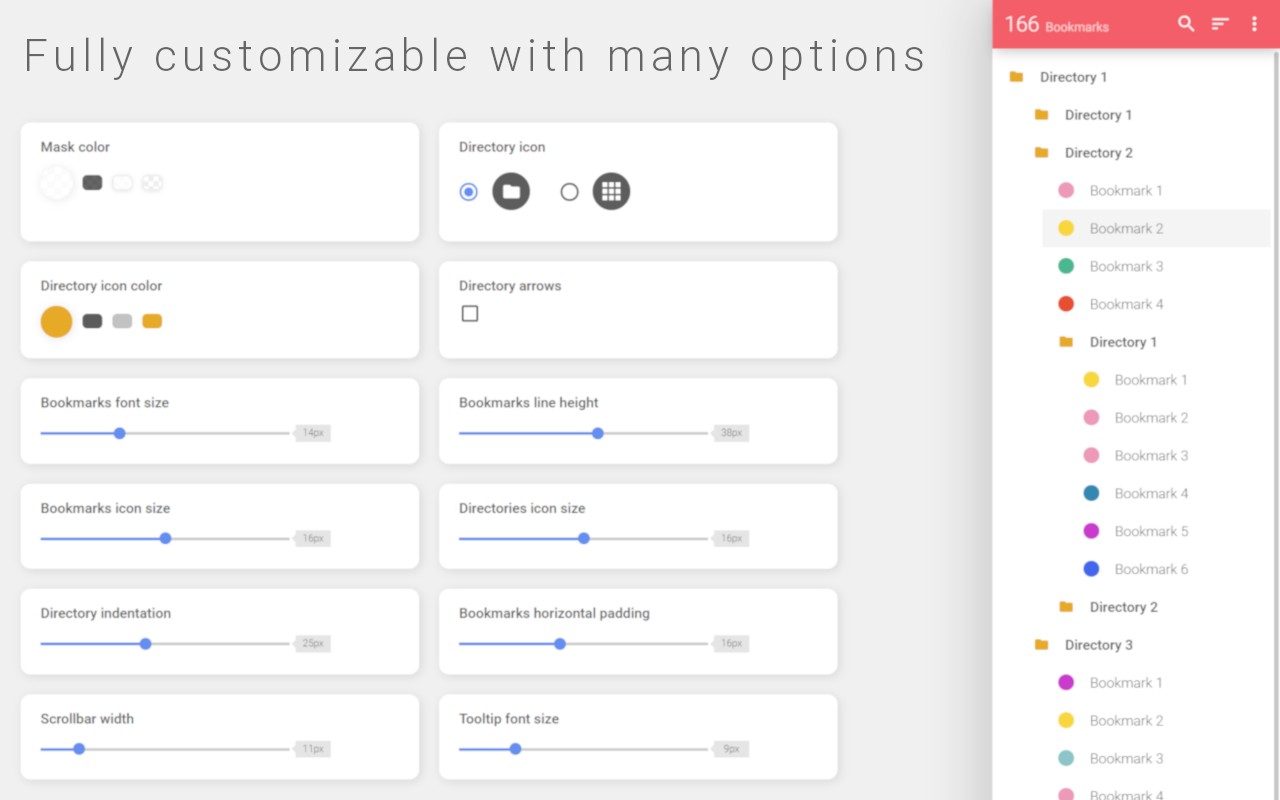
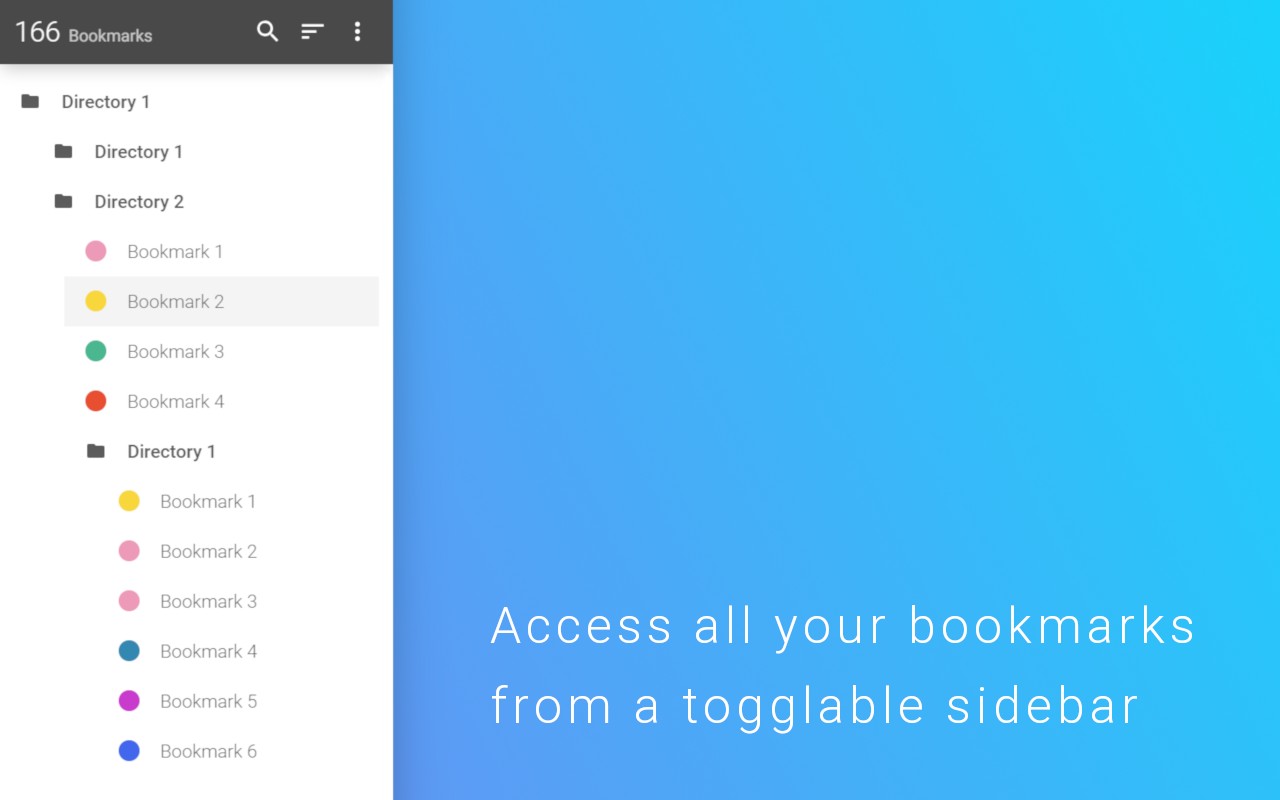
Adds a toggleable sidebar to display and manage your bookmarks at the edge of the browser window.
What it does
Description
Bookmark Sidebar adds a convenient sidebar to your browser window, giving you instant access to all your bookmarks. The sidebar can be toggled on and off, and you can choose to have it appear on the left or right edge of the screen. This is especially useful when you need to quickly open a bookmark without navigating away from your current page or opening a new tab.
Features
- Click to Access: Simply click on the left or right side of your screen to open the sidebar and view your bookmarks.
- Manage Bookmarks: You can edit, delete, or rearrange your bookmarks using drag-and-drop. This makes organizing your bookmarks intuitive and efficient.
- View Bookmark Info: Left-click on any bookmark to see detailed information about it, such as the URL and the date it was added.
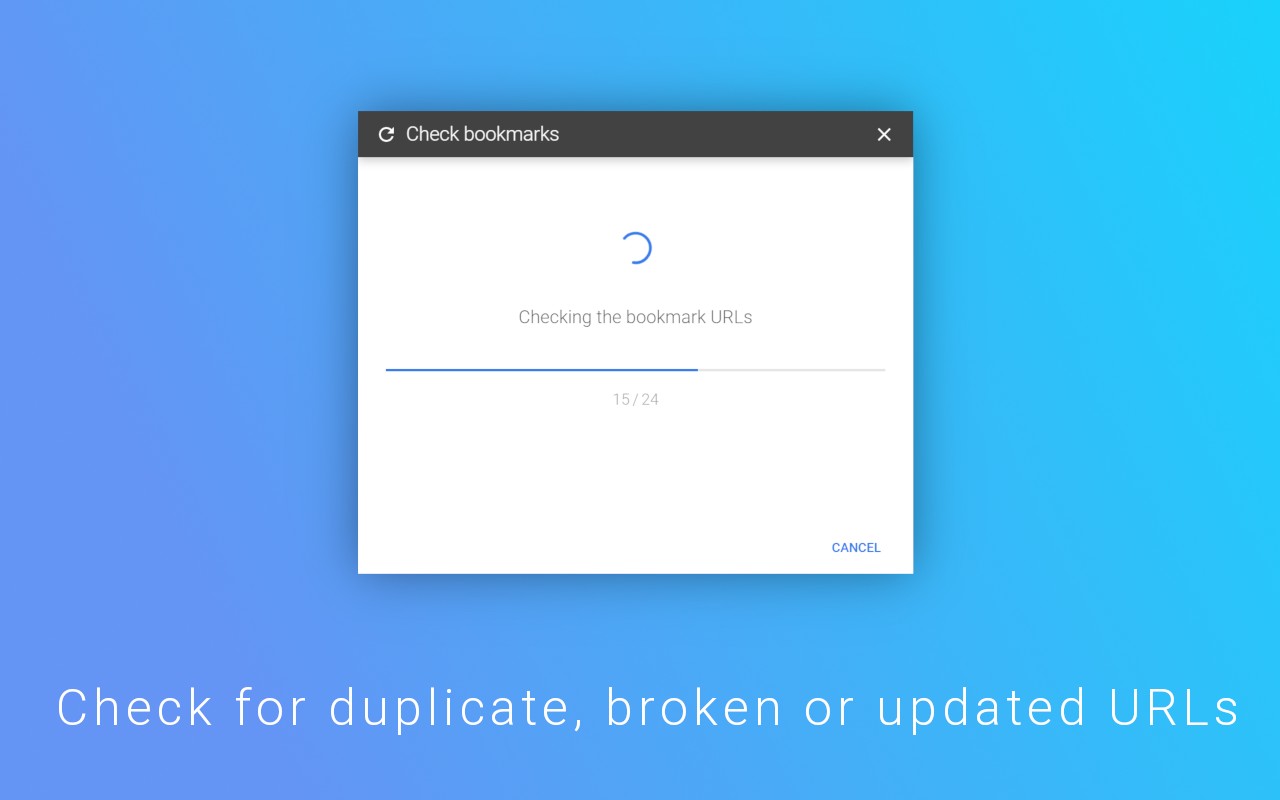
- Check for Updated or Broken URLs: The extension can scan your bookmarks and identify any that have broken links or have been updated. This helps you keep your bookmark collection clean and functional.
- Side Panel Integration: You can open your bookmarks in Chrome's side panel. The sidebar will then remain visible alongside any website, acting as a permanent bookmark panel for continuous access.
- New Tab Page Option: In the settings, you can enable a new tab page that includes the bookmark sidebar. This provides a dedicated space for your bookmarks every time you open a new tab.
If you encounter any bugs or have suggestions for new features or improvements, please feel free to reach out. The developer welcomes feedback to enhance the extension.
Extensions that do the same job
Matched by what these extensions actually do, not by store category, and sorted so the ones asking for the least access come first.
| Extension | Site access | Permissions | Users | Rating |
|---|---|---|---|---|
| Bookmark Sidebar — this page | — | — | 300K | 4.5★ |
| Bookmark Topper | Limited | 3 | 1K | 4.5★ |
| EverSync - Sync bookmarks, backup favorites | Limited | 6 | 200K | 4.1★ |
| Snippet Highlighter - Web & PDF | All sites | 4 | 10K | 4.2★ |
| BibTeX Connect - Powered by CiteDrive | All sites | 2 | 3K | 4.0★ |
| Super Bookmark Desktop | Limited | 3 | 1K | 4.4★ |
| Evernote Web Clipper | All sites | 7 | 2M | 4.7★ |
Store data last checked August 14, 2026. This extension is no longer available for install.