
Super Bookmark Desktop
Turns your new tab page into a desktop-like bookmark manager with drag-and-drop, folders, and customizable backgrounds.
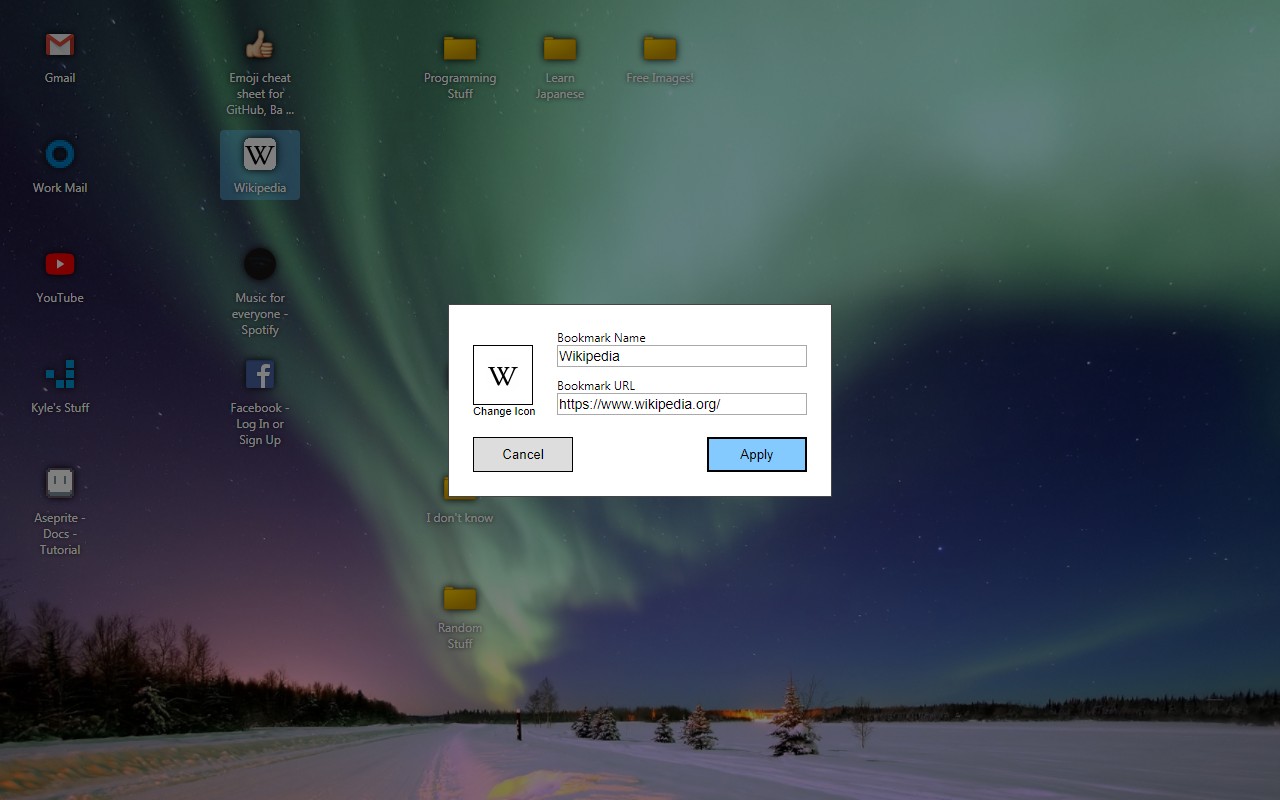
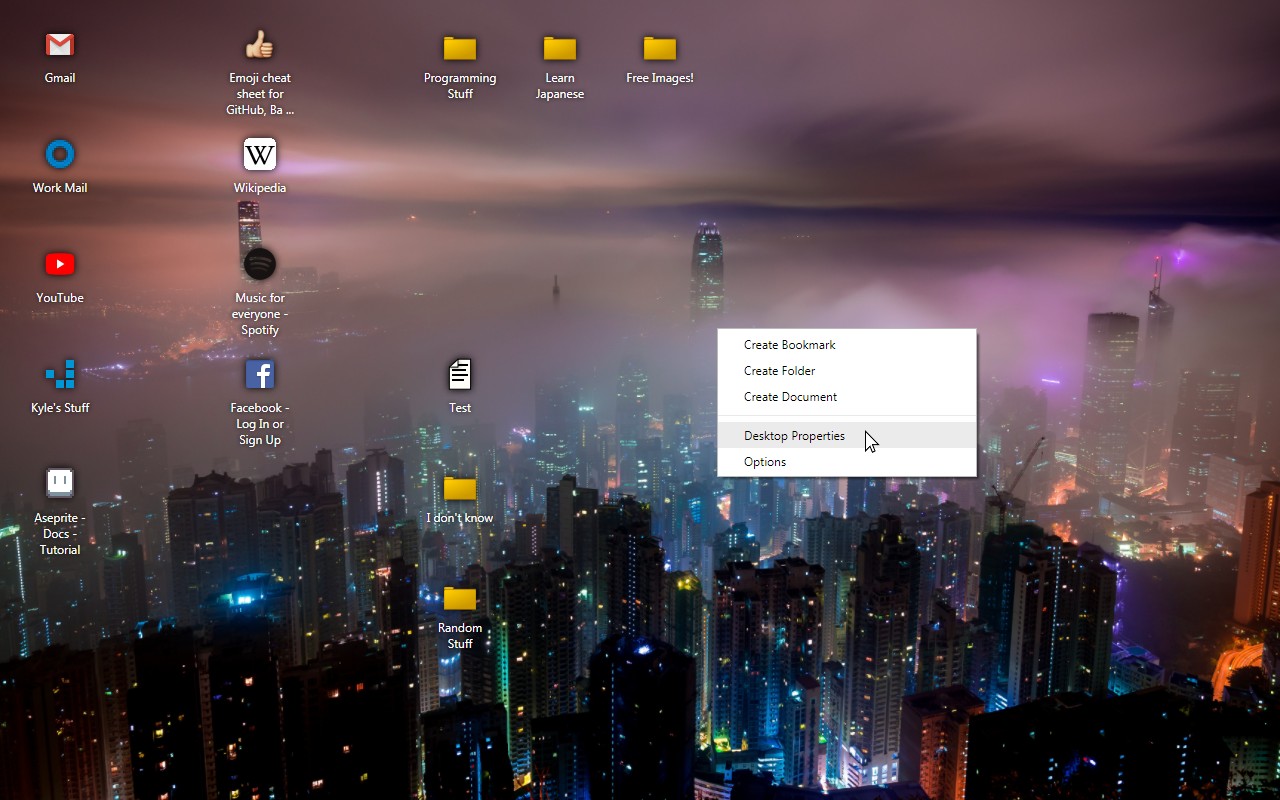
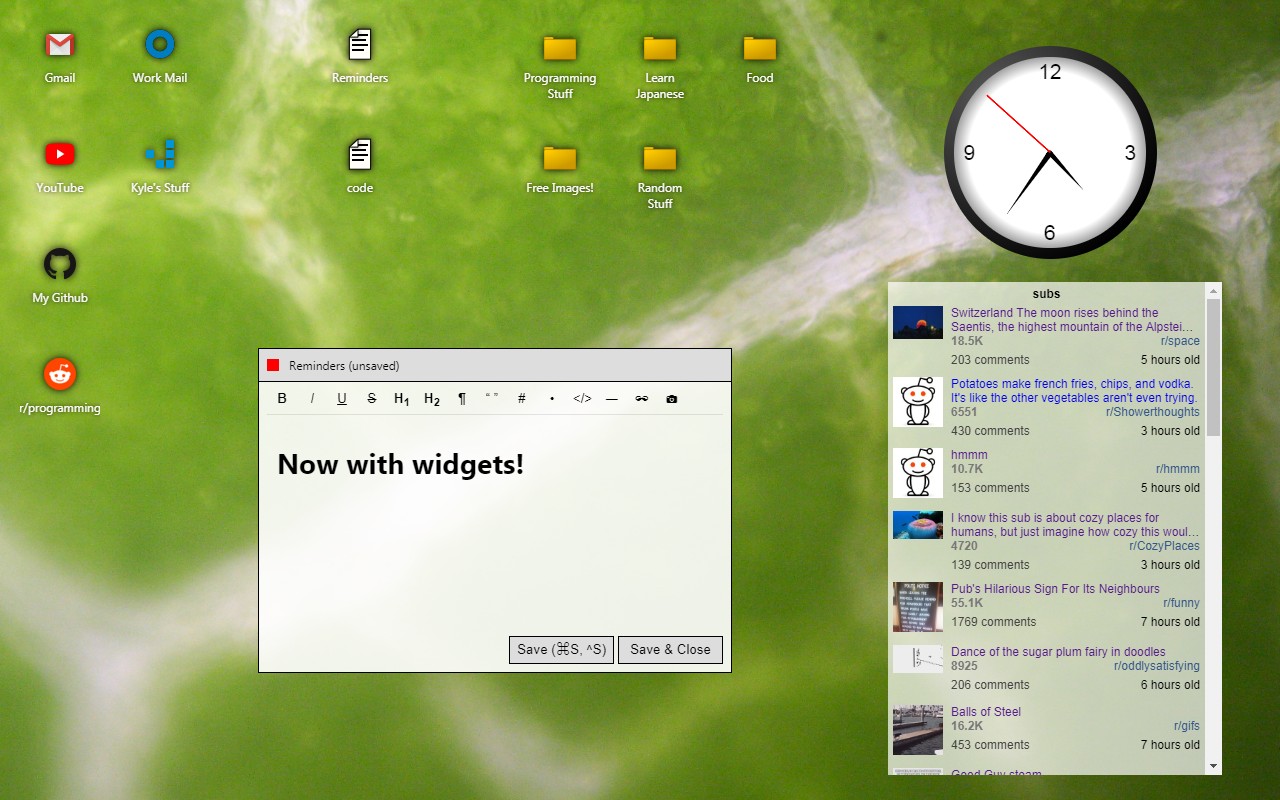
What it does
Permissions and access
Taken from the extension's own manifest file inside the package. The store listing does not spell this out, so it is worth reading before you install.
| Permission | What it allows |
|---|---|
bookmarks | Read and change your bookmarks |
favicon | Read site icons |
storage | Store its own settings and data |
Requests 3 permissions — extensions doing the same job average 3.6.
Technical details
Description
Super Bookmark Desktop transforms your browser's new tab page into a functional desktop environment where bookmarks behave like files and folders. Instead of a static list, you get a customizable workspace where you can arrange, group, and manage your bookmarks visually. This is especially useful for users who prefer a spatial organization system, such as grouping related bookmarks together on the desktop or creating folders for different projects.
Key Features
- Customizable Backgrounds: Choose from a collection of cool desktop backgrounds or upload your own images. You can also add a Wallhaven source to automatically fetch new backgrounds daily, keeping your desktop fresh and personalized.
- Drag-and-Drop Organization: Click and drag bookmark icons to freely position them anywhere on the desktop. You can also drag icons into folders to categorize them. This mimics the behavior of a real desktop, making it intuitive to arrange your shortcuts.
- Multi-Select for Bulk Actions: Create a selection rectangle by clicking and dragging with the mouse to select multiple icons at once. Alternatively, hold down Ctrl, Shift, or Command while clicking individual icons to build a multi-selection. Once selected, you can move all selected items together or perform bulk operations.
- Context Menu for Quick Actions: Right-click on the desktop background to create new bookmarks, change the background, or adjust background settings. Right-click on any bookmark icon to edit or delete it-note that editing or deleting here affects the actual bookmark in your browser, ensuring consistency.
- Syncable Text Files: Create text notes that sync across devices like regular bookmarks. This is useful for jotting down quick reminders, to-do lists, or any text snippets you need to access from any synced browser. The text files behave like bookmarks but store plain text content.
Super Bookmark Desktop is open source, with its code available on GitHub. It's ideal for users who want a more interactive and visually organized way to manage their bookmarks directly from the new tab page, combining the convenience of a bookmark manager with the familiarity of a desktop interface.
Extensions that do the same job
Matched by what these extensions actually do, not by store category, and sorted so the ones asking for the least access come first.
| Extension | Site access | Permissions | Users | Rating |
|---|---|---|---|---|
| Super Bookmark Desktop — this page | Limited | 3 | 1K | 4.4★ |
| Macify - Gorgeous Aerial Videos as Your New Tab | Limited | 4 | 8K | 4.9★ |
| Spatium | Limited | 3 | 4K | 4.7★ |
| Modern Glass Widget Theme-X Evolution | Limited | 4 | 3K | 4.4★ |
| Anime Girl and Kuromi Live Wallpaper | Limited | 1 | 1K | 4.8★ |
| Art New Tabs | Limited | 0 | 1K | 4.0★ |
| Chiikawa Wallpaper New Tap | Limited | 1 | 1K | 4.7★ |
Want the same thing with less access? GIPHY for Chrome, Automate Bing Searches Rewards, Bookmark Topper ask for fewer permissions than this one.
Store data last checked August 14, 2026.