
DjVu.js Viewer
Opens DjVu files from links, local disk, and embedded tags; works offline; no data collection.
What it does
Permissions and access
Taken from the extension's own manifest file inside the package. The store listing does not spell this out, so it is worth reading before you install.
| Permission | What it allows |
|---|---|
contextMenus | Add items to the right-click menu |
declarativeNetRequest | Block or modify network requests |
scripting | Run its own code on pages |
storage | Store its own settings and data |
Requests 4 permissions — extensions doing the same job average 4.7.
Technical details
Description
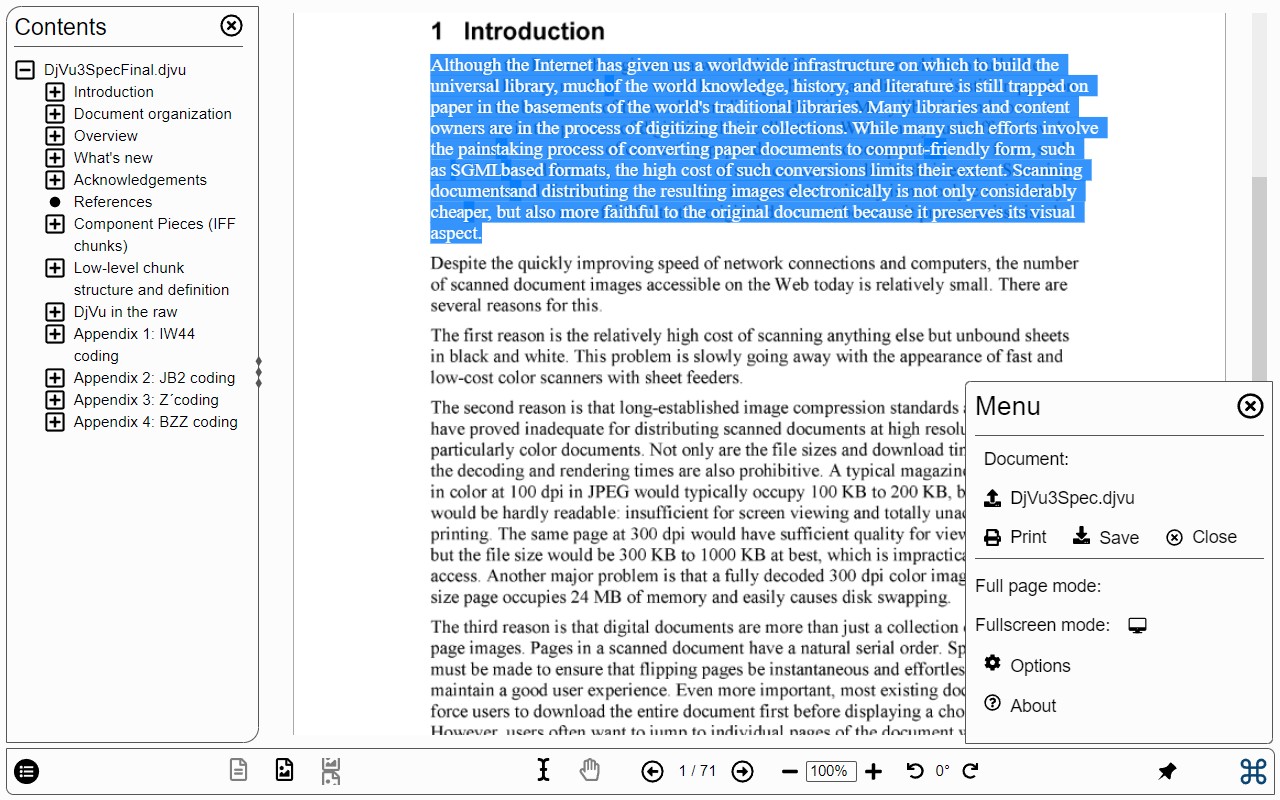
DjVu.js Viewer is a browser extension that enables seamless viewing of DjVu documents directly in your browser. It can open DjVu files from links on any website, from your local disk, and from embedded
Key Features
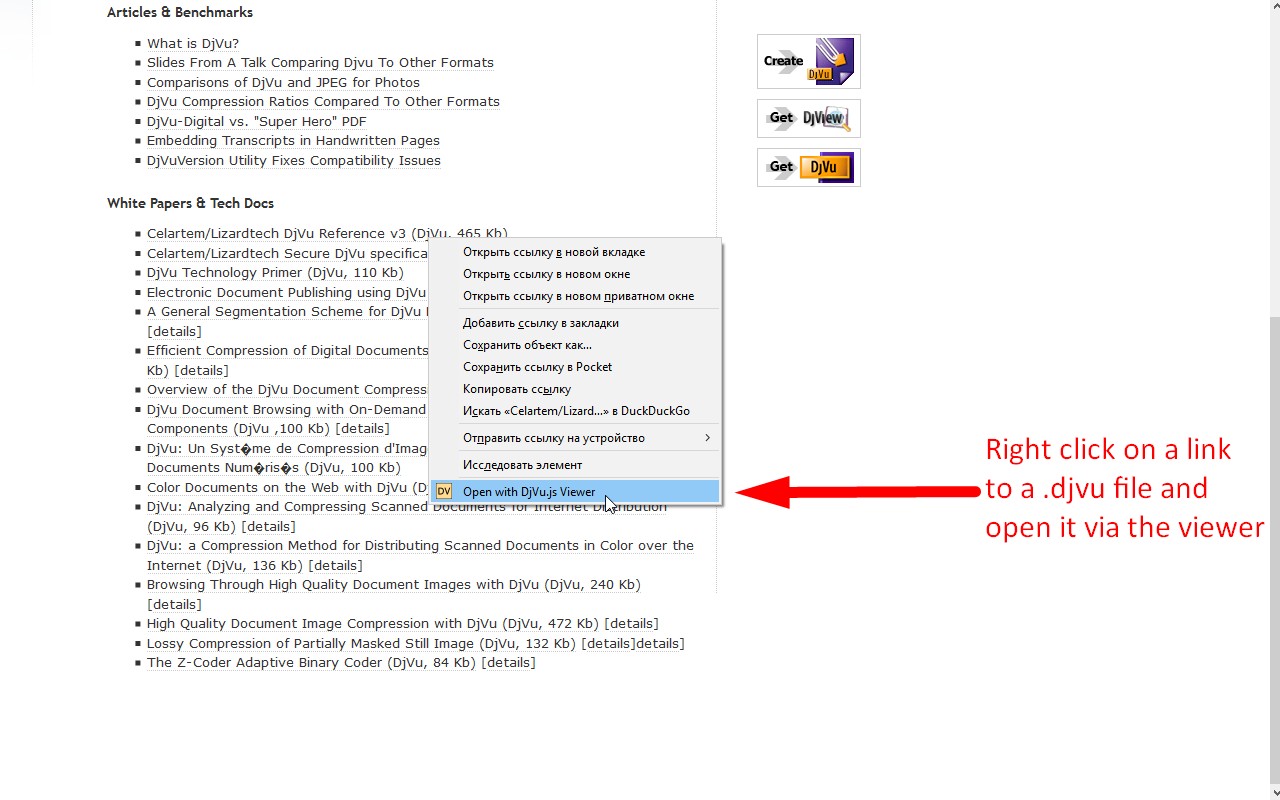
- Open links to .djvu files: Right-click any link pointing to a DjVu file and select "Open with DjVu.js Viewer" from the context menu. The file will be rendered inside a new browser tab. This works on any website, so you can view documents from online archives, libraries, or personal sites directly without downloading them first.
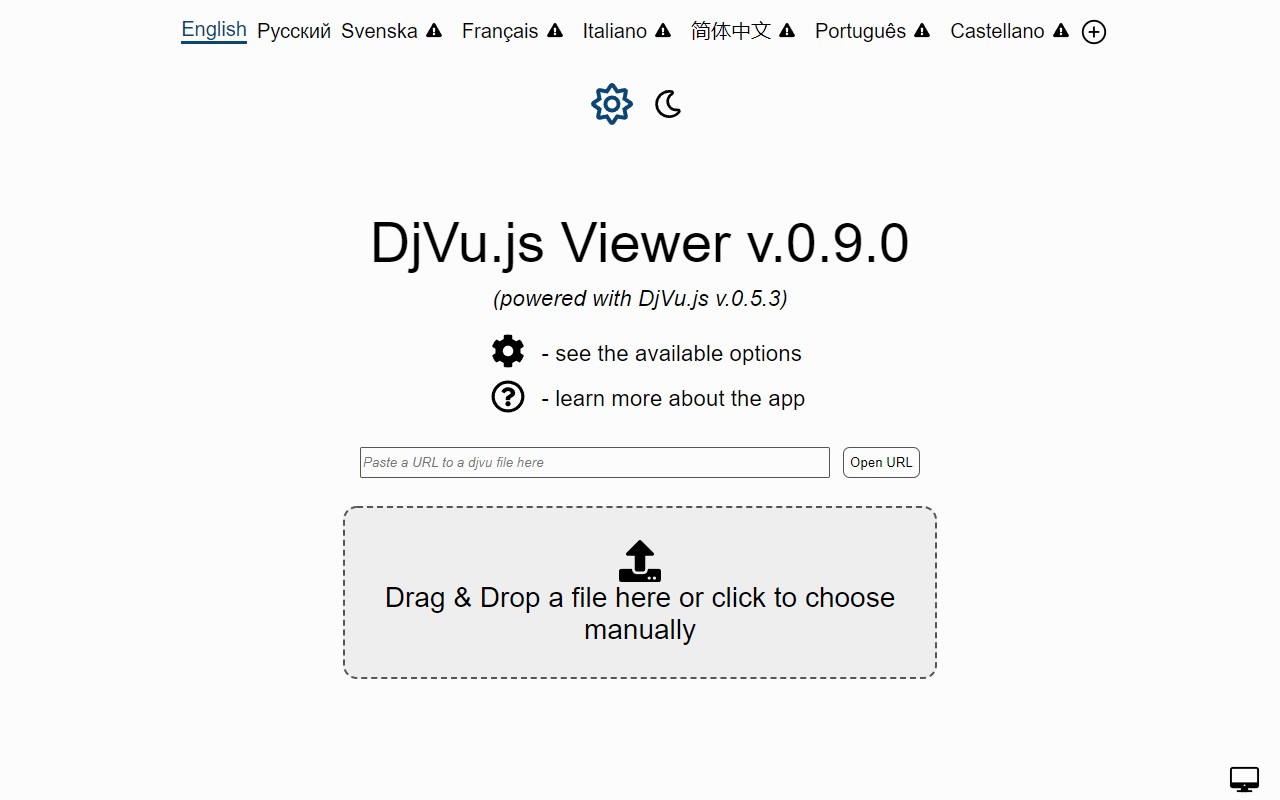
- Open files from local disk: After opening the extension's viewer page (by clicking its toolbar icon or via a file link), you can use the "Choose file" button to select a DjVu file from your computer. Additionally, if you enable the "Allow access to file URLs" option in the extension's settings, you can double-click a local DjVu file in your file manager to open it directly in the browser. Note that the browser must already be running for this to work.
- Process embedded When a webpage includes a DjVu document using
- Bundle indirect (multi-file) documents into one file: Some DjVu documents are split into multiple files (indirect format). The extension can combine these into a single bundled DjVu file, making it easier to store, share, or transfer the entire document as one unit. This is particularly handy when you need to archive a multi-part document or send it via email.
- Completely autonomous and privacy-focused: The extension collects no data whatsoever. All operations are performed locally on your computer, so no internet connection is needed to open or view files. The only time internet access is required is when you click a link to a DjVu file hosted on a remote server or when a webpage embeds a document from an external source. Your documents never leave your device.
- Open source and community-driven: The entire source code is available on GitHub (https://github.com/RussCoder/djvujs). The extension is built on the DjVu.js library, which is actively developed. If you encounter a file that does not render correctly, you can send it to [email protected] to help improve the library and fix bugs.
Whether you are a researcher, student, or professional who frequently works with DjVu documents, DjVu.js Viewer provides a reliable, offline-capable solution for viewing these files without relying on proprietary plugins or cloud services. By handling both direct links and embedded content, it integrates smoothly into your browsing experience while respecting your privacy and autonomy.
Extensions that do the same job
Matched by what these extensions actually do, not by store category, and sorted so the ones asking for the least access come first.
| Extension | Site access | Permissions | Users | Rating |
|---|---|---|---|---|
| DjVu.js Viewer — this page | All sites | 4 | 100K | 4.3★ |
| Docusign eSignature for Chrome | Limited | 2 | 300K | 4.3★ |
| CocoShot: Screenshot & Screen Recorder | Limited | 4 | 70K | 4.9★ |
| Signer.Digital Digital Signature, PKI | All sites | 1 | 3M | 4.2★ |
| Snippet Highlighter - Web & PDF | All sites | 4 | 10K | 4.2★ |
| Gemini Reader: Free AI Text to Speech with Google Voices, TTS | Limited | 5 | 3K | 4.2★ |
| Immersive Translate: AI Web, PDF & Video Translator | All sites | 9 | 3M | 4.1★ |
Want the same thing with less access? Docusign eSignature for Chrome, CocoShot: Screenshot & Screen Recorder ask for fewer permissions than this one.
Store data last checked August 14, 2026.