
WProofreader: AI grammar check & rewrite tool
Multi-language grammar and spell checker with AI rewriting, style suggestions, and secure deployment options.

What it does
Permissions and access
Taken from the extension's own manifest file inside the package. The store listing does not spell this out, so it is worth reading before you install.
| Permission | What it allows |
|---|---|
activeTab | Access the current tab when you click the extension |
cookies | Read and change cookies for the sites it runs on |
scripting | Run its own code on pages |
storage | Store its own settings and data |
tabs | See the addresses and titles of your open tabs |
unlimitedStorage | Store unlimited data on your computer |
Requests 6 permissions — extensions doing the same job average 5.2.
Technical details
Description
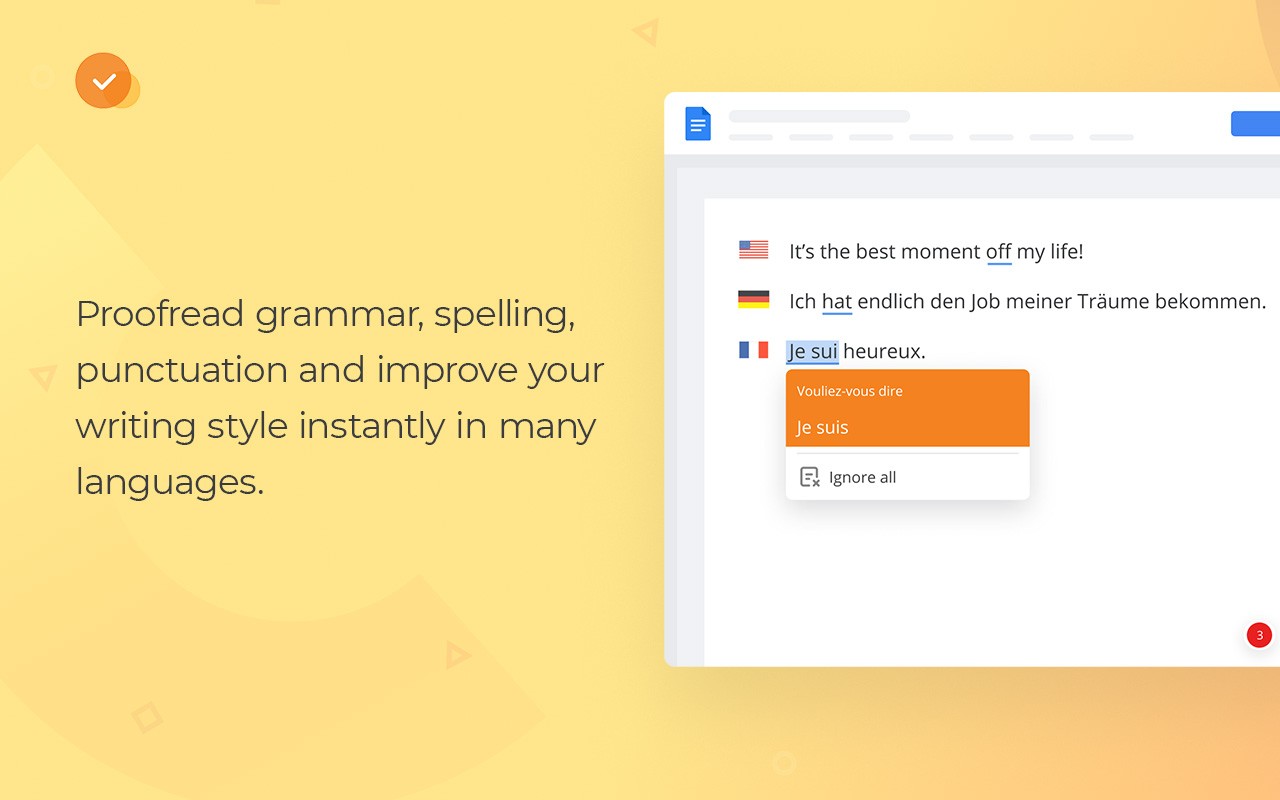
WProofreader is a comprehensive writing assistant that goes beyond simple spell checking. It offers robust grammar and style correction in over 20 languages, with advanced AI-powered support for English, German, and Spanish, ensuring high accuracy for these languages. The extension also features automatic language detection, which is particularly useful when working with multilingual content, as it seamlessly adapts to the language you are typing in.
Key Features
- Spelling and Grammar Checker: Detects and corrects spelling, grammar, and style issues in real-time across a wide range of applications, including web forms, emails, and documents. This is invaluable for professionals who need to produce error-free communication, such as customer support agents, marketers, and academics.
- AI Rewriting and Paraphrasing: The built-in AI writing assistant can rephrase, shorten, expand, or rewrite text in multiple languages (English, German, French, Spanish, Dutch, Portuguese, Swedish, Italian, Polish, and Ukrainian). This feature helps overcome writer's block, improve clarity, adjust tone (formal or informal), and summarize key points. It is ideal for content creators, students, and business professionals who need to refine their writing quickly.
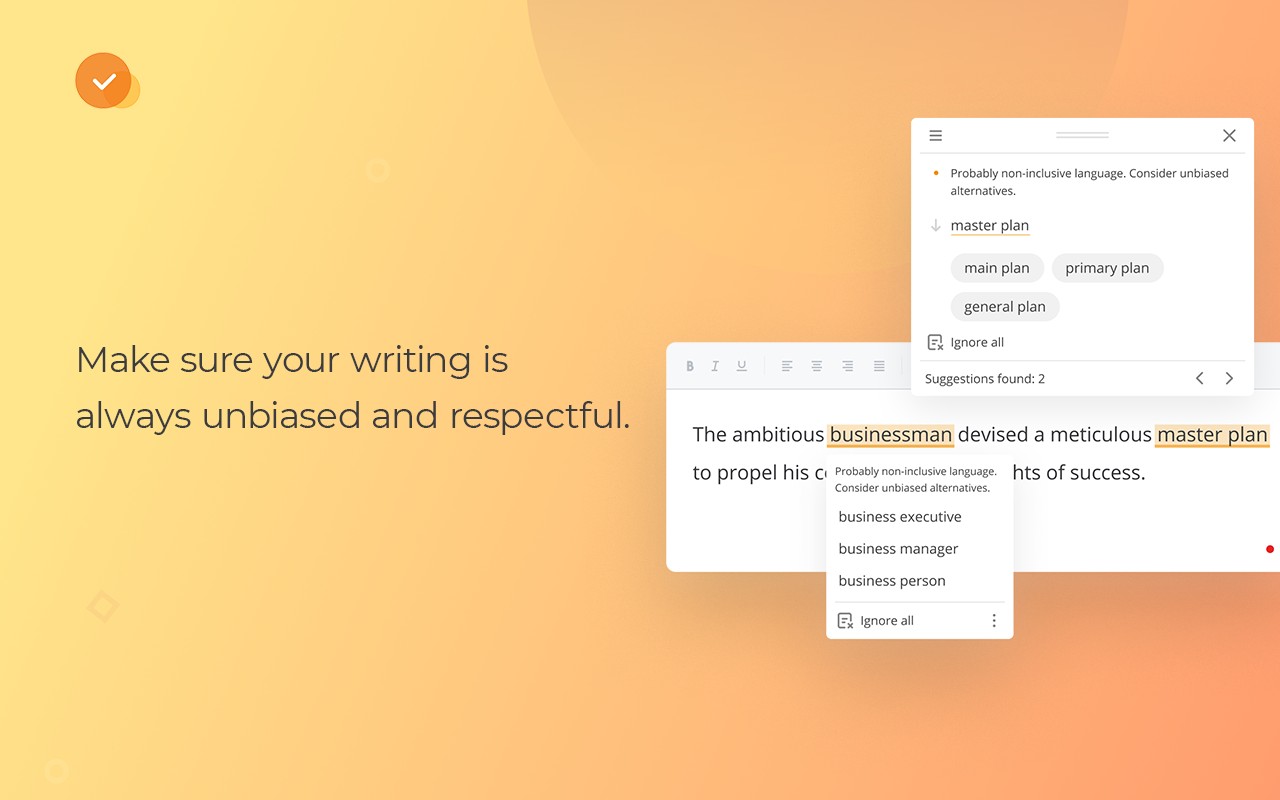
- Style Suggestions: Free users can access style suggestions that make writing more respectful, natural, and free of slang or profanity. This is particularly useful for non-native speakers or those writing in a professional context where tone matters.
- Custom Style Guide Builder (Business): For organizations using the self-hosted Business plan, administrators can create a custom style guide with specific rules to ensure consistent communication across the team. This is essential for companies that have brand voice guidelines or industry-specific terminology.
- Autocorrect and Autocomplete: As you type, WProofreader suggests corrections for common misspellings and provides word predictions to speed up writing. Autocomplete is currently available for English dialects, making it a handy tool for fast-paced business communication.
- Secure Deployment Options: Security is a top priority. The extension can be self-hosted on your own servers or in a private cloud, ensuring that no data leaves your infrastructure. Alternatively, it can be used in a shared cloud environment on Amazon EC2 servers under the Free plan. This flexibility suits organizations with strict data privacy requirements, such as legal or financial institutions.
- Broad Compatibility: WProofreader works seamlessly with a variety of software, including Google Workspace, project management tools, document management systems, CRM and CMS platforms, social media, email clients, and more. This means you can get consistent proofreading across all your daily applications.
- Customization: Users can select their primary language, adjust proofreading settings, extend personal dictionaries, and control which websites the extension is active on. This level of customization ensures the tool adapts to individual preferences and workflows.
- Custom and Specialized Dictionaries: Under the Business plan, you can create a unified custom dictionary for your entire team. Additionally, prebuilt dictionaries with professional terminology are available for legal and medical industries, which is a significant time-saver for professionals in those fields.
WProofreader also offers a free online demo that requires no registration, allowing you to test its capabilities before committing. Whether you are an individual looking to improve your writing or a large enterprise needing consistent, secure proofreading, WProofreader provides a reliable and feature-rich solution.
Extensions that do the same job
Matched by what these extensions actually do, not by store category, and sorted so the ones asking for the least access come first.
| Extension | Site access | Permissions | Users | Rating |
|---|---|---|---|---|
| WProofreader: AI grammar check & rewrite tool — this page | All sites | 6 | 3K | 3.9★ |
| Ddict: AI Translation & Writing Assistant | All sites | 4 | 100K | 4.2★ |
| Ghostwrite: ChatGPT Email Assistant | Limited | 3 | 20K | 4.0★ |
| Templify - write messages in 1 click! 🚀 | Limited | 4 | 2K | 4.8★ |
| Writetone: AI Writing Assistant & Grammar Fix | Limited | 4 | 1K | 4.8★ |
| AI Chrome Extension powered by ChatGPT - Magictool AI | All sites | 3 | 9K | 4.8★ |
| Gemini Reader: Free AI Text to Speech with Google Voices, TTS | Limited | 5 | 3K | 4.2★ |
Want the same thing with less access? Ddict: AI Translation & Writing Assistant, Ghostwrite: ChatGPT Email Assistant, Templify - write messages in 1 click! 🚀 ask for fewer permissions than this one.
Store data last checked August 18, 2026.