
Record Voice Messages in Gmail - Beep
Record, send, and listen to transcribed voice messages directly inside Gmail.
What it does
Permissions and access
Taken from the extension's own manifest file inside the package. The store listing does not spell this out, so it is worth reading before you install.
| Permission | What it allows |
|---|---|
activeTab | Access the current tab when you click the extension |
scripting | Run its own code on pages |
storage | Store its own settings and data |
Requests 3 permissions — extensions doing the same job average 5.4.
Technical details
Show all 5 languages
Description
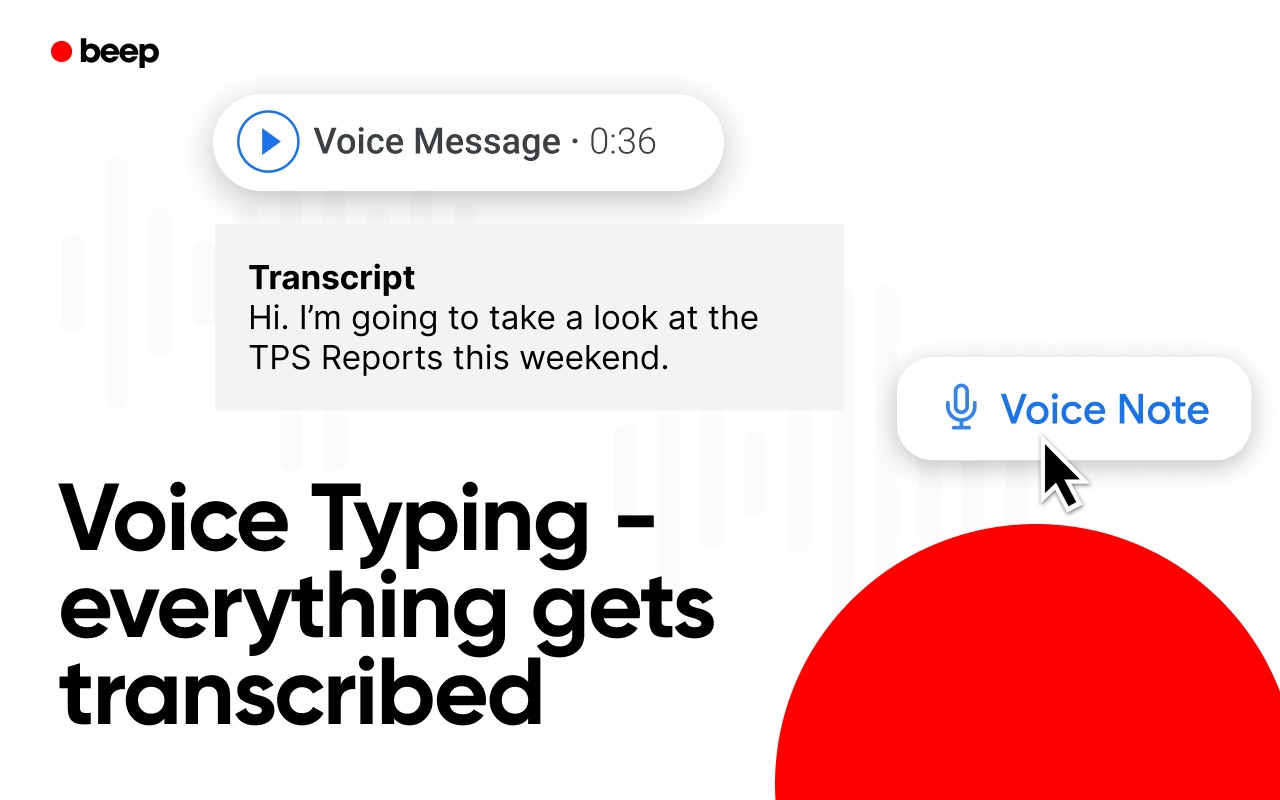
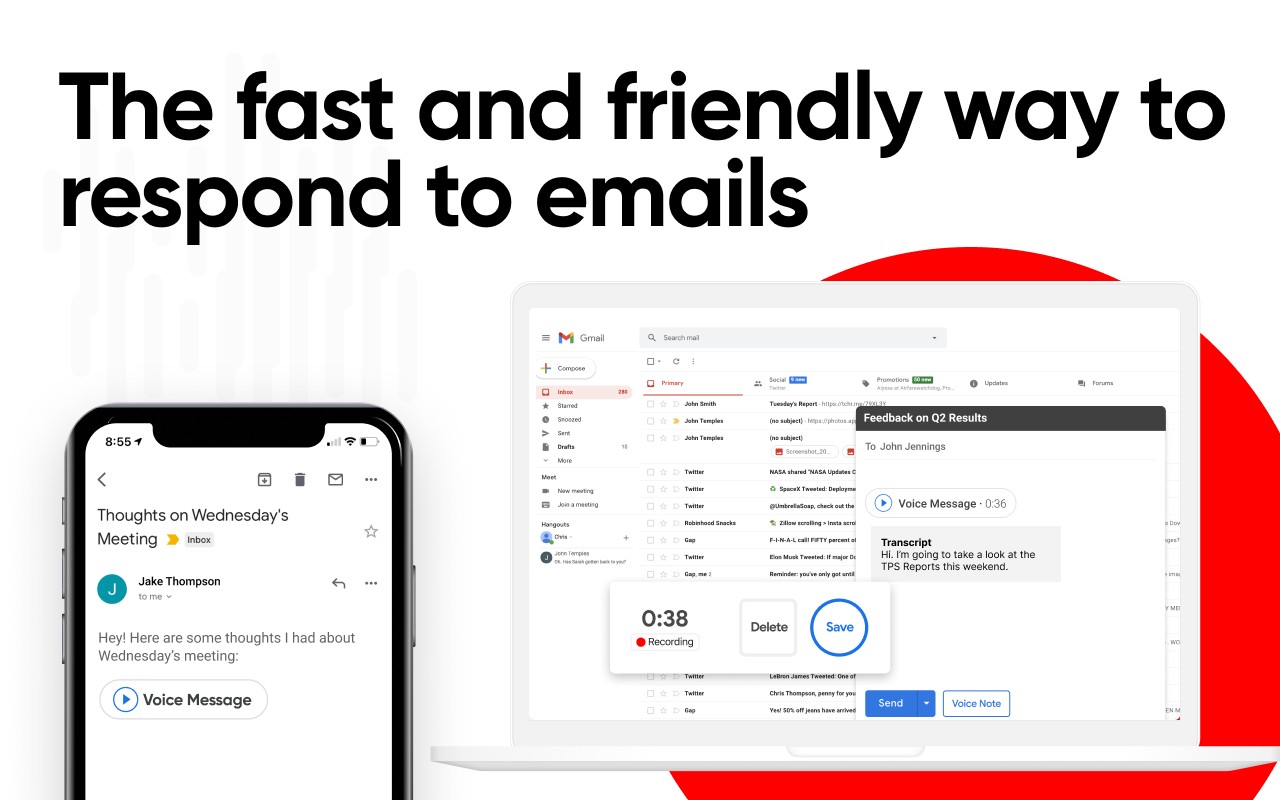
Beep for Gmail is a Chrome extension that brings voice messaging and speech-to-text transcription directly into Gmail. It allows you to record audio messages, send them as part of your emails, and have them automatically transcribed for easy reading. This tool is designed to make email communication faster, more personal, and more efficient by letting you speak your reply instead of typing it out.
With Beep, you can create voice notes that capture tone, nuance, and personality, making your emails feel more like a conversation. The built-in transcription ensures that your message is accessible to recipients who prefer reading, and it makes it easier to search and reference past recordings. Whether you are responding to a long email thread, providing feedback, or following up with a client, Beep helps you communicate clearly without the time-consuming process of drafting lengthy written responses.
Key Features
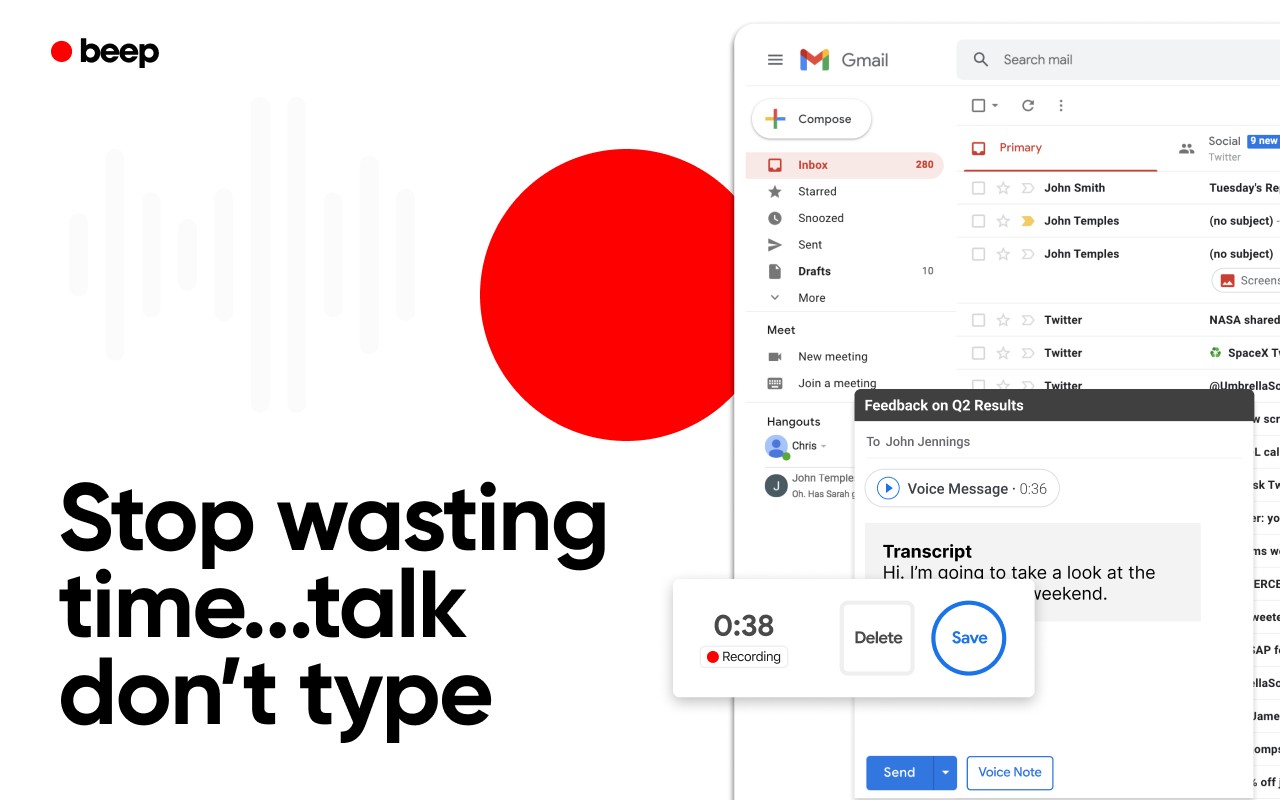
- Record and send voice notes directly in Gmail: A red microphone button appears next to the Send button. Click it to start recording, and Beep automatically inserts an audio player into your email draft. Your recipient can listen to the message right within the email without needing any additional software.
- Built-in speech-to-text transcription: Every voice note is transcribed automatically, so both you and the recipient can read the content. This is useful for quick reference, searching old emails, or when you are in a noisy environment and cannot listen to audio.
- Insert a shareable audio player: The embedded audio player is fully functional within the email, allowing recipients to play, pause, and replay the message as needed.
- Full recording history with smart context: Beep saves all your recordings, and it remembers the context in which each recording was made (e.g., the email thread or the specific message you were replying to). This makes it easy to find and revisit past voice notes.
- Optional expiration dates: You can set a time limit for how long a recording remains available. After the expiration date, the recording is automatically deleted, which is useful for sensitive or time-sensitive information.
- Domain-restricted sharing: For organizations, you can restrict recordings to be accessible only within your company's domain, giving you more control over who can listen to your messages and enhancing privacy.
- Seamless workflow: No need to switch tabs, upload files to external services, or schedule a separate call. Beep operates entirely within your Gmail interface, saving you time and reducing friction.
Beep is particularly beneficial for professionals who handle a high volume of emails, such as CEOs, sales representatives, teachers, marketers, project managers, and life coaches. It also helps individuals with accessibility needs who may find typing difficult or slow. By enabling voice communication within email, Beep makes your communication more human and efficient.
To get started, simply install the extension, open Gmail, and click the red microphone icon next to the Send button. Record your message, and Beep will insert the audio player with a transcription into your email. That is all there is to it.
Extensions that do the same job
Matched by what these extensions actually do, not by store category, and sorted so the ones asking for the least access come first.
| Extension | Site access | Permissions | Users | Rating |
|---|---|---|---|---|
| Record Voice Messages in Gmail - Beep — this page | Limited | 3 | 3K | 4.9★ |
| Canned Responses & Company Wiki - Klutch | All sites | 5 | 3K | 4.7★ |
| Fathom AI Note Taker for Google Meet | Limited | 4 | 500K | 4.9★ |
| NoteGPT: YouTube Summary, Chat with AI Assistant, ChatGPT DeepSeek Claude | Limited | 3 | 400K | 4.9★ |
| Ghostwrite: ChatGPT Email Assistant | Limited | 3 | 20K | 4.0★ |
| Record, Transcribe & ChatGPT/Claude for Google Meet | All sites | 3 | 400K | 4.6★ |
| NotebookLM Web Importer | Limited | 5 | 300K | 4.7★ |
Want the same thing with less access? Fathom AI Note Taker for Google Meet, NoteGPT: YouTube Summary, Chat with AI Assistant, ChatGPT DeepSeek Claude, Ghostwrite: ChatGPT Email Assistant ask for fewer permissions than this one.
Store data last checked August 19, 2026.