
Fix Grammar
A browser extension that corrects grammar, punctuation, and spelling in any text on web pages.
What it does
Permissions and access
Taken from the extension's own manifest file inside the package. The store listing does not spell this out, so it is worth reading before you install.
| Permission | What it allows |
|---|---|
activeTab | Access the current tab when you click the extension |
scripting | Run its own code on pages |
sidePanel | Show a panel beside the page |
storage | Store its own settings and data |
tabs | See the addresses and titles of your open tabs |
Requests 5 permissions — extensions doing the same job average 4.3.
Technical details
Show all 52 languages
Description
Quick Grammar Corrector is a browser extension that helps you fix grammar, punctuation, and spelling errors in any text you write or encounter online. It works as a real-time proofreading assistant, allowing you to correct mistakes instantly without switching tabs or copying text to external tools. Whether you're composing an email, writing a blog post, or filling out a form, this extension ensures your text is clear, professional, and error-free.
Key Features
- Type and Correct: Open the extension popup, type or paste your text, and receive instant corrections for grammar, punctuation, and spelling. This is useful when you want to quickly proofread a short message or a paragraph without leaving your current page.
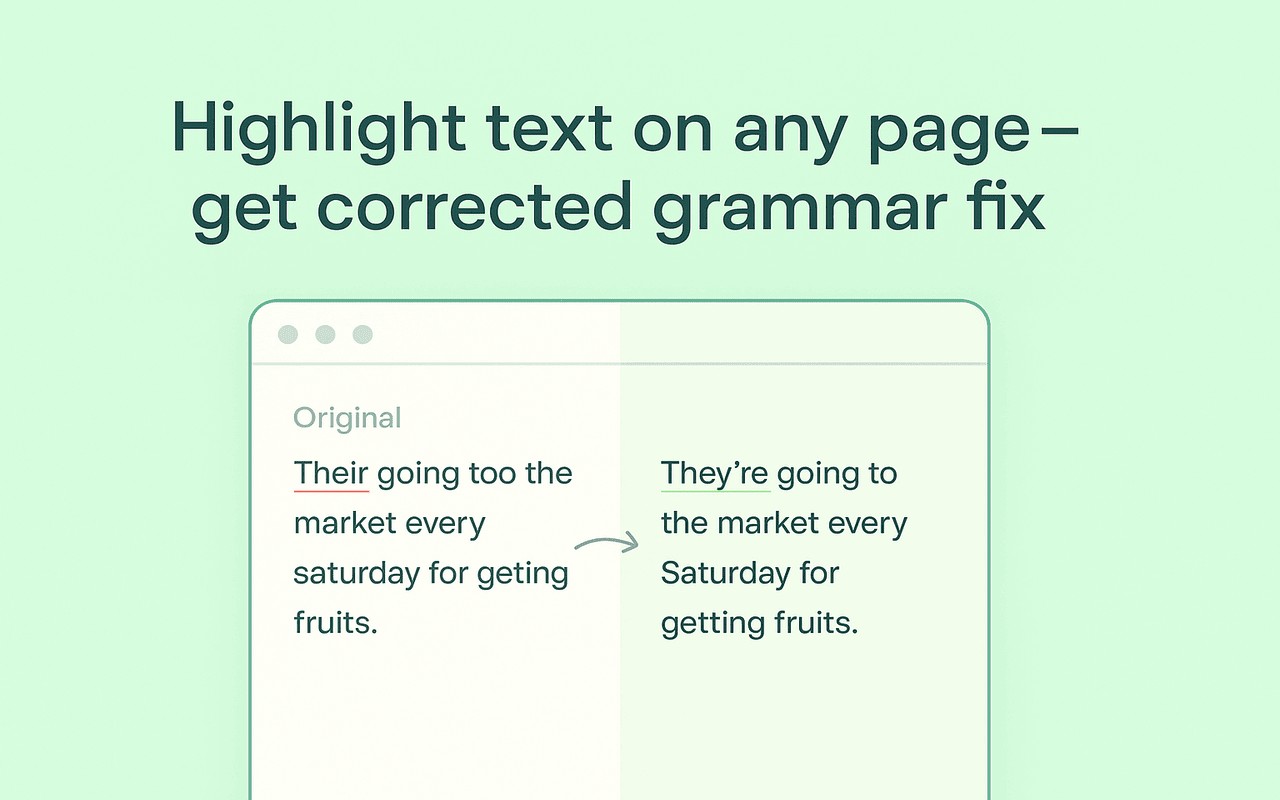
- Highlight and Fix: Select any text on a webpage, click the extension icon, and the selected text is automatically checked and corrected. This feature is ideal for fixing errors in forum posts, comments, or articles you are reading, saving you the effort of retyping.
- Grammar and Punctuation Checker: The extension identifies and corrects common grammar mistakes (e.g., subject-verb agreement, tense errors) and punctuation issues (e.g., missing commas, incorrect apostrophes). It helps improve sentence structure and readability, making your writing more polished.
- Spelling and Typo Detection: It catches misspelled words and typos that can change the meaning of your text. This is especially useful for non-native speakers or anyone who wants to avoid embarrassing errors in professional communication.
- Readability Improvements: The tool suggests rephrasing to enhance clarity and flow, helping you write more naturally. It goes beyond simple error detection to improve the overall tone and style of your writing.
- Seamless Browser Integration: No complex setup is required. After installing the extension, it works on any webpage without additional configuration. You can access it via the toolbar icon and use it on any text field or selected content.
Quick Grammar Corrector is designed for daily use by students, professionals, content creators, and non-native English speakers. It reduces editing time, boosts confidence in writing, and ensures your text meets professional standards. The extension functions as an all-in-one grammar helper, spelling checker, and punctuation corrector, making it a versatile tool for anyone who writes online. Its automatic correction capabilities mean you can focus on your ideas while the extension handles the technical details of language accuracy.
Extensions that do the same job
Matched by what these extensions actually do, not by store category, and sorted so the ones asking for the least access come first.
| Extension | Site access | Permissions | Users | Rating |
|---|---|---|---|---|
| Fix Grammar — this page | All sites | 5 | 20K | 4.7★ |
| Ghostwrite: ChatGPT Email Assistant | Limited | 3 | 20K | 4.0★ |
| Writetone: AI Writing Assistant & Grammar Fix | Limited | 4 | 1K | 4.8★ |
| Ddict: AI Translation & Writing Assistant | All sites | 4 | 100K | 4.2★ |
| AI Chrome Extension powered by ChatGPT - Magictool AI | All sites | 3 | 9K | 4.8★ |
| WProofreader: AI grammar check & rewrite tool | All sites | 6 | 3K | 3.9★ |
| ParagraphAI | All sites | 6 | 20K | 4.4★ |
Want the same thing with less access? Ghostwrite: ChatGPT Email Assistant, Writetone: AI Writing Assistant & Grammar Fix, Ddict: AI Translation & Writing Assistant ask for fewer permissions than this one.
Store data last checked August 14, 2026.