
Learn languages with Netflix & YouTube
eLang adds dual subtitles, instant translation, and vocabulary tools to Netflix, YouTube, and Coursera for language
What it does
Permissions and access
Taken from the extension's own manifest file inside the package. The store listing does not spell this out, so it is worth reading before you install.
| Permission | What it allows |
|---|---|
alarms | Schedule background tasks |
notifications | Show desktop notifications |
storage | Store its own settings and data |
tabs | See the addresses and titles of your open tabs |
Requests 4 permissions — extensions doing the same job average 4.1.
Technical details
Show all 19 languages
Description
eLang is a browser extension designed to help you learn foreign languages while watching videos on Netflix, YouTube, and Coursera. It integrates directly into these platforms, so you don't need to switch tabs or use separate tools. The extension provides dual subtitles, instant translations, and a personal vocabulary builder, turning passive watching into an active learning experience. You can use it with movies, TV shows, educational courses, or any video content that has subtitles.
Key Features
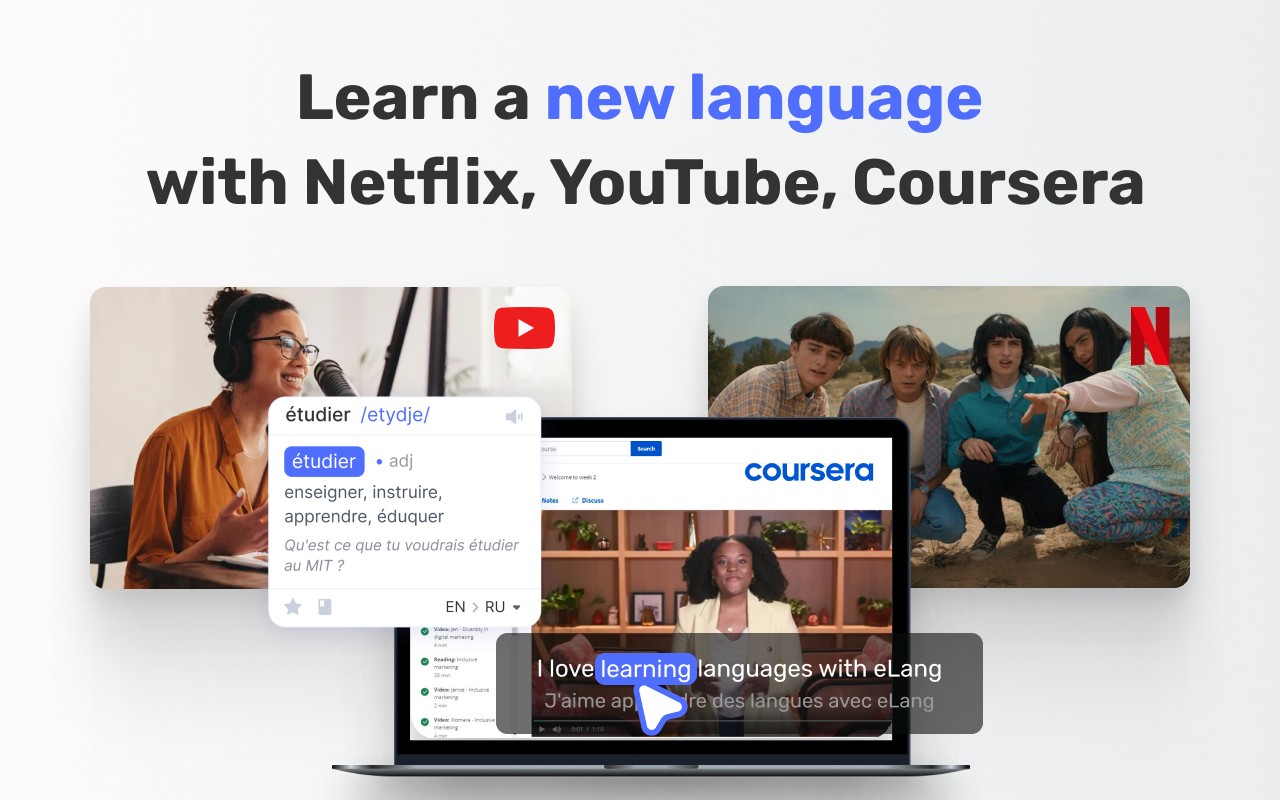
- Dual Subtitles: Display subtitles in two languages simultaneously-your native language and the language you are learning. This helps you associate words with their meanings in real time, improving comprehension and retention. It works on Netflix, YouTube, and Coursera.
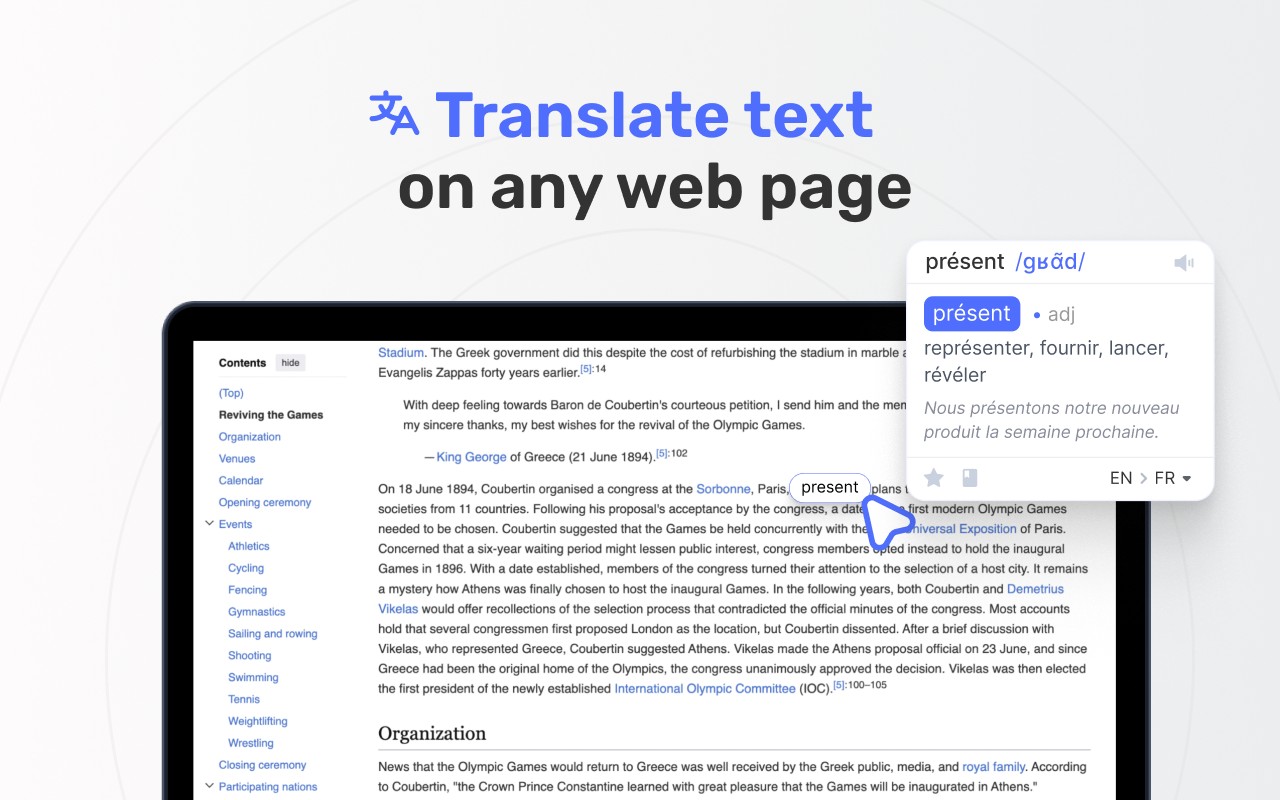
- Instant Translation: Click on any subtitle or text on the screen to see an immediate translation. This is useful when you encounter an unfamiliar word or phrase, allowing you to understand the context without pausing the video.
- Word Details: For each word you look up, you can view synonyms, pronunciation, and other linguistic information. This helps deepen your understanding of vocabulary beyond a simple translation.
- Video Navigation Controls: Repeat specific phrases by clicking on them in the subtitles, slow down the playback speed to catch difficult parts, and search for particular subtitles within the video. These controls make it easier to study specific segments repeatedly.
- Timestamped Subtitle List: A sidebar shows all subtitles with timestamps, so you can quickly jump to any part of the video. You can also search within this list to find a specific line or word.
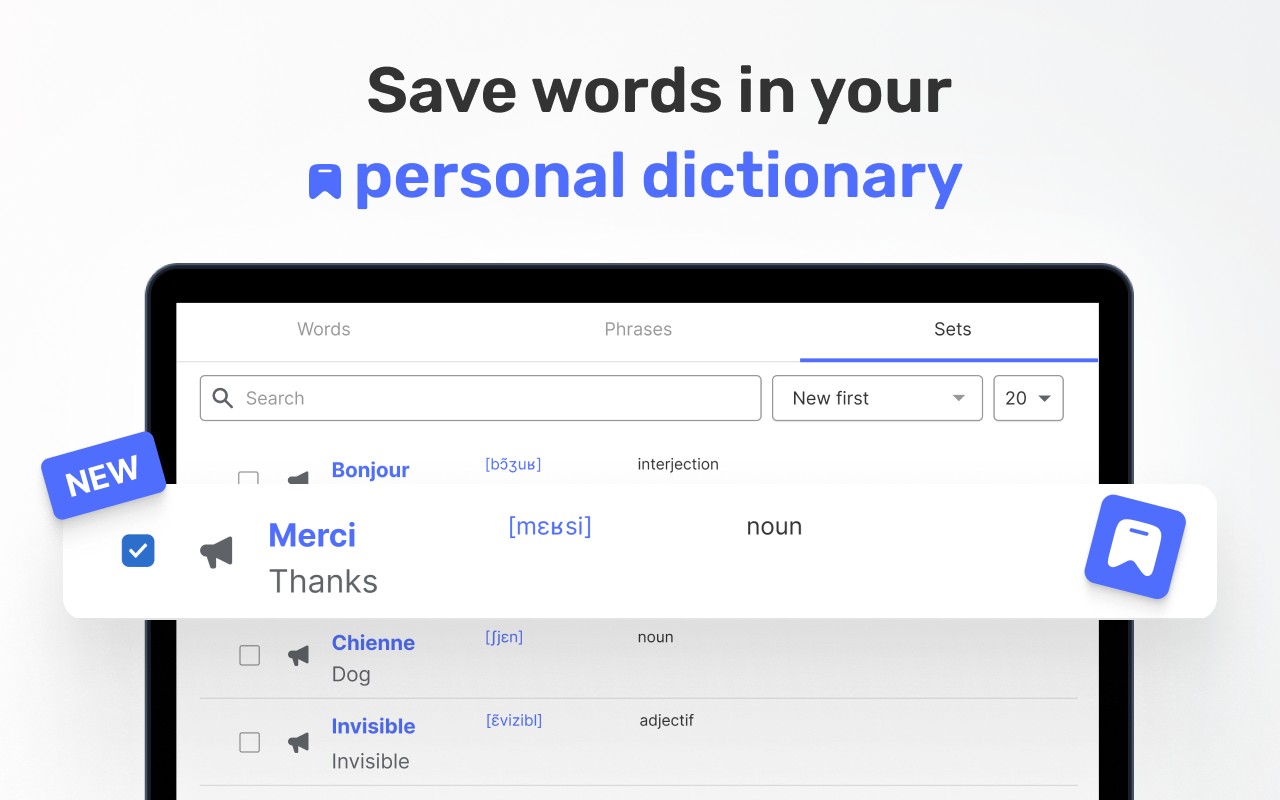
- Personal Dictionary: Save words to your own dictionary along with their translation and the context in which they were used. This creates a personalized study set that you can review later.
- Vocabulary Training: Practice and reinforce the words you've saved using interactive exercises. This feature helps move vocabulary from short-term to long-term memory.
- 102 Language Translation Support: The extension translates between a wide range of languages, making it suitable for learners of many different languages, not just English.
- Download Subtitles: Save subtitles from YouTube, Netflix, and Coursera as files. You can then review them offline, annotate them, or use them for further study.
- Speech-to-Text for English: Generate auto-generated English subtitles for any video or even during online calls and meetings. This is helpful when native subtitles are not available, allowing you to still follow along and learn.
- Quick Access to Third-Party Dictionaries: Look up words in external dictionaries with a single click. This integrates with popular dictionary services for more detailed definitions and examples.
eLang is particularly useful for learners who want to combine entertainment with education. Instead of relying solely on textbooks or formal lessons, you can learn from authentic content spoken by native speakers. The extension supports multiple platforms, so you can use it with your favorite shows, video lectures, or any video content. Additionally, there is a companion mobile app (available for iOS and Android) that lets you practice your saved vocabulary on the go. The app syncs with the extension, so your word lists are always up to date. eLang also offers a separate service called eLang-TV for learning English with videos on mobile, and a collection of mobile games focusing on specific aspects of English like irregular verbs and prepositions.
Extensions that do the same job
Matched by what these extensions actually do, not by store category, and sorted so the ones asking for the least access come first.
| Extension | Site access | Permissions | Users | Rating |
|---|---|---|---|---|
| Learn languages with Netflix & YouTube — this page | All sites | 4 | 8K | 3.8★ |
| Subtitles for Language Learning (Prime Video) | Limited | 3 | 100K | 3.8★ |
| EasySubs - Learn languages by watching films and series | Limited | 3 | 4K | 4.3★ |
| Mate Translate - translator, dictionary | All sites | 4 | 400K | 4.3★ |
| Ddict: AI Translation & Writing Assistant | All sites | 4 | 100K | 4.2★ |
| Vocab by Preply | All sites | 2 | 3K | 4.1★ |
| azVocab Dictionary | All sites | 1 | 1K | 5.0★ |
Want the same thing with less access? Subtitles for Language Learning (Prime Video), EasySubs - Learn languages by watching films and series, BetterTTV ask for fewer permissions than this one.
Store data last checked August 14, 2026.