
CoPilot™ Open SideBar in Chrome
Opens Microsoft Copilot in a sidebar or popup in Chrome with one-click page summarization and keyboard shortcuts.
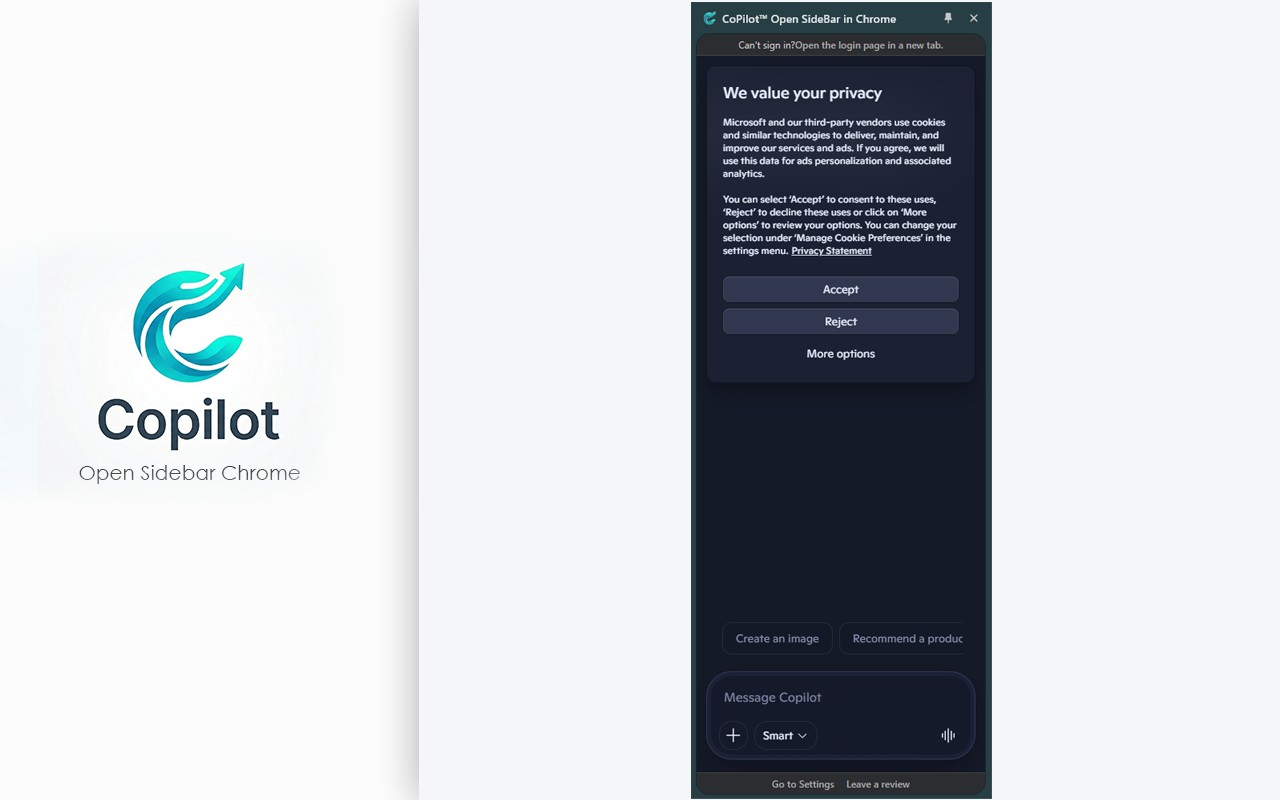
What it does
Permissions and access
Taken from the extension's own manifest file inside the package. The store listing does not spell this out, so it is worth reading before you install.
| Permission | What it allows |
|---|---|
clipboardWrite | Copy data to your clipboard |
contextMenus | Add items to the right-click menu |
declarativeNetRequest | Block or modify network requests |
sidePanel | Show a panel beside the page |
storage | Store its own settings and data |
Requests 5 permissions — extensions doing the same job average 5.6.
Technical details
Show all 55 languages
Keyboard shortcuts
| Shortcut | Action |
|---|---|
| Alt+Shift+O | Open CoPilot (Side Panel or Popup) |
Description
CoPilot™ Open SideBar in Chrome is a browser extension that brings Microsoft Copilot, an AI assistant originally available in Microsoft Edge, to Google Chrome. It allows users to access Copilot directly from their Chrome browser without needing to switch tabs or open a separate application. The extension provides a convenient side panel or popup window where users can ask questions, get answers, and receive assistance with various tasks such as writing, editing, data analysis, summarizing web pages, drafting emails, and writing code. By integrating Copilot into the browser, the extension aims to enhance productivity and streamline workflows, allowing users to focus on their main tasks while having an AI assistant readily available.
Key Features
- Flexible Viewing Modes: Users can choose between a modern side panel that appears within the browser window or a classic popup window that can be moved and resized. The mode can be easily switched from the extension's settings page, allowing users to adapt the interface to their preferences and workflow.
- One-Click Page Summarization: While browsing any web page, users can right-click and select "Summarize this page for me" from the context menu. This action opens Copilot (in the chosen mode) and automatically copies a prompt to the clipboard. The user then simply pastes the prompt into the Copilot text box using Ctrl+V to receive a summary or analysis of the page. This feature is particularly useful for quickly understanding long articles, research papers, or news stories without reading the entire content.
- Keyboard Shortcut: For quick access, users can press the default keyboard shortcut Alt+Shift+O to open Copilot instantly. This saves time and reduces the need to navigate menus, making it ideal for frequent use during tasks like coding, writing, or researching.
- Smart Window Memory: When using popup mode, the extension remembers the last size and position of the popup window. This ensures that the window opens in the same place and dimensions each time, providing a consistent and user-friendly experience, especially for users who prefer a specific layout.
- Multi-Language Interface: The right-click context menu automatically adapts to the browser's language, making the extension accessible to non-English speakers. This feature ensures that users can use the summarization function in their native language without confusion.
CoPilot™ Open SideBar in Chrome is designed to integrate Microsoft Copilot seamlessly into the daily browsing experience. Whether you are a professional needing quick data analysis, a student summarizing research, or a writer seeking assistance, this extension offers a practical solution. By providing multiple access methods and a user-friendly interface, it aims to make AI assistance more accessible and efficient within the Chrome environment. The extension is continuously updated to improve performance and user experience.
Extensions that do the same job
Matched by what these extensions actually do, not by store category, and sorted so the ones asking for the least access come first.
| Extension | Site access | Permissions | Users | Rating |
|---|---|---|---|---|
| CoPilot™ Open SideBar in Chrome — this page | All sites | 5 | 7K | 4.0★ |
| Fathom AI Note Taker for Google Meet | Limited | 4 | 500K | 4.9★ |
| NoteGPT: YouTube Summary, Chat with AI Assistant, ChatGPT DeepSeek Claude | Limited | 3 | 400K | 4.9★ |
| AI Code Finder, Alerts, Ask Questions about Papers: CatalyzeX | Limited | 3 | 50K | 4.8★ |
| Writetone: AI Writing Assistant & Grammar Fix | Limited | 4 | 1K | 4.8★ |
| Record, Transcribe & ChatGPT/Claude for Google Meet | All sites | 3 | 400K | 4.6★ |
| NotebookLM Web Importer | Limited | 5 | 300K | 4.7★ |
Want the same thing with less access? Fathom AI Note Taker for Google Meet, NoteGPT: YouTube Summary, Chat with AI Assistant, ChatGPT DeepSeek Claude, AI Code Finder, Alerts, Ask Questions about Papers: CatalyzeX ask for fewer permissions than this one.
Store data last checked August 14, 2026.