
Time Tracker - Web Habit Builder
Automatically tracks screen time, analyzes habits, and blocks distracting websites with local-only storage.
What it does
Permissions and access
Taken from the extension's own manifest file inside the package. The store listing does not spell this out, so it is worth reading before you install.
| Permission | What it allows |
|---|---|
alarms | Schedule background tasks |
contextMenus | Add items to the right-click menu |
scripting | Run its own code on pages |
sidePanel | Show a panel beside the page |
storage | Store its own settings and data |
tabs | See the addresses and titles of your open tabs |
Asks for these only when you use the matching feature:
notifications, tabGroups
Requests 6 permissions — extensions doing the same job average 7.5.
Technical details
Show all 14 languages
Description
Time Tracker - Web Habit Builder is a free browser extension designed to help you understand and control your online behavior. It automatically logs the time you spend on websites, providing accurate analytics while keeping all data stored locally on your device. No account is required, and no data is sent to external servers, ensuring your privacy is fully protected. The extension uses a high-accuracy engine with active tab state detection to record every second of your browsing activity, offering a 3-day rolling timeline with second-by-second precision for detailed auditing of your screen time.
Key Features
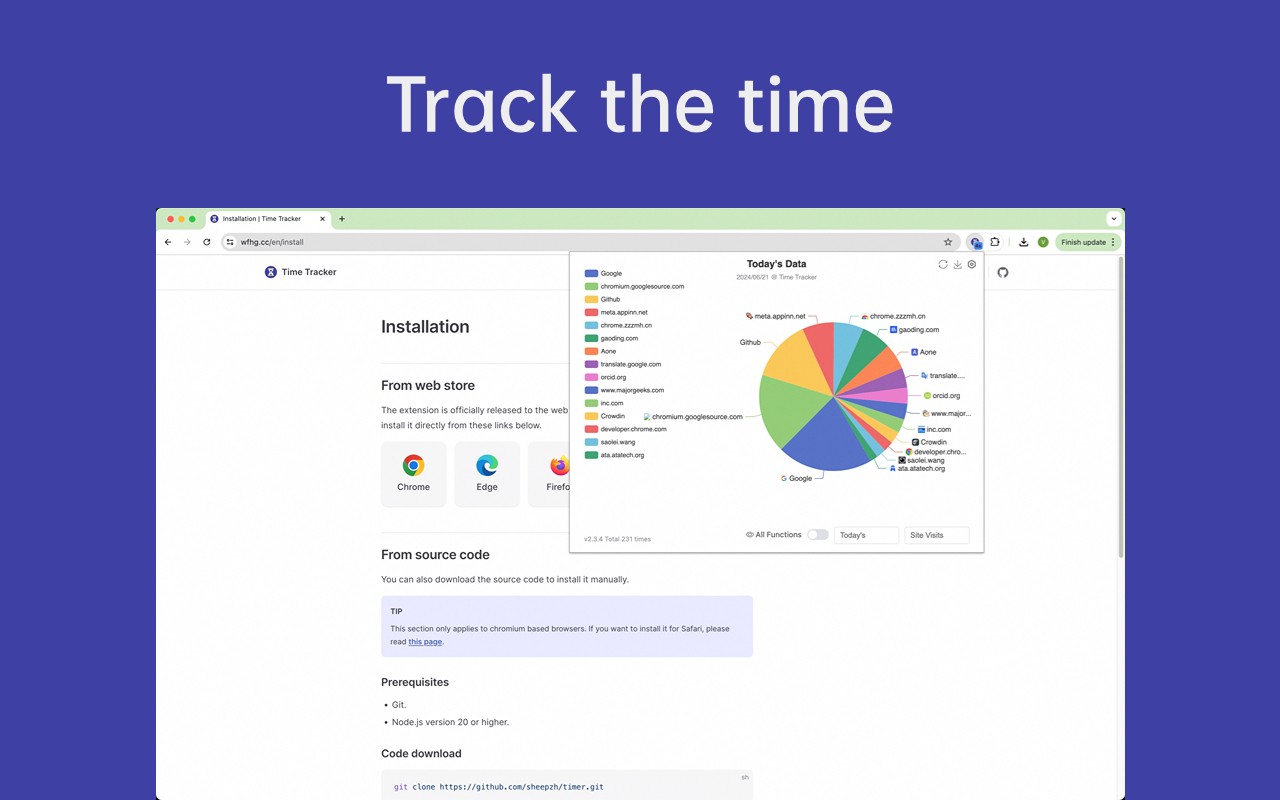
- Automatic Time Tracking: The extension monitors active web usage in real time, capturing exactly which tabs are in focus. This ensures that only the time you are actively viewing a site is counted, eliminating inflated or inaccurate logs. It is useful for anyone who wants an honest, granular record of their daily browsing habits without manual entry.
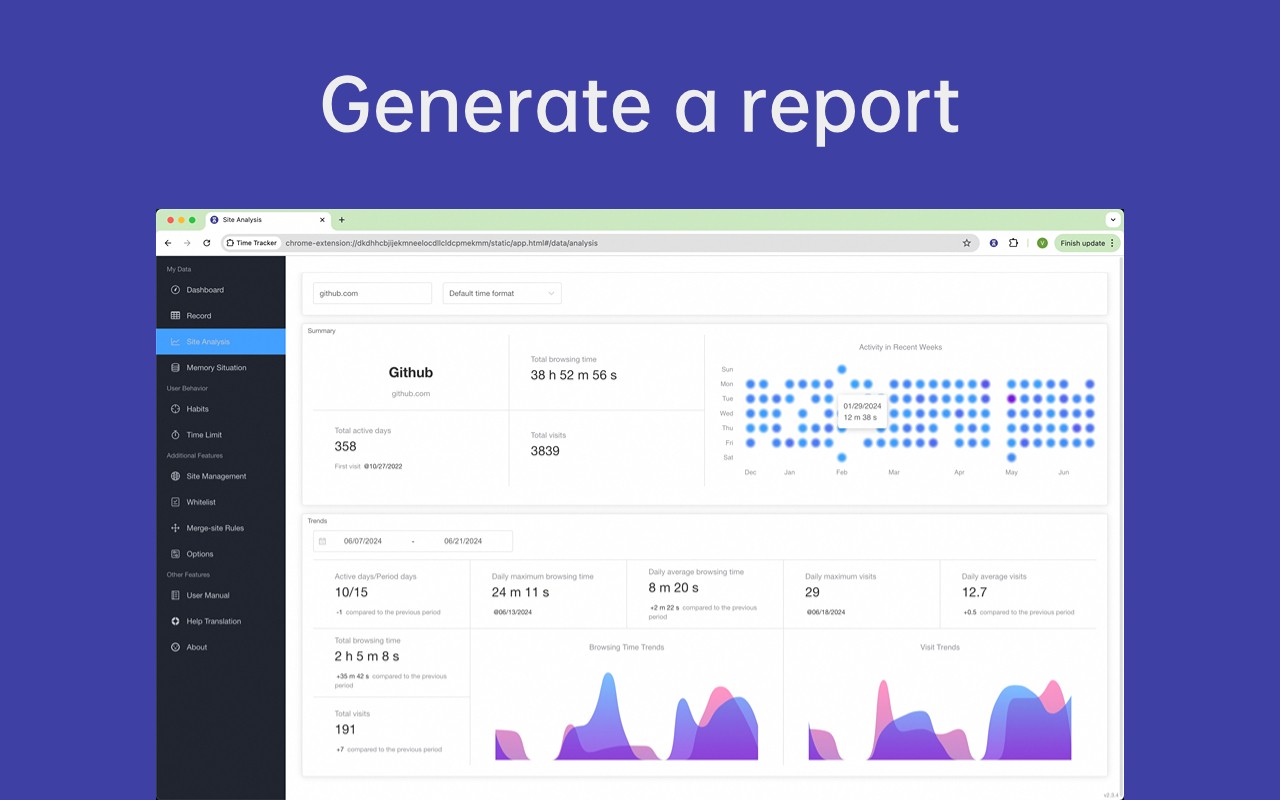
- Multidimensional Analytics: You can analyze your digital habits through reports that break down time by site, category, or tab group. These visualizations work fully offline, with no data leakage. This feature is valuable for identifying which websites or topics consume most of your time, helping you make informed decisions about your productivity.
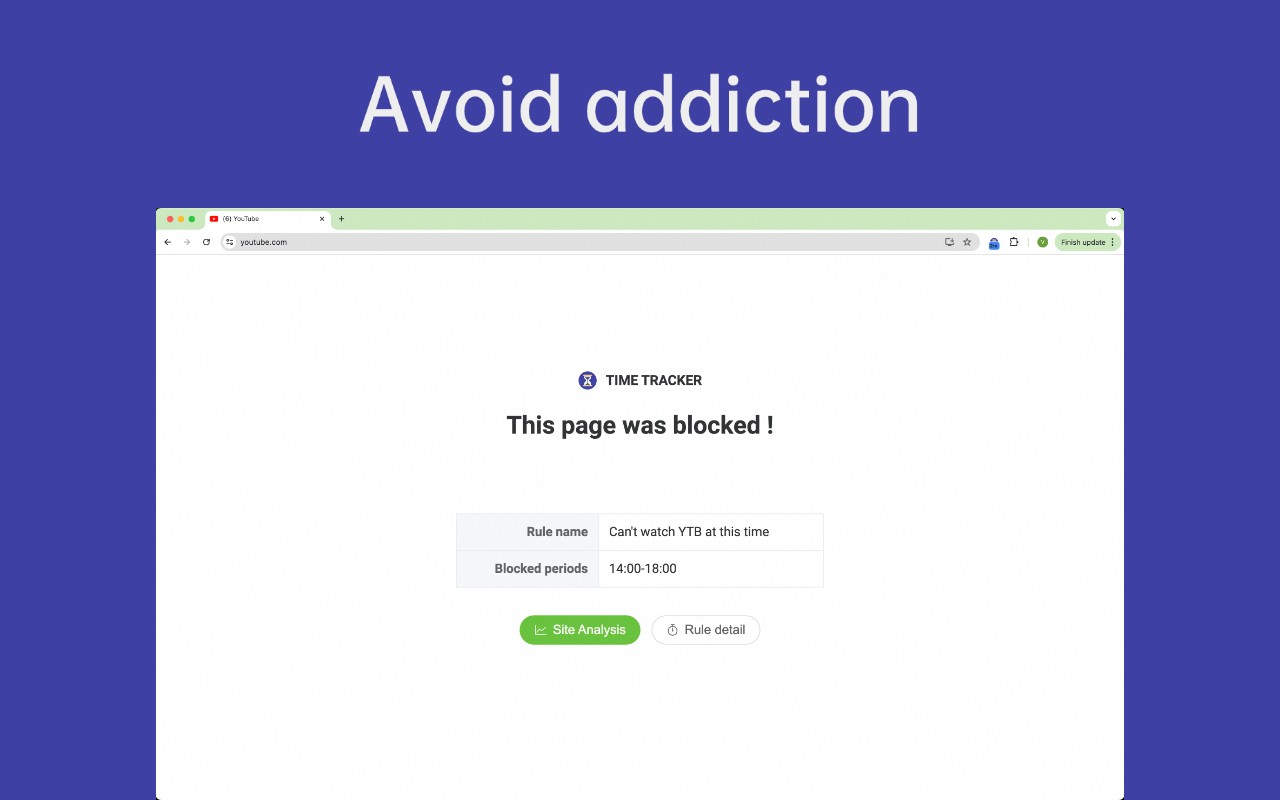
- Website Blocker with Flexible Rules: To help you stay focused, the extension includes an integrated blocker that can limit or block access to distracting sites. You can set time limits or create custom rules to break addictive browsing cycles. This is particularly useful during deep work sessions or when you need to reduce time on specific platforms like social media or news sites.
- Precision Tracking with Virtual Sites: Beyond tracking entire domains, you can define specific sub-pages or URLs (e.g., a particular YouTube video or a Notion document) for more granular monitoring. Once configured, the extension will track time spent on those exact pages separately. This is helpful for analyzing time on specific tasks within a larger site.
- Local-Only Storage: All browsing history and analytics are stored exclusively on your computer. The extension does not collect, transmit, or share any data with remote servers, giving you complete control over your information. This is ideal for privacy-conscious users who want to avoid cloud-based tracking.
- User-Controlled Sync: If you need to synchronize data across multiple devices, you can optionally use your own WebDAV, GitHub Gist, or Obsidian account. These connections are fully managed by you, and no third-party servers are involved. This feature is useful for those who work on different computers and want a consistent habit log.
- Open Source and MIT Licensed: The extension's code is transparent and available for review under the MIT License. There are no hidden trackers, subscriptions, or proprietary components. This is beneficial for users who value software transparency and want to verify the extension's behavior.
- One-Click Import from Other Tools: You can easily migrate your history from Webtime Tracker or Web Activity Time Tracker without losing any data. This simplifies the transition for users switching from similar extensions.
- Cross-Browser Support with Dark Mode: The extension works natively on Chrome, Firefox, and Edge, and automatically adapts to your system's dark mode settings. This ensures a consistent experience across different browsers and visual preferences.
By combining automatic time tracking, detailed analytics, and a customizable site blocker, Time Tracker - Web Habit Builder gives you the tools to build healthier browsing habits. All data remains under your control, and the open-source nature allows for community trust and ongoing development. Whether you're looking to reduce distractions, analyze your productivity, or simply keep a private log of your online activities, this extension provides a comprehensive solution without compromising on privacy.
Extensions that do the same job
Matched by what these extensions actually do, not by store category, and sorted so the ones asking for the least access come first.
| Extension | Site access | Permissions | Users | Rating |
|---|---|---|---|---|
| Time Tracker - Web Habit Builder — this page | All sites | 6 | 20K | 4.9★ |
| Osprey: Browser Protection | Limited | 3 | 10K | 4.9★ |
| Anti-Grabify | Limited | 2 | 3K | 4.7★ |
| Youtube video and channel blocker | Limited | 2 | 3K | 3.6★ |
| Toggl Track: Productivity & Time Tracker | Limited | 10 | 300K | 4.4★ |
| AegisWeb3 | All sites | 2 | 70K | 4.8★ |
| Netcraft Extension | All sites | 3 | 70K | 4.4★ |
Want the same thing with less access? Osprey: Browser Protection, Anti-Grabify, Youtube video and channel blocker ask for fewer permissions than this one.
Store data last checked August 14, 2026.