
Youtube video and channel blocker
Blocks YouTube videos by full title or partial match, with wildcard support.
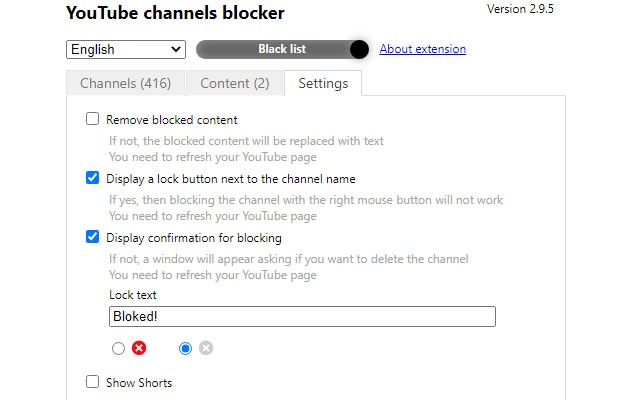
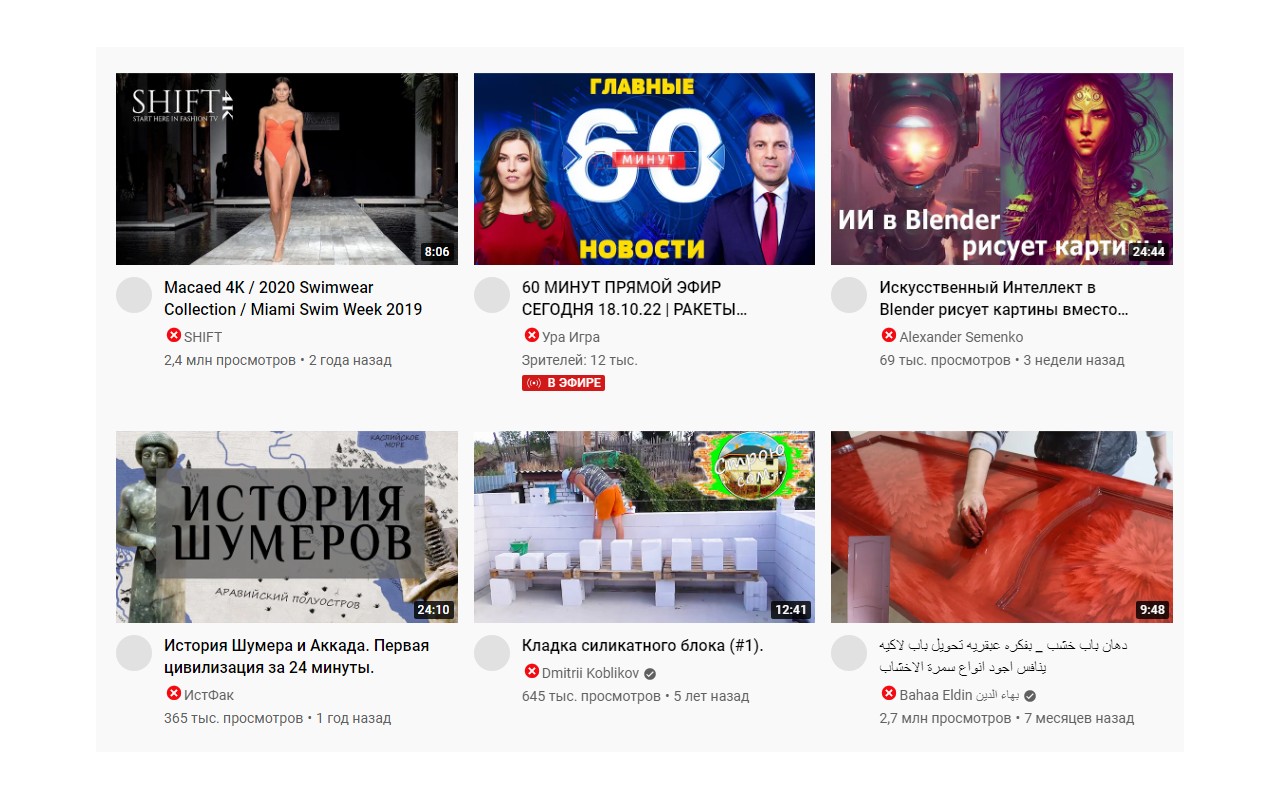
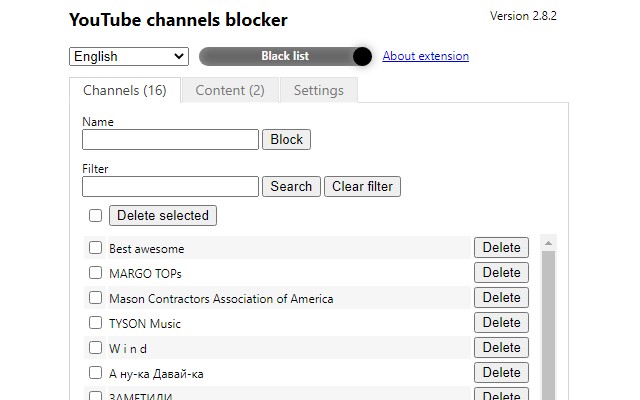
What it does
Permissions and access
Taken from the extension's own manifest file inside the package. The store listing does not spell this out, so it is worth reading before you install.
| Permission | What it allows |
|---|---|
storage | Store its own settings and data |
unlimitedStorage | Store unlimited data on your computer |
Requests 2 permissions — extensions doing the same job average 6.7.
Technical details
Show all 28 languages
Description
This extension helps you manage your YouTube viewing experience by allowing you to block videos based on their titles. Whether you want to avoid spoilers, skip content from specific creators, or filter out distracting or irrelevant videos, this tool gives you control over what appears in your YouTube feed and search results.
Key Features
- Block by full title: You can enter the exact title of a video to block it. This is useful when you know precisely which video you want to hide, such as a specific episode or a particular upload.
- Block by partial match: For broader filtering, you can use a partial title match. For example, entering "trailer" will block all videos with that word in the title, helping you avoid movie trailers or game trailers if you prefer not to see them.
- Wildcard support with asterisk (*): The asterisk (*) can be used to represent any number of characters in a title. This allows for flexible patterns. For instance, "*review*" will block any video with "review" in the title, regardless of what comes before or after. This is particularly handy for filtering out common content types or recurring words.
- Applies to YouTube videos: The extension works on YouTube, intercepting video links and hiding them from your view. This helps in maintaining a cleaner, more focused browsing session.
- Chrome browser support: This extension is designed specifically for Google Chrome. While it may work in other browsers, its functionality is only guaranteed in Chrome, so for the best experience, use it with Chrome.
By using this extension, you can customize your YouTube experience to align with your preferences, whether you're avoiding certain topics, reducing distractions, or simply curating your feed. It's a straightforward tool that puts content control back in your hands.
Extensions that do the same job
Matched by what these extensions actually do, not by store category, and sorted so the ones asking for the least access come first.
| Extension | Site access | Permissions | Users | Rating |
|---|---|---|---|---|
| Youtube video and channel blocker — this page | Limited | 2 | 3K | 3.6★ |
| BetterTTV | Limited | 2 | 3M | 4.6★ |
| Fiverr Quick View | Limited | 1 | 200K | 3.9★ |
| Osprey: Browser Protection | Limited | 3 | 10K | 4.9★ |
| Anti-Grabify | Limited | 2 | 3K | 4.7★ |
| AegisWeb3 | All sites | 2 | 70K | 4.8★ |
| Netcraft Extension | All sites | 3 | 70K | 4.4★ |
Store data last checked August 20, 2026.