
Ultimate History & Cache Cleaner
Automatically deletes browsing and download history with a customizable manual clean button.

What it does
Permissions and access
Taken from the extension's own manifest file inside the package. The store listing does not spell this out, so it is worth reading before you install.
| Permission | What it allows |
|---|---|
browsingData | Clear your browsing data |
downloads | Manage your downloads |
history | Read and change your browsing history |
storage | Store its own settings and data |
Requests 4 permissions — extensions doing the same job average 7.0.
Technical details
Show all 2 languages
Description
Ultimate History & Cache Cleaner helps maintain your privacy by automatically removing browsing history and download records. It requires minimal manual intervention, as the core cleanup processes run in the background without user prompts. The extension is designed for users who want to keep their browser activity tidy without having to remember to clear data manually.
Key Features
- Automatic History Cleaning: The extension automatically deletes your browsing history at regular intervals. This ensures that your visited sites are not stored locally, which is useful for shared computers, public terminals, or when you simply prefer not to leave a trail of your online activity.
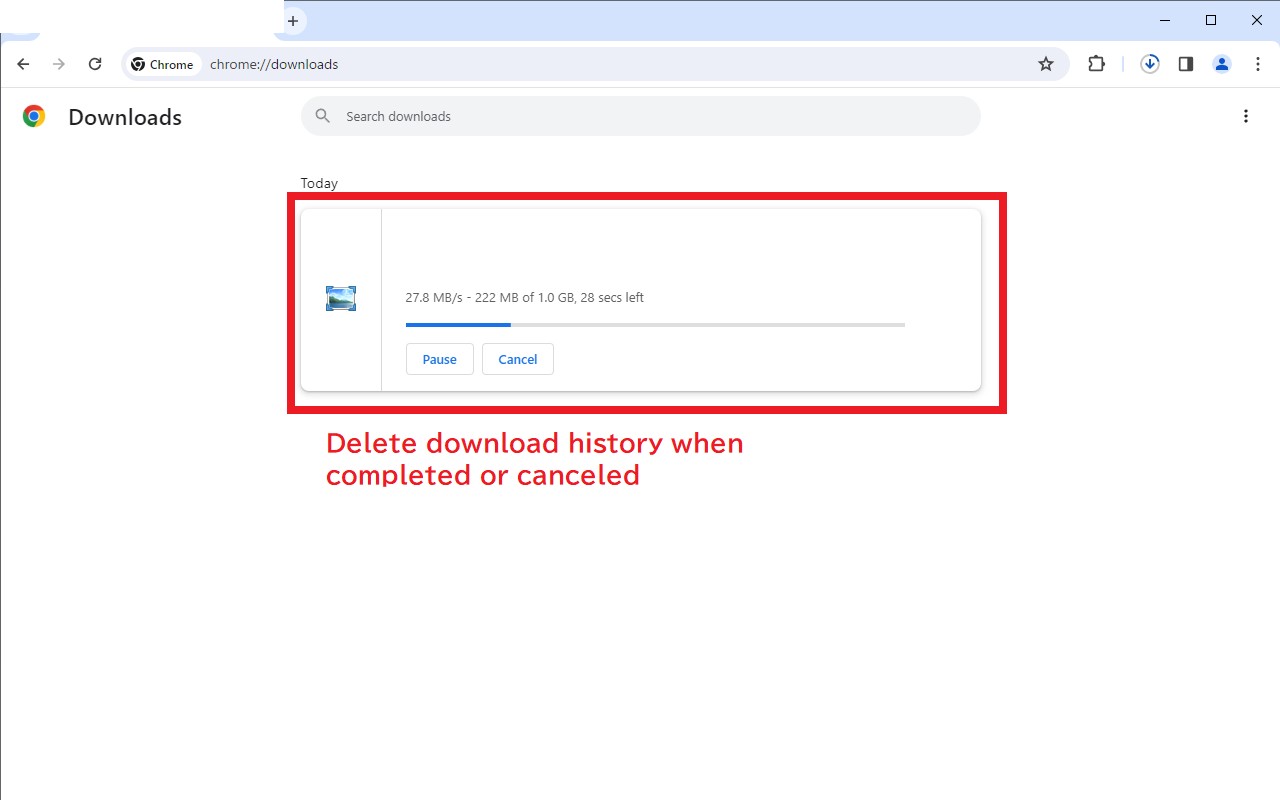
- Automatic Download History Deletion: Whenever a download finishes or is canceled, the corresponding entry in the download history is removed immediately. This prevents others from seeing what files you have downloaded, which is especially handy when handling sensitive documents or personal media.
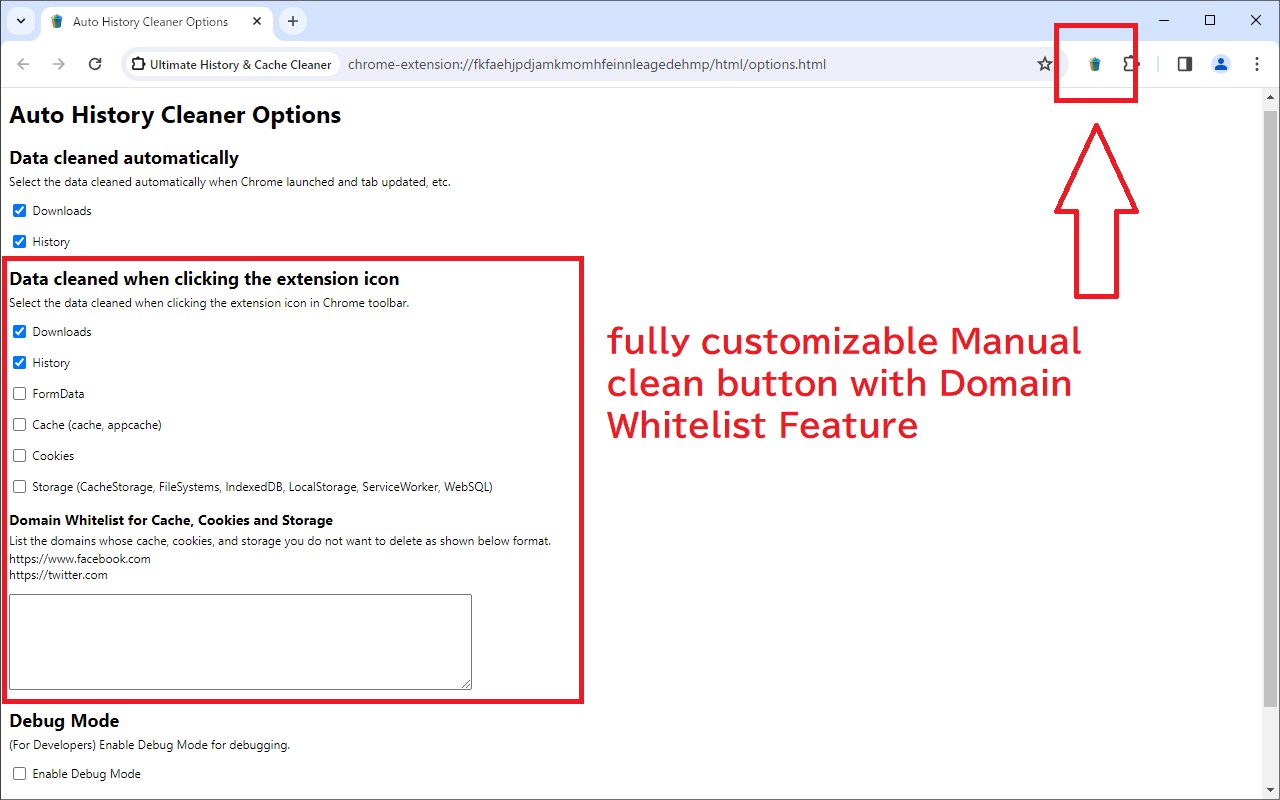
- Customizable Manual Clean Button: A manual clean button is available on the toolbar, and its behavior can be fully tailored to your needs. You can choose which types of data to delete (e.g., browsing history, cache, cookies, or all) and set a domain whitelist to protect specific sites from being cleaned. This gives you fine-grained control when you want to perform an immediate cleanup beyond the automatic schedule.
The extension requests the following permissions to function: history, downloads, storage, and browsingData. It does not collect or transmit any user data. The latest version (v1.1.0.6) removed the delayed deletion for Google search results to preserve the browser's back-button functionality, ensuring a seamless browsing experience while keeping your history clean.
Extensions that do the same job
Matched by what these extensions actually do, not by store category, and sorted so the ones asking for the least access come first.
| Extension | Site access | Permissions | Users | Rating |
|---|---|---|---|---|
| Ultimate History & Cache Cleaner — this page | Limited | 4 | 2K | 4.3★ |
| Online Security | All sites | 18 | 10M | 3.6★ |
| DuckDuckGo Search & Tracker Protection | All sites | 11 | 3M | 4.2★ |
| Ghostery AdBlocker for Privacy | All sites | 13 | 2M | 4.7★ |
| Free VPN For Chrome & Ad blocker - Planet VPN | All sites | 14 | 1M | 4.6★ |
| Browser History Plus | All sites | 7 | 60K | 4.2★ |
| UltraBlock - Adblock & Privacy Protection | All sites | 9 | 10K | 4.2★ |
Store data last checked August 14, 2026.