
Privacy Protector Plus
Blocks tracking scripts, web bugs, and data collectors to protect your privacy while browsing.
What it does
Permissions and access
Taken from the extension's own manifest file inside the package. The store listing does not spell this out, so it is worth reading before you install.
| Permission | What it allows |
|---|---|
declarativeContent | React to page content without reading it |
declarativeNetRequest | Block or modify network requests |
storage | Store its own settings and data |
Requests 3 permissions — extensions doing the same job average 6.9.
Technical details
Description
Privacy Protector Plus is a browser extension designed to safeguard your online privacy by automatically detecting and removing various tracking elements from web pages. It targets web bugs, tracking scripts, and information collectors that websites and third-party services use to monitor your browsing behavior. By eliminating these trackers, the extension helps prevent data collection and profiling, ensuring a more private browsing experience.
Key Features
- Automatic Tracker Removal: The extension scans every page you visit and removes all known forms of tracking, including invisible web bugs (tracking pixels), JavaScript-based tracking scripts, and information collectors that harvest data like browser fingerprints or cookies. This works silently in the background without requiring manual intervention.
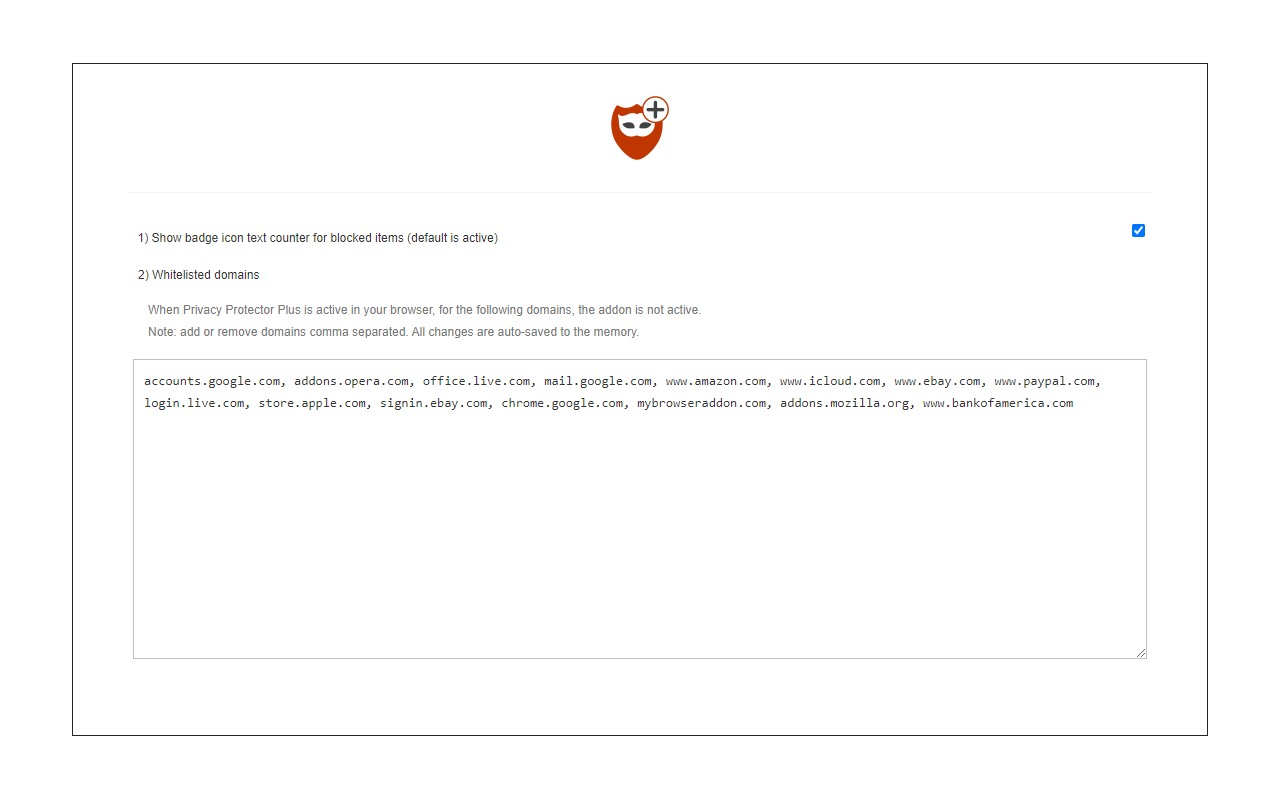
- Whitelist Trusted Sites: If you need to allow tracking on a particular website (e.g., for functionality or analytics), you can add it to a trusted list via the options page. Once whitelisted, the extension will not block trackers on that site, giving you control over exceptions.
- Easy Toggle via Toolbar Icon: Click the extension's toolbar icon to quickly enable or disable it for the current browsing session. This is useful when you want to temporarily allow tracking on a site without modifying the whitelist, such as when troubleshooting page issues or using a site that relies on trackers.
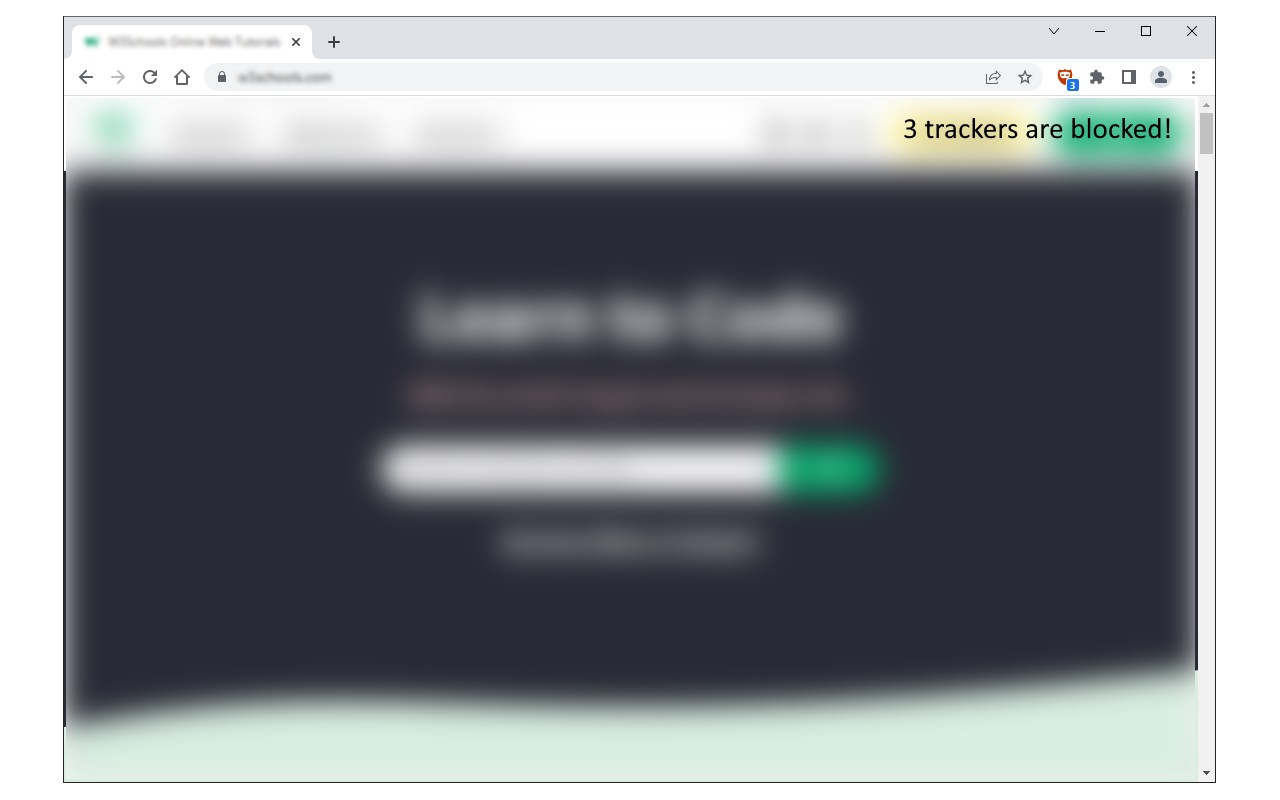
- Real-Time Block Count: The badge icon on the toolbar displays the number of tracking items blocked on the current page. This provides immediate feedback on how many trackers were removed, helping you understand the extent of tracking on each site.
Privacy Protector Plus runs entirely within your browser and does not require any external servers or data sharing. For bug reports or support, visit the addon's homepage and use the provided bug report form.
Extensions that do the same job
Matched by what these extensions actually do, not by store category, and sorted so the ones asking for the least access come first.
| Extension | Site access | Permissions | Users | Rating |
|---|---|---|---|---|
| Privacy Protector Plus — this page | Limited | 3 | 1K | 4.3★ |
| MEGA | Limited | 2 | 1M | 4.3★ |
| Virtru Email Protection | Limited | 2 | 700K | 3.9★ |
| Plugins | Limited | 3 | 400K | 3.8★ |
| Privacy Extension For WhatsApp Web - WABULK | Limited | 4 | 200K | 4.7★ |
| Osprey: Browser Protection | Limited | 3 | 10K | 4.9★ |
| Just Delete Me | Limited | 4 | 8K | 4.3★ |
Store data last checked August 14, 2026.