
HTML Content Blocker
Blocks HTML content types (script, style, image, object, media) on webpages via toolbar popup with global or per-domain
What it does
Permissions and access
Taken from the extension's own manifest file inside the package. The store listing does not spell this out, so it is worth reading before you install.
| Permission | What it allows |
|---|---|
declarativeNetRequest | Block or modify network requests |
storage | Store its own settings and data |
Requests 2 permissions — extensions doing the same job average 7.4.
Technical details
Description
HTML Content Blocker is a browser extension that gives you fine-grained control over which types of HTML elements are loaded on webpages. Instead of blocking entire domains or using broad content filters, this tool lets you selectively disable scripts, styles, images, embedded objects, and media elements like audio or video. This is particularly useful for improving page load speed, reducing bandwidth usage, enhancing privacy by preventing tracking scripts, or avoiding distracting autoplay videos and animations. For example, you can block all images on a news site to read text without visual clutter, or disable scripts on a forum to prevent pop-ups and dynamic content that slows down your browser.
Key Features
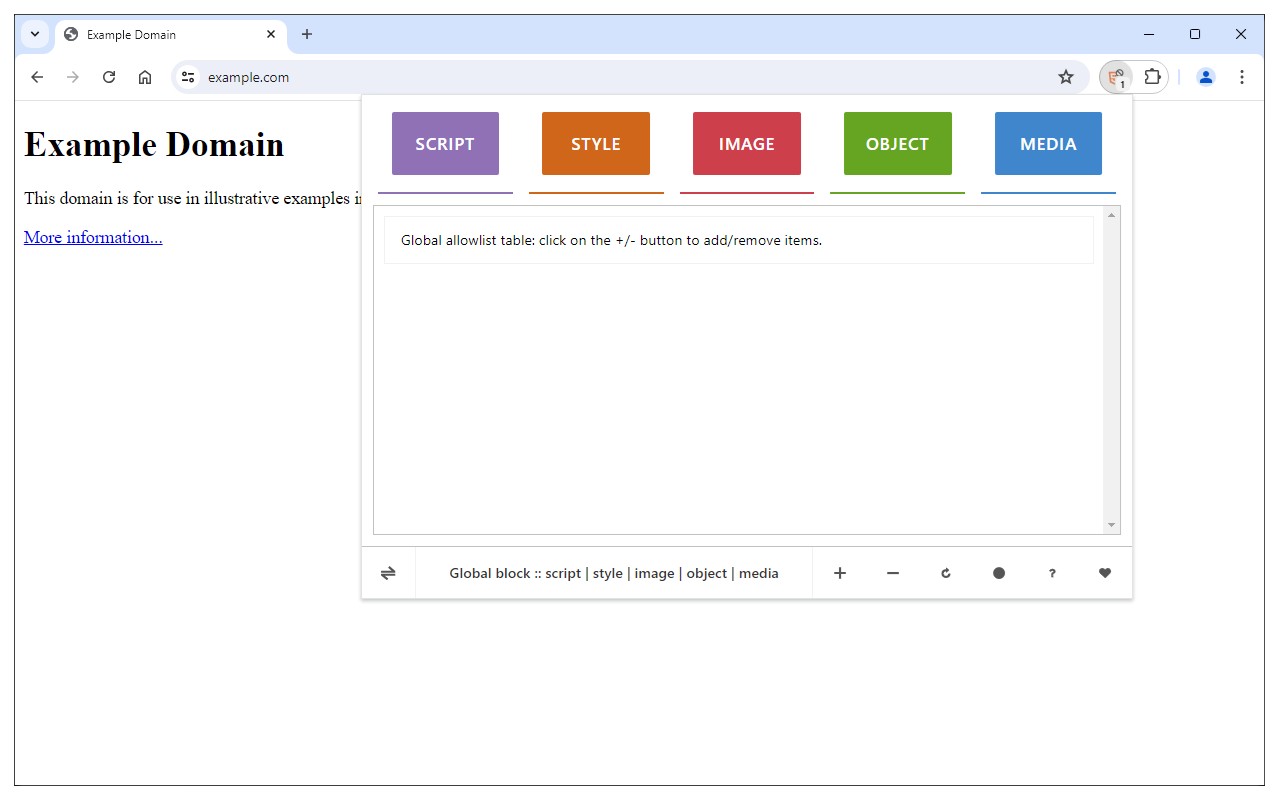
- Block specific HTML content types: Choose from five categories - Script, Style, Image, Object, and Media. Each type can be toggled on or off independently via the toolbar popup. Script blocks prevent JavaScript execution, Style blocks remove CSS (useful for testing or minimalist browsing), Image blocks hide all pictures, Object blocks disable embedded plugins like Flash, and Media blocks stop video and audio from loading.
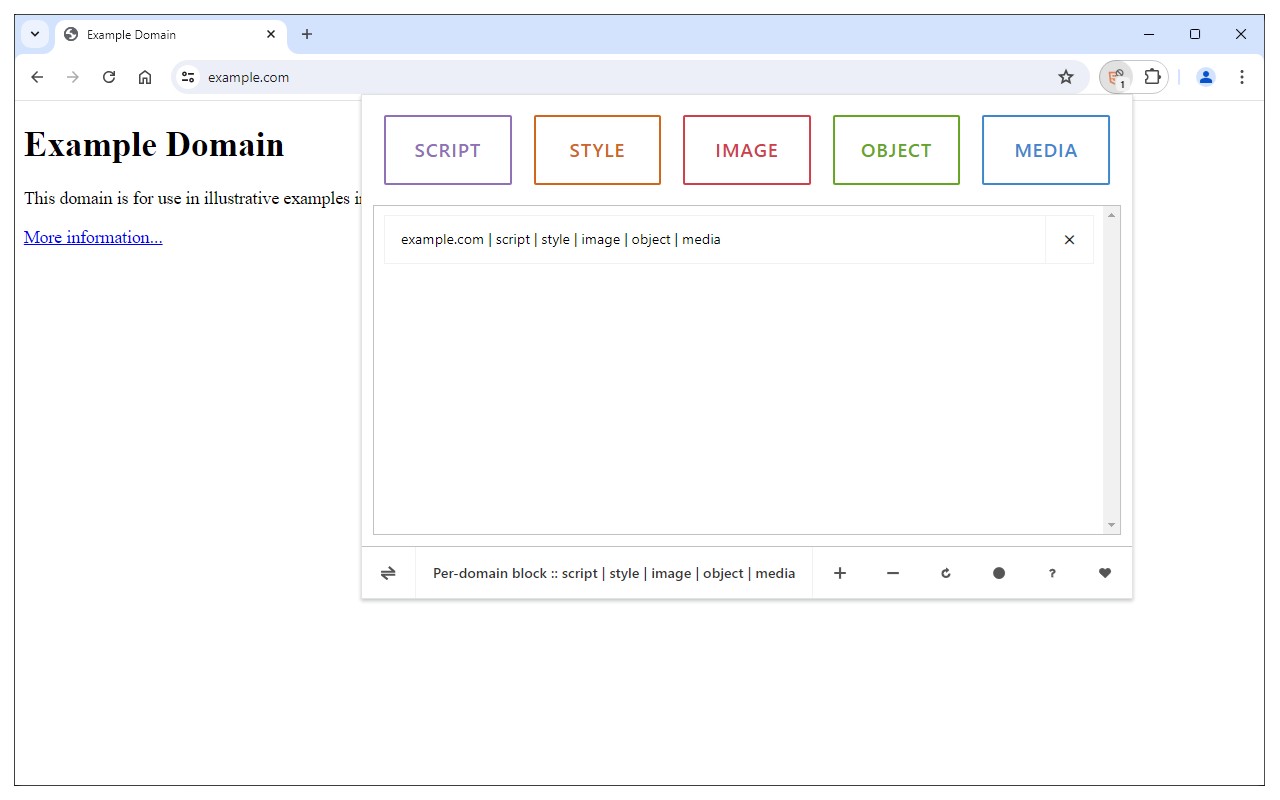
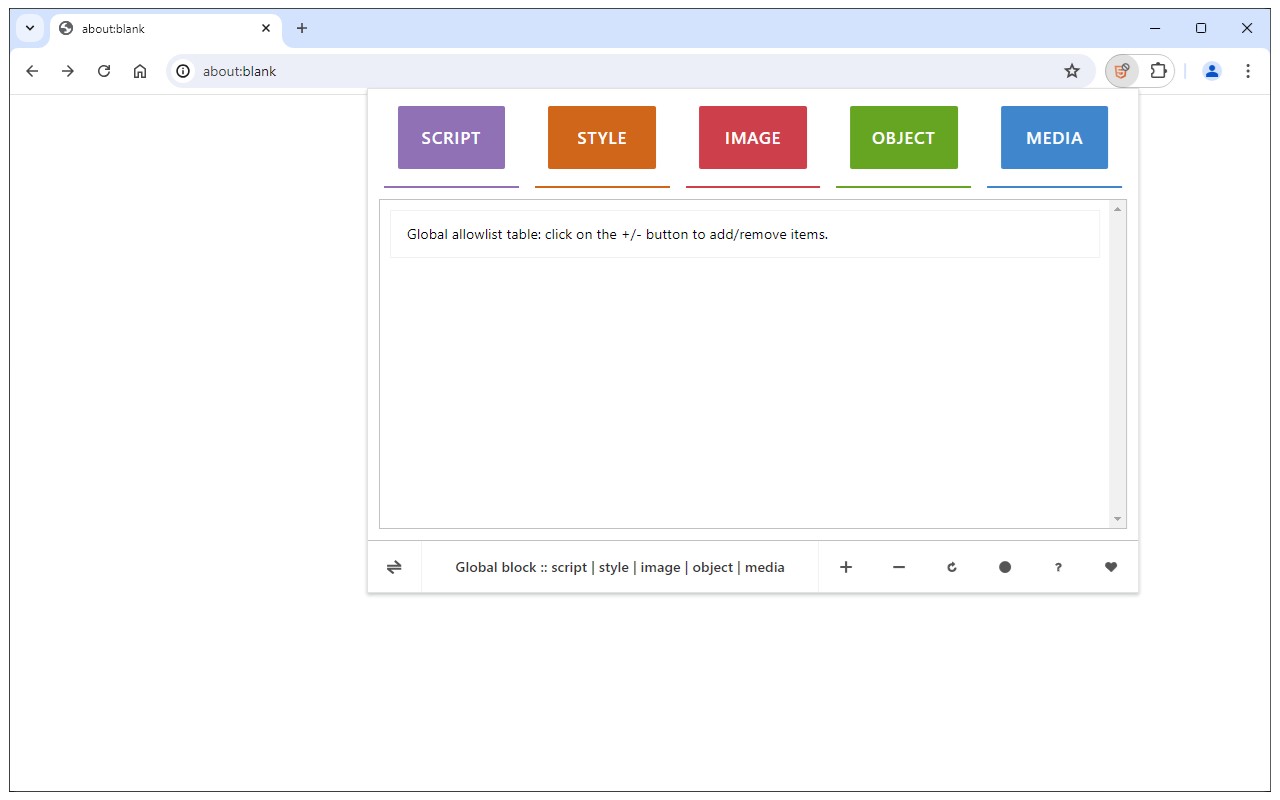
- Two operating modes: Global mode applies your block settings to all websites except those you add to an allow-list. Per-domain mode applies blocks only to domains you explicitly add to a block-list. This flexibility lets you set universal rules while making exceptions for trusted sites, or target specific problematic sites without affecting others. Switch between modes using the toggle button at the bottom-left of the popup.
- Manage domain lists easily: While browsing any page, click the plus (+) button in the popup footer to add the current domain to either the allow-list (in Global mode) or block-list (in Per-domain mode). The minus (-) button removes the domain from the active list. This workflow means you don't have to manually type URLs; just navigate to the site and add it with one click.
- Visual feedback via badge: The extension icon shows a numeric badge indicating how many HTML elements have been blocked on the current tab. This gives you immediate awareness of the extension's activity without opening the popup.
- Dark mode support: The toolbar popup interface includes a moon icon at the bottom toolbar. Click it to switch between light and dark themes, reducing eye strain in low-light environments.
To start using HTML Content Blocker, open the toolbar popup and click the desired content type buttons at the top to enable blocking. Then reload the current tab to apply the filters. If you encounter issues or have suggestions, visit the addon's homepage at https://mybrowseraddon.com/html-content-blocker.html and use the bug report form to provide feedback.
Extensions that do the same job
Matched by what these extensions actually do, not by store category, and sorted so the ones asking for the least access come first.
| Extension | Site access | Permissions | Users | Rating |
|---|---|---|---|---|
| HTML Content Blocker — this page | All sites | 2 | 4K | 3.8★ |
| Osprey: Browser Protection | Limited | 3 | 10K | 4.9★ |
| Anti-Grabify | Limited | 2 | 3K | 4.7★ |
| Youtube video and channel blocker | Limited | 2 | 3K | 3.6★ |
| AegisWeb3 | All sites | 2 | 70K | 4.8★ |
| Netcraft Extension | All sites | 3 | 70K | 4.4★ |
| Malwarebytes Browser Guard | All sites | 13 | 11M | 3.9★ |
Want the same thing with less access? Osprey: Browser Protection, Anti-Grabify, Youtube video and channel blocker ask for fewer permissions than this one.
Store data last checked August 14, 2026.