
Gblock - Block email tracking in Gmail
Blocks email trackers, spy pixels, and tracking links in Gmail to protect your privacy.
What it does
Permissions and access
Taken from the extension's own manifest file inside the package. The store listing does not spell this out, so it is worth reading before you install.
| Permission | What it allows |
|---|---|
alarms | Schedule background tasks |
declarativeNetRequest | Block or modify network requests |
scripting | Run its own code on pages |
storage | Store its own settings and data |
webRequest | Watch your network requests |
Requests 5 permissions — extensions doing the same job average 7.0.
Technical details
Show all 6 languages
Description
Gblock is a Chrome extension designed to protect your privacy in Gmail by blocking various forms of email tracking. When you open an email, senders often use hidden techniques to collect data about your activity without your consent. Gblock prevents this by detecting and neutralizing spy pixels, tracking links, and read receipts, ensuring that senders cannot see when, where, or how many times you opened their message. It also hides your IP address and anonymizes your activity through a secure proxy, adding an extra layer of privacy.
Key Features
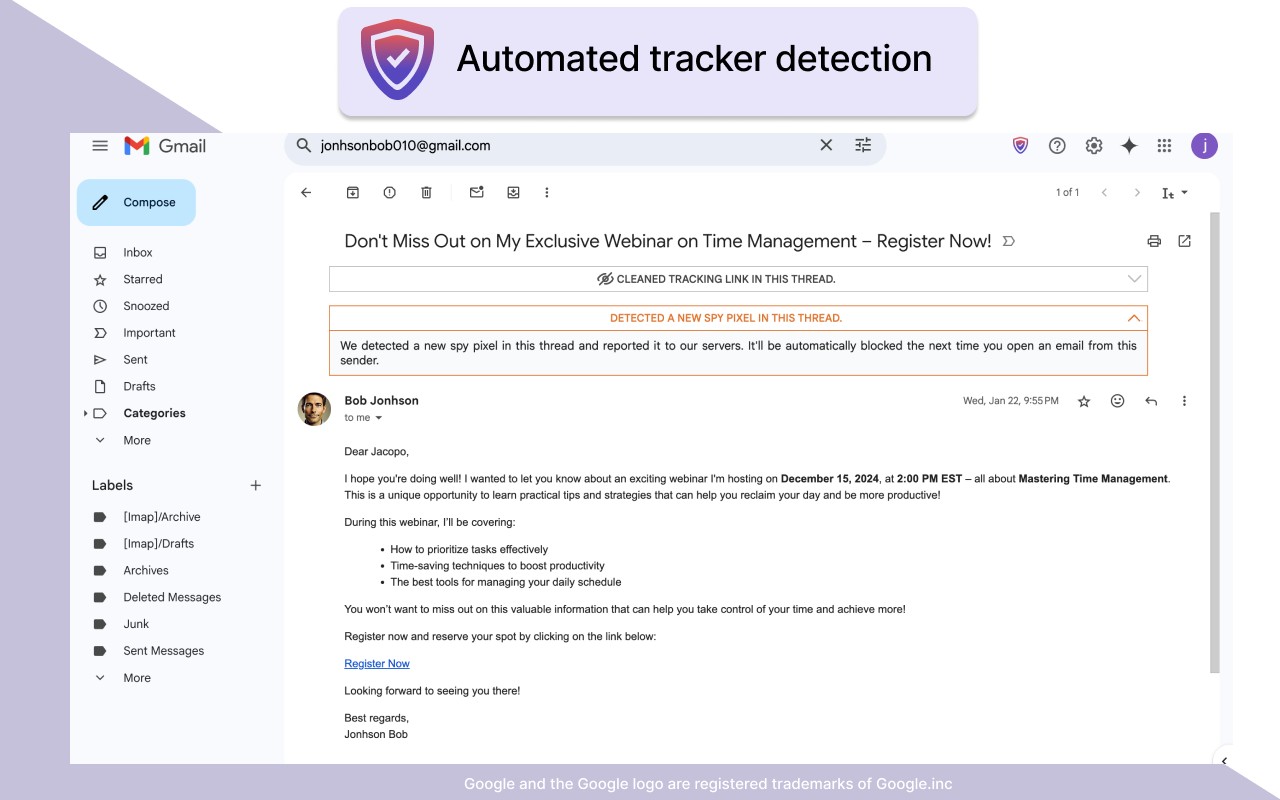
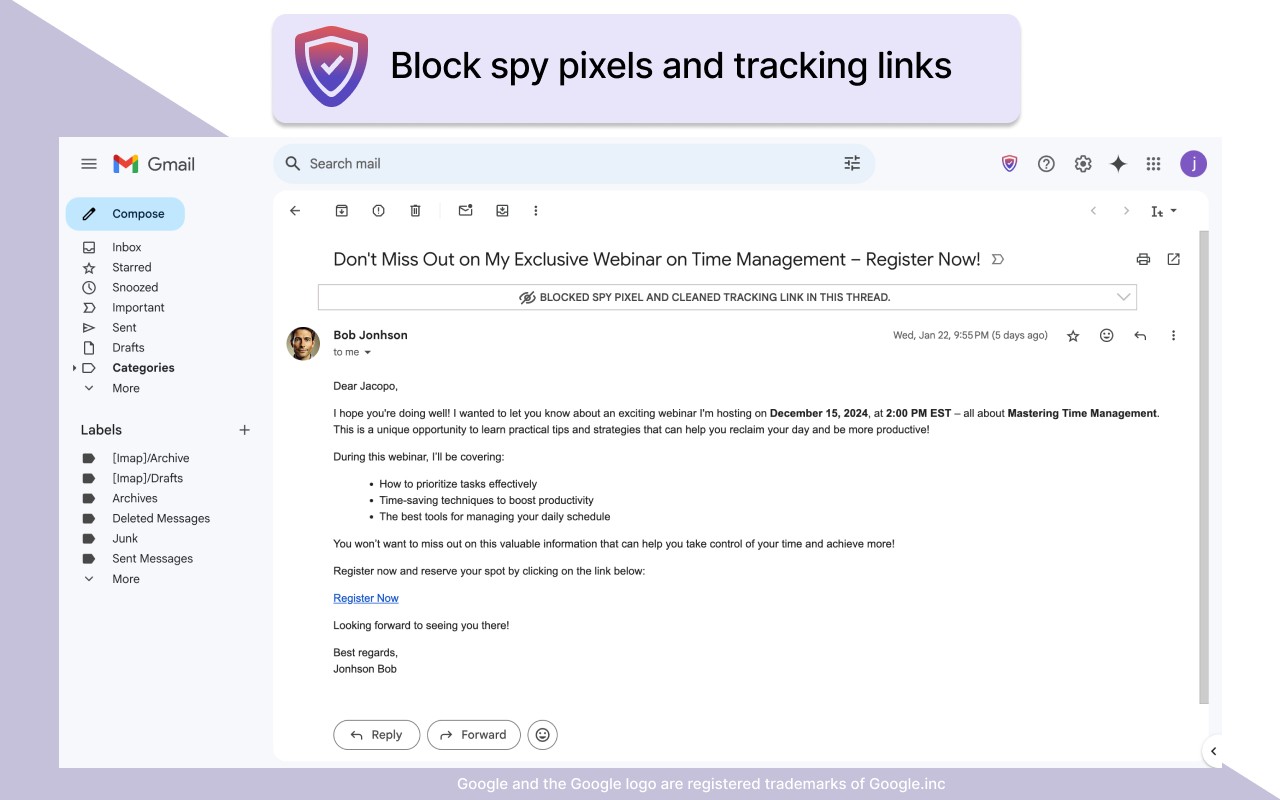
- Spy Pixel Protection: Spy pixels are tiny, invisible images embedded in emails that send data back to the sender when the email is opened. This can reveal your location, device type, and the time of access. Gblock detects and blocks these pixels, preventing any information from being transmitted. This is particularly useful when you want to read emails without triggering read receipts or revealing your engagement, such as when reviewing newsletters or messages from unknown senders.
- Tracking Link Protection: Many emails contain links with tracking parameters (e.g.,
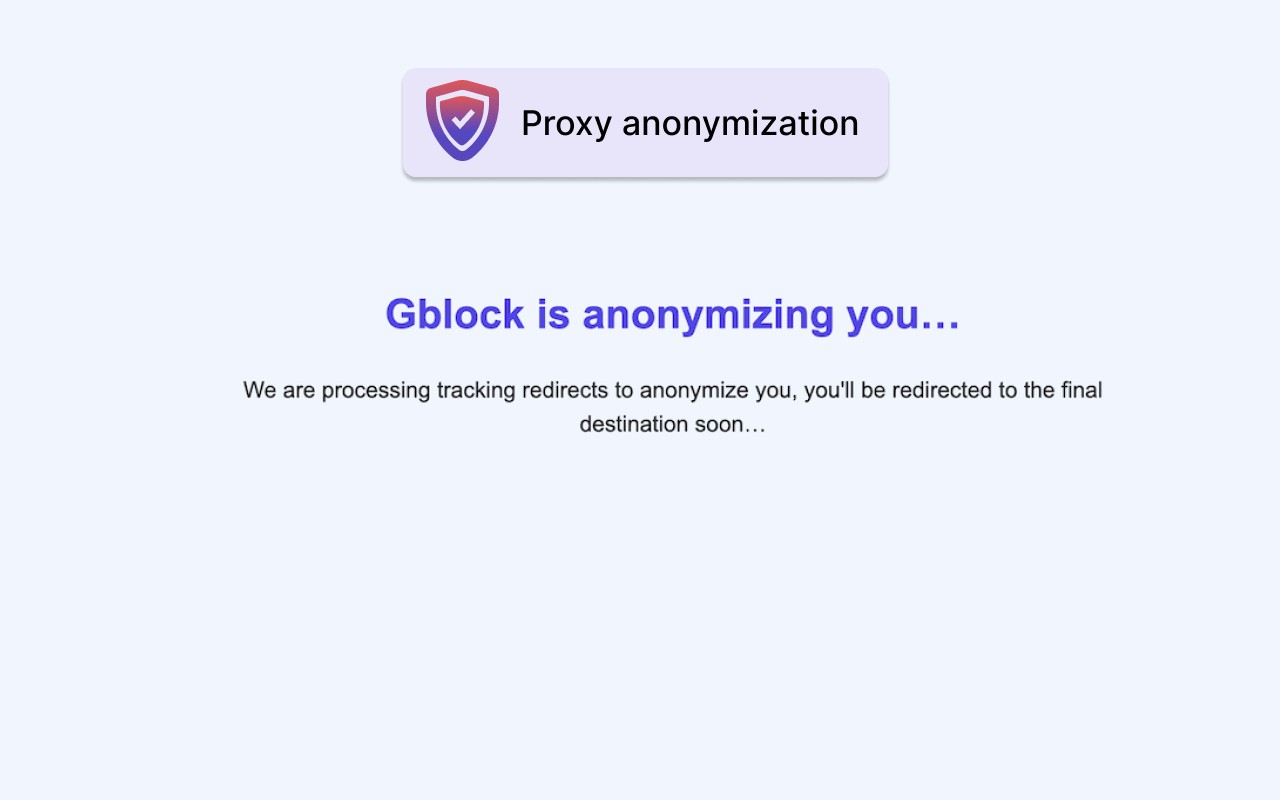
?utm_source) or shortened URLs that can expose your personal information when clicked. Gblock addresses this in two ways: it strips known tracking parameters from URLs, and it routes clicks through its proxy server. The proxy masks your IP address and caches responses, so if multiple users click the same tracking link, the proxy can serve the final destination directly without accessing the tracker. This protects your anonymity and prevents senders from profiling your behavior. - Automated Tracker Detection: Traditional blocker extensions rely on static lists that require manual updates. Gblock uses automated logic to identify new tracking techniques in real-time. When it encounters a previously unknown tracker, it analyzes its behavior and reports it to a central server, ensuring that future occurrences are automatically blocked. This keeps the protection up-to-date without user intervention, which is crucial as tracking methods evolve rapidly.
- Privacy-Safe Proxy: The proxy used by Gblock is designed to protect your privacy. It does not store personal data, and you can disable it in settings if needed. The proxy only processes requests to block trackers and does not have access to your email content. This ensures that your data remains confidential.
- No Access to Email Content: Gblock does not request permission to read or access your emails. It operates solely on the metadata and elements that are visible in the email rendering, such as images and links. This means your email content stays private and is never sent to Gblock's servers.
- Zero Data Collection: No personal data is collected, stored, or transmitted by Gblock. The extension does not track your activity, and it displays no ads. This makes it a trustworthy choice for privacy-conscious users.
Gblock is suitable for a wide range of users. For personal use, it helps you regain control over your inbox by blocking surveillance and hidden read receipts. Professionals such as journalists, lawyers, recruiters, and corporate employees can use it to maintain confidentiality in sensitive communications, avoiding engagement signals that could compromise negotiations or client relationships. Marketers and security researchers can safely analyze competitor emails without being tracked. Freelancers and consultants benefit by keeping their reading habits private during rate negotiations. Additionally, organizations looking to comply with privacy regulations like GDPR can use Gblock to reduce third-party tracking exposure. The extension offers a 30-day free trial without requiring a credit card, after which a paid subscription is needed. For more details on pricing and privacy, visit the official website.
Extensions that do the same job
Matched by what these extensions actually do, not by store category, and sorted so the ones asking for the least access come first.
| Extension | Site access | Permissions | Users | Rating |
|---|---|---|---|---|
| Gblock - Block email tracking in Gmail — this page | Limited | 5 | 1K | 4.6★ |
| Virtru Email Protection | Limited | 2 | 700K | 3.9★ |
| UltraSurf Security, Privacy & Freedom VPN | Limited | 5 | 900K | 4.6★ |
| BelkaVPN is VPN, Proxy to Unblock any sites | Limited | 8 | 5K | 3.3★ |
| Free VPN Proxy - 1VPN | All sites | 10 | 2M | 4.7★ |
| Free VPN For Chrome & Ad blocker - Planet VPN | All sites | 14 | 1M | 4.6★ |
| Free VPN Proxy - VPN for Chrome uVPN | All sites | 8 | 900K | 4.5★ |
Want the same thing with less access? Virtru Email Protection, MEGA, Plugins ask for fewer permissions than this one.
Store data last checked August 14, 2026.