
Block Site
A customizable, password-protected website blocker and redirector with time-based rules and data leakage protection.
What it does
Permissions and access
Taken from the extension's own manifest file inside the package. The store listing does not spell this out, so it is worth reading before you install.
| Permission | What it allows |
|---|---|
activeTab | Access the current tab when you click the extension |
alarms | Schedule background tasks |
contextMenus | Add items to the right-click menu |
declarativeNetRequestWithHostAccess | Block or modify requests on sites it can access |
idle | Detect when you are away from the computer |
notifications | Show desktop notifications |
storage | Store its own settings and data |
Requests 7 permissions — extensions doing the same job average 7.1.
Technical details
Show all 7 languages
Description
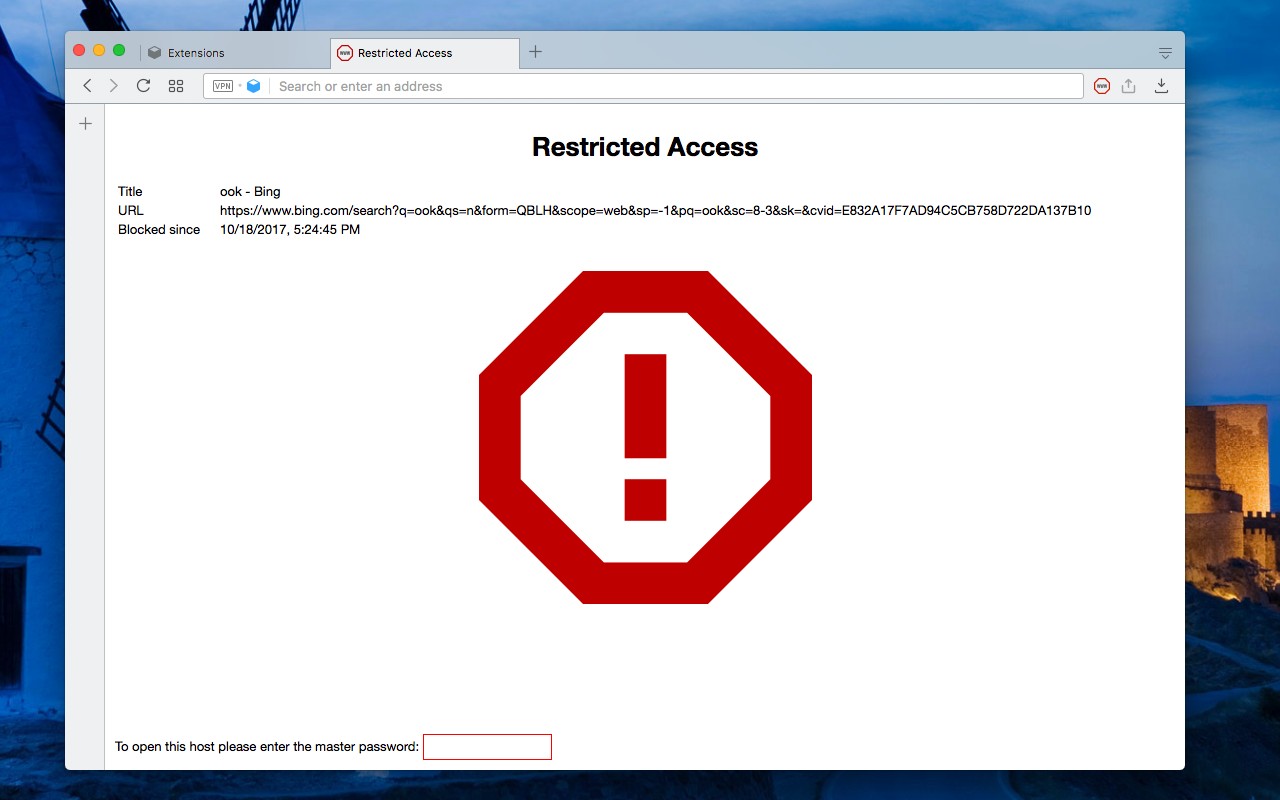
Block Site is a customizable and password-protected browser extension that allows you to block access to specific websites and redirect navigation. It provides granular control over web content filtering, making it useful for parental controls, workplace productivity, or personal focus. The master password ensures that only authorized users can modify settings or bypass blocked sites.
Features
- Block Unwanted Domains: Add any domain to the block list to prevent access entirely. This is useful for avoiding distracting or harmful sites.
- Wildcard and Regex Matching: Use wildcards (e.g., *.example.com) or regular expressions to block a range of websites with a single rule. For example, block all subdomains of a social network or match patterns like 'site*' to cover multiple variants.
- Reverse Mode: Enable reverse mode to block all websites except those explicitly allowed. This is ideal for creating a whitelist of approved sites, such as for children or locked-down workstations.
- Custom Redirection: Redirect a blocked hostname to any other URL of your choice. For instance, redirect a social media site to a productivity tool or a company policy page.
- Custom Blocked Page Message: Display a personalized message on the blocked page, such as a reminder or a link to an alternative resource.
- Time and Date-Based Blocking: Configure blocking rules to apply only during specific times or dates, per hostname. For example, block entertainment sites during work hours on weekdays but allow them on weekends.
- Data Leakage Protection: Blocking occurs before any network request is sent, preventing blocked hostnames from gathering network activity from your computer. This enhances privacy by stopping tracking scripts and analytics from loading.
- Auto-Close Blocked Tabs: Automatically close tabs that navigate to a blocked site after a configurable delay. This helps keep your browser tidy.
- Popup Blocker: Closes annoying pop-up windows as soon as the opening request is received, improving browsing experience.
- Pause/Resume from Context Menu: Quickly pause or resume blocking by right-clicking the toolbar button and selecting the option. This is handy when you need temporary access to a blocked site.
- Managed Storage Override: Supports configuration via managed storage, allowing administrators to enforce policies across an organization (e.g., via group policies).
- Block Cached Page Load with Service Worker: Prevents access to cached versions of blocked pages that might be loaded by service workers, ensuring the block is effective even offline.
- Block Dynamic Page Change with History Push: Intercepts history.pushState calls to block dynamic page changes that could circumvent traditional URL-based blocking.
For feature suggestions and FAQs, visit the extension's homepage. Technical bug reports should be submitted via the GitHub issues page.
Extensions that do the same job
Matched by what these extensions actually do, not by store category, and sorted so the ones asking for the least access come first.
| Extension | Site access | Permissions | Users | Rating |
|---|---|---|---|---|
| Block Site — this page | All sites | 7 | 80K | 4.4★ |
| Osprey: Browser Protection | Limited | 3 | 10K | 4.9★ |
| Anti-Grabify | Limited | 2 | 3K | 4.7★ |
| Youtube video and channel blocker | Limited | 2 | 3K | 3.6★ |
| AegisWeb3 | All sites | 2 | 70K | 4.8★ |
| Netcraft Extension | All sites | 3 | 70K | 4.4★ |
| HTML Content Blocker | All sites | 2 | 4K | 3.8★ |
Want the same thing with less access? Osprey: Browser Protection, Anti-Grabify, Youtube video and channel blocker ask for fewer permissions than this one.
Store data last checked August 14, 2026.