
NewTube (YouTube Customizer & Enhancement)
NewTube lets you customize YouTube's colors, layout, themes, and backgrounds, plus optional ad blocking.
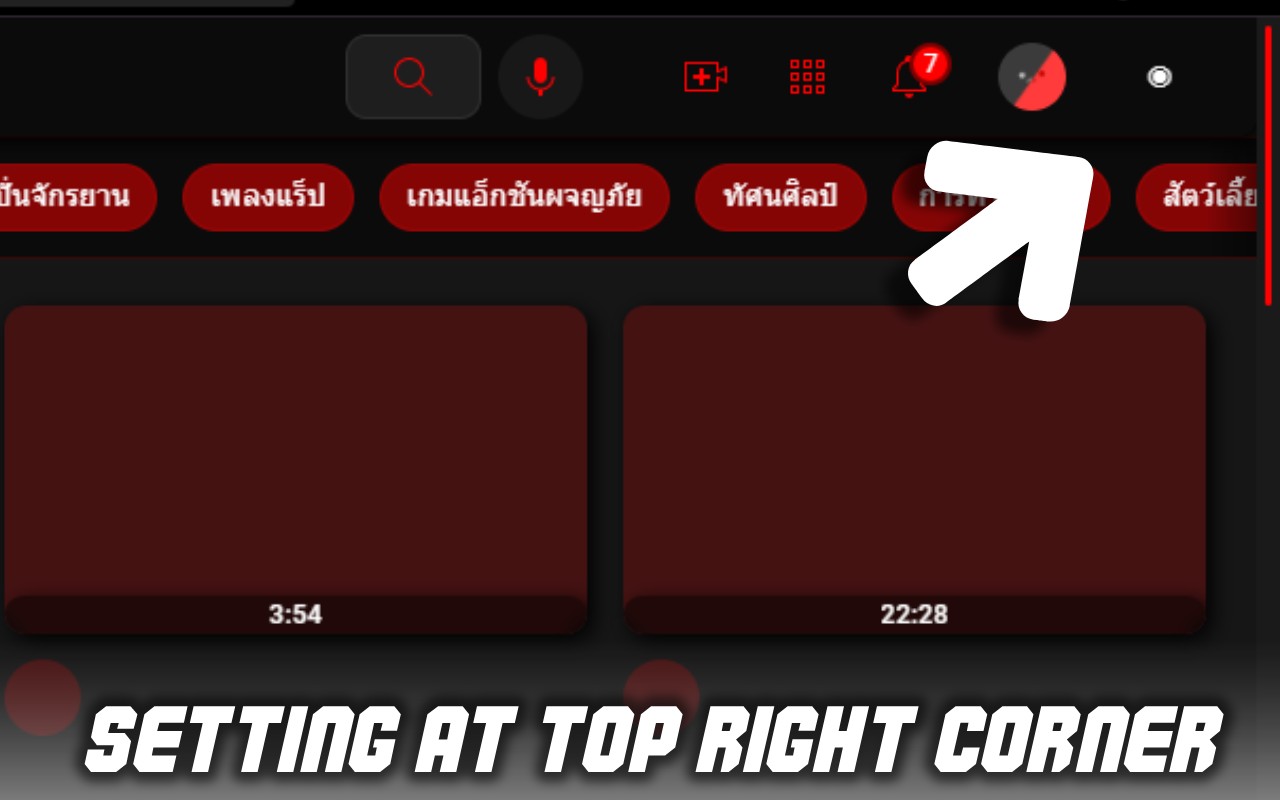
Description
NewTube is a comprehensive browser extension designed to transform your YouTube experience by offering extensive customization options. Whether you want to change the look and feel of the interface, adjust the progress bar, or manage how content is displayed, NewTube puts you in control. It works directly on YouTube pages, applying your chosen settings in real time without requiring any technical knowledge. This extension is particularly useful for users who spend a lot of time on YouTube and want to reduce eye strain, personalize their viewing environment, or simply refresh the default appearance.
Key Features
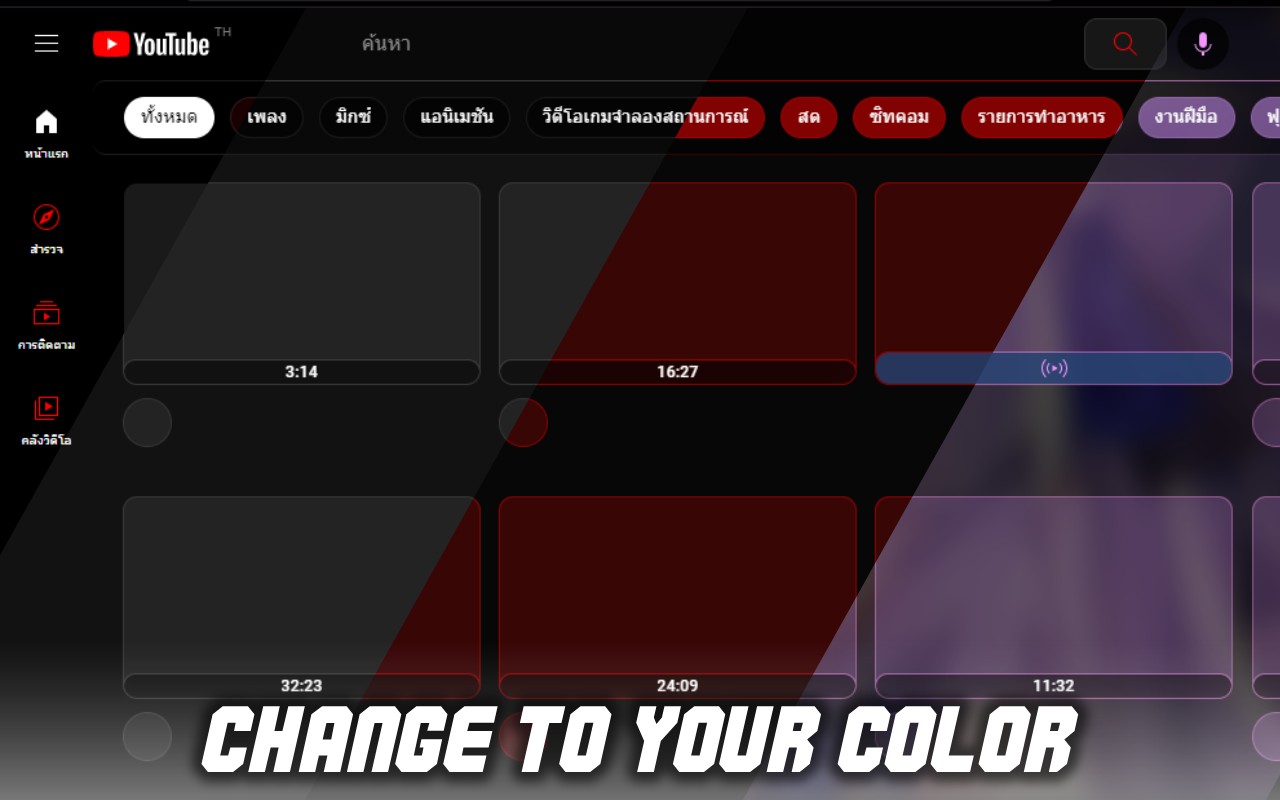
- Customize YouTube Progress Bar Colors: Change the color of the video progress bar to match your preferences or theme. For example, you can set a gradient, a solid color, or even a random color that changes with each video. This is handy when you want the progress bar to stand out or blend in with the video content.
- Adjust Background and Font Colors: Modify the background color of the YouTube page and the font color used for text elements like titles, descriptions, and comments. This helps reduce glare and makes reading easier, especially in low-light conditions or for users with visual sensitivities.
- Apply Custom Themes and Styles: Choose from a variety of pre-made themes or create your own by mixing colors, fonts, and layout options. You can give YouTube a dark mode, a sepia tone, or any color scheme you like. This is ideal for branding your YouTube experience or matching it with your operating system theme.
- Reorganize the Layout: Rearrange the placement of comments, recommendations, and other sections on the video page. For instance, you can move the comment section below the video or make recommendations appear in a separate tab. This helps you focus on what matters most, whether it's reading comments or discovering new content.
- Add Rounded Corners and UI Enhancements: Apply modern design touches like rounded corners to video thumbnails, buttons, and panels. You can also tweak spacing, shadows, and other visual elements to make the interface feel more polished and up-to-date.
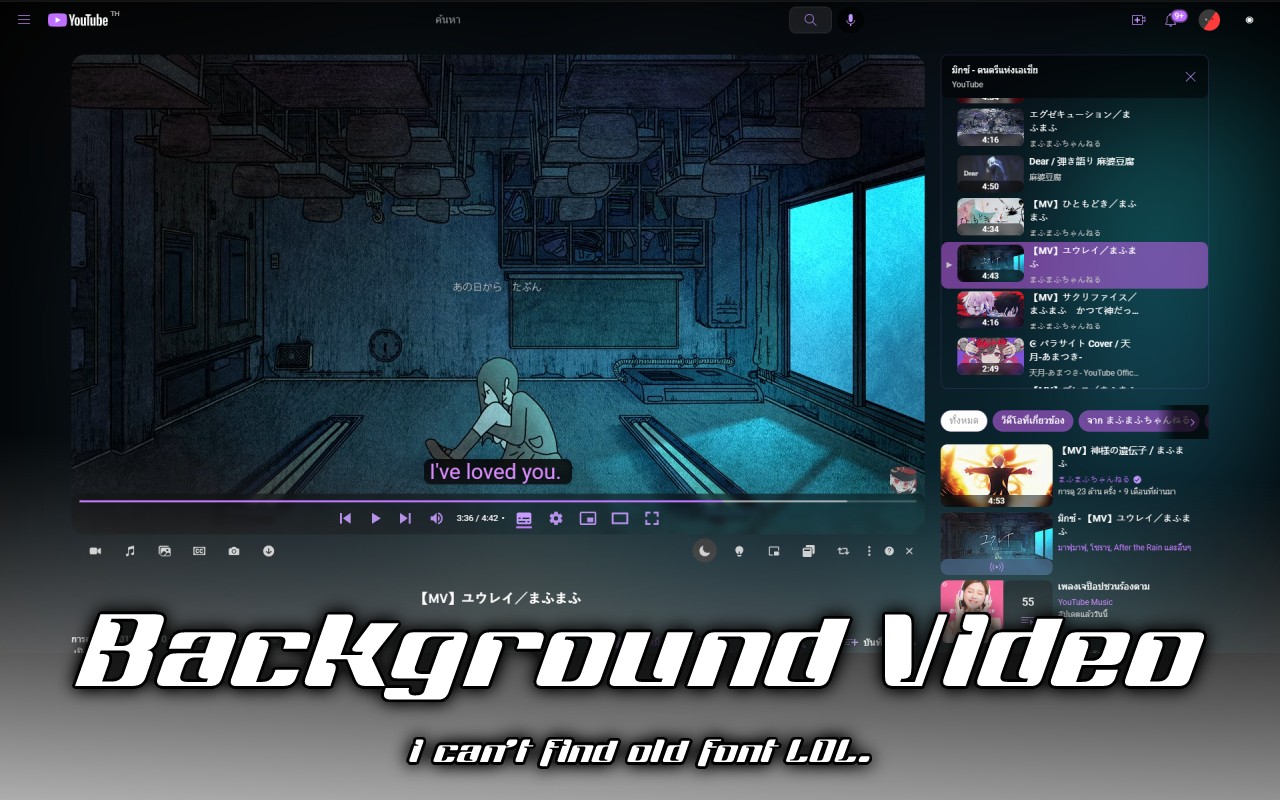
- Set Custom Wallpapers and Backgrounds: Upload your own images or GIFs to use as the background of YouTube pages. The background appears behind the video player and sidebar, giving the site a unique, personalized look. This is great for users who want to express their personality or create a themed environment.
- Optional Ad Blocking: Toggle an ad blocker that removes video ads and banner ads on YouTube. When enabled, you can watch videos without interruptions. Note that this feature is optional and can be turned on or off at any time.
- Real-Time Preview: See your changes instantly as you adjust settings, without needing to reload the page. This makes it easy to experiment with different combinations until you find the perfect look.
NewTube is built for flexibility and ease of use. All customization options are accessible from a simple popup menu that appears when you click the extension icon in your browser toolbar. You can enable or disable individual features, reset to defaults, or save multiple profiles for different moods or times of day. Whether you're a casual viewer or a power user, NewTube gives you the tools to make YouTube truly your own.
Related


