
Discord Get User Token
Retrieves the Discord Authorization Token for the currently logged-in user.
Description
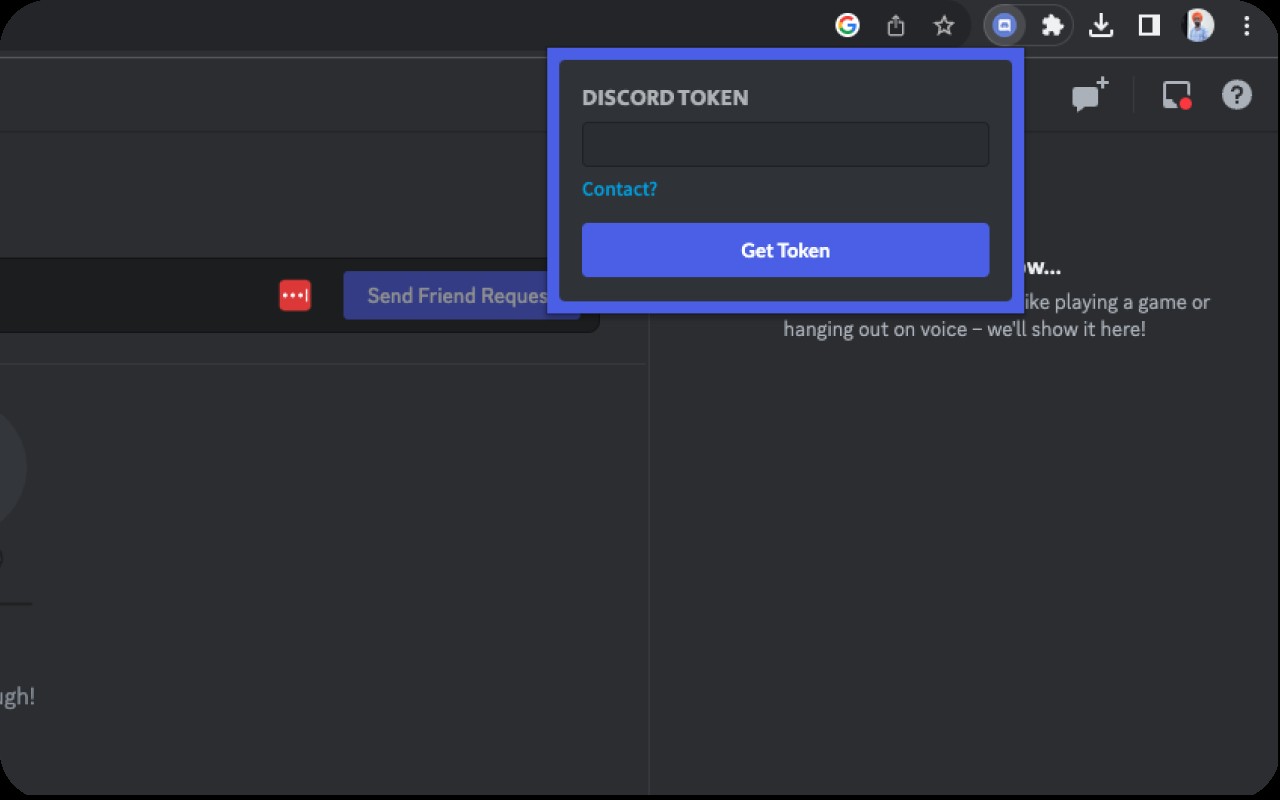
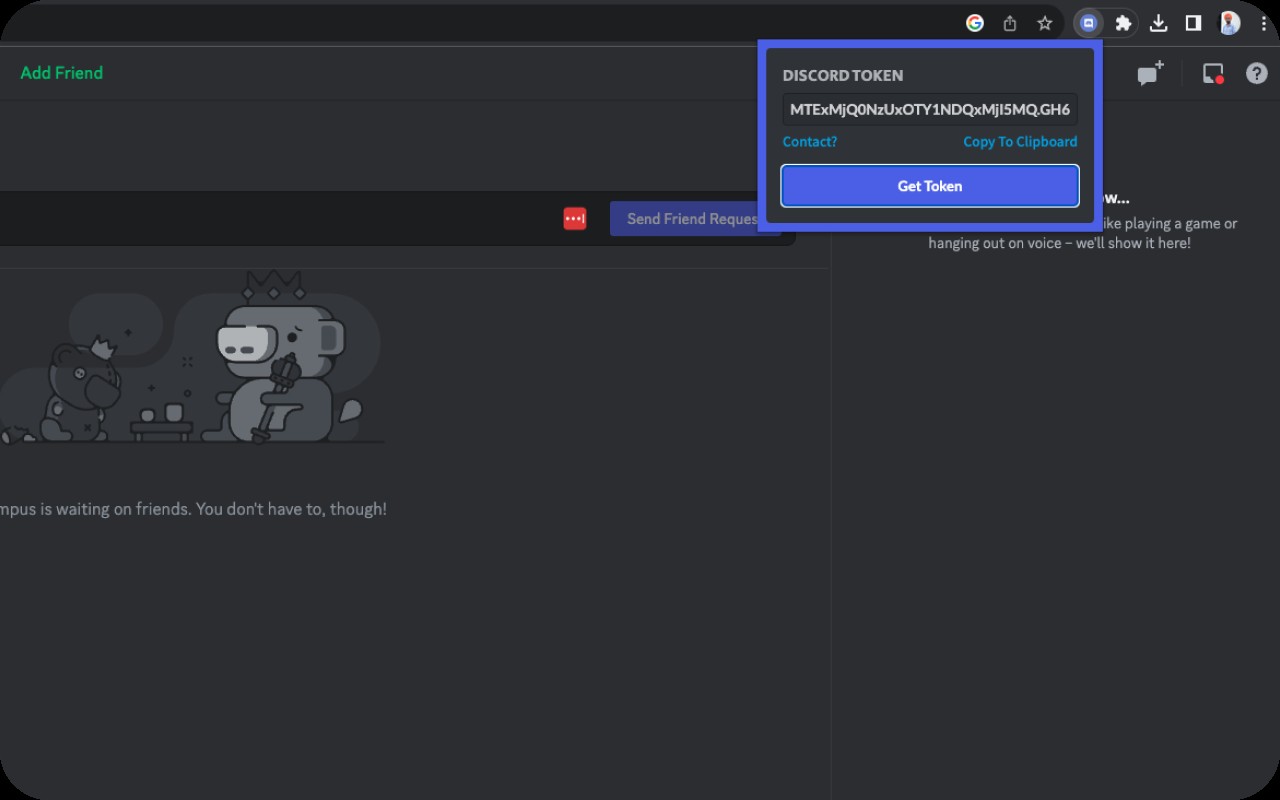
Discord Get User Token is a browser extension that retrieves the Authorization Token for any Discord user who is currently logged into their account in the browser. The token is a string used by Discord's API to authenticate requests, enabling developers to build integrations, manage bots, or perform account-level operations programmatically. The extension extracts the token from the browser's local storage where Discord stores it, then displays it in a popup interface. This eliminates the need to manually inspect network requests or dig through developer tools to find the token.
Key Features
- One-click token retrieval: Click the extension icon to instantly see your current Discord Authorization Token in a clean popup window. No need to open developer tools or inspect network traffic.
- Automatic token extraction: The extension reads the token from Discord's local storage data, ensuring it retrieves the correct token for the active user session. It works on any page where Discord is loaded, such as discord.com or Discord's web app.
- Token refresh handling: If the token appears as NULL, the extension guides you to visit https://discord.com/channels/@me or simply reload the current page. This refreshes the local storage data, allowing the extension to capture the token again.
- Developer-friendly: Provides quick access to the token for testing API endpoints, building custom bots, or integrating Discord features into third-party applications. It is especially useful during development when you need to frequently copy the token.
- User convenience: For regular users who manage multiple bots or use Discord automation tools, this extension saves time by avoiding manual token extraction steps.
- Lightweight and secure: The extension operates entirely client-side; it does not send the token to any server. The token is only displayed in the popup and can be copied manually.
To use the extension, log into Discord in your browser, then click the extension icon. The token will appear in the popup. If it shows NULL, follow the on-screen instructions to visit the @me channel or reload the page. The extension is compatible with all Discord web pages and does not require any additional permissions beyond reading Discord's local storage. Contact the developer via email for support or feature requests.
Related


