
Controls for Instagram Videos
Adds HTML5 video controls (seek bar, volume, play/pause, PIP, fullscreen, download) to Instagram videos on any webpage.
Description
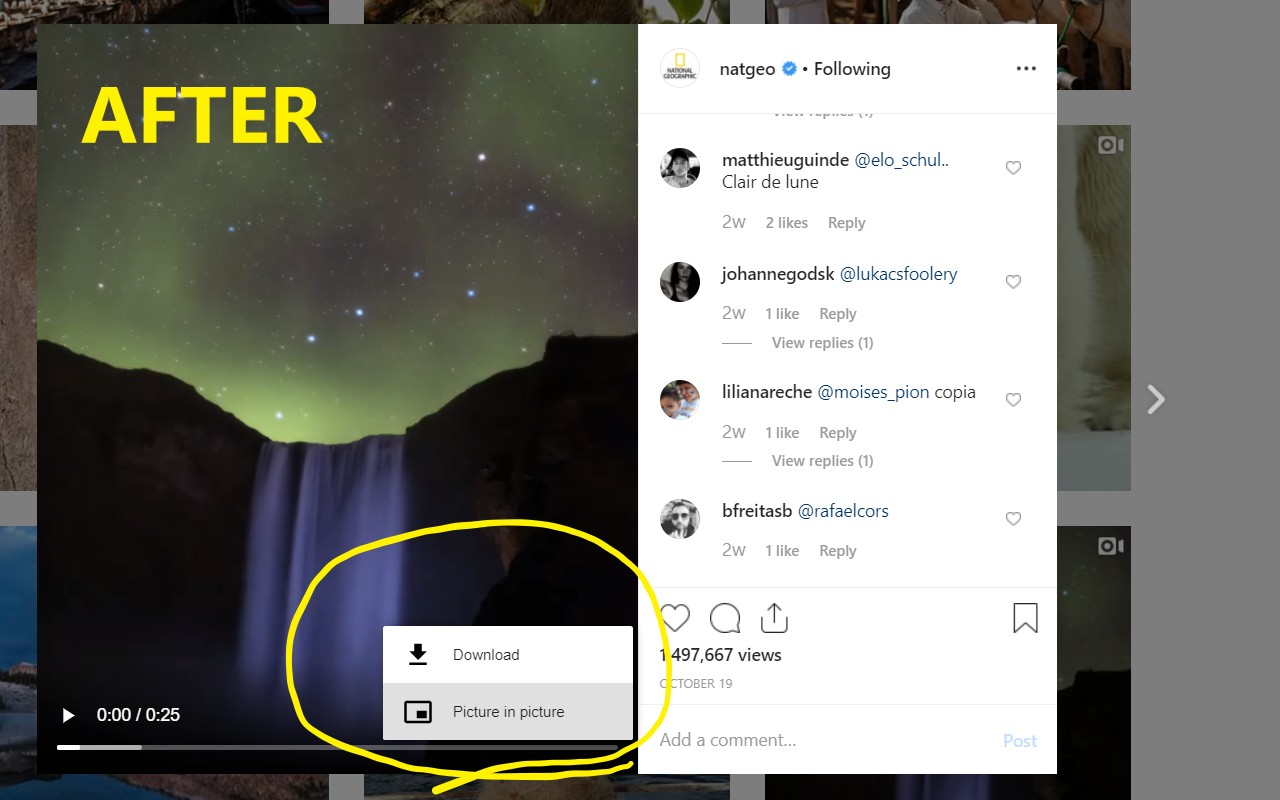
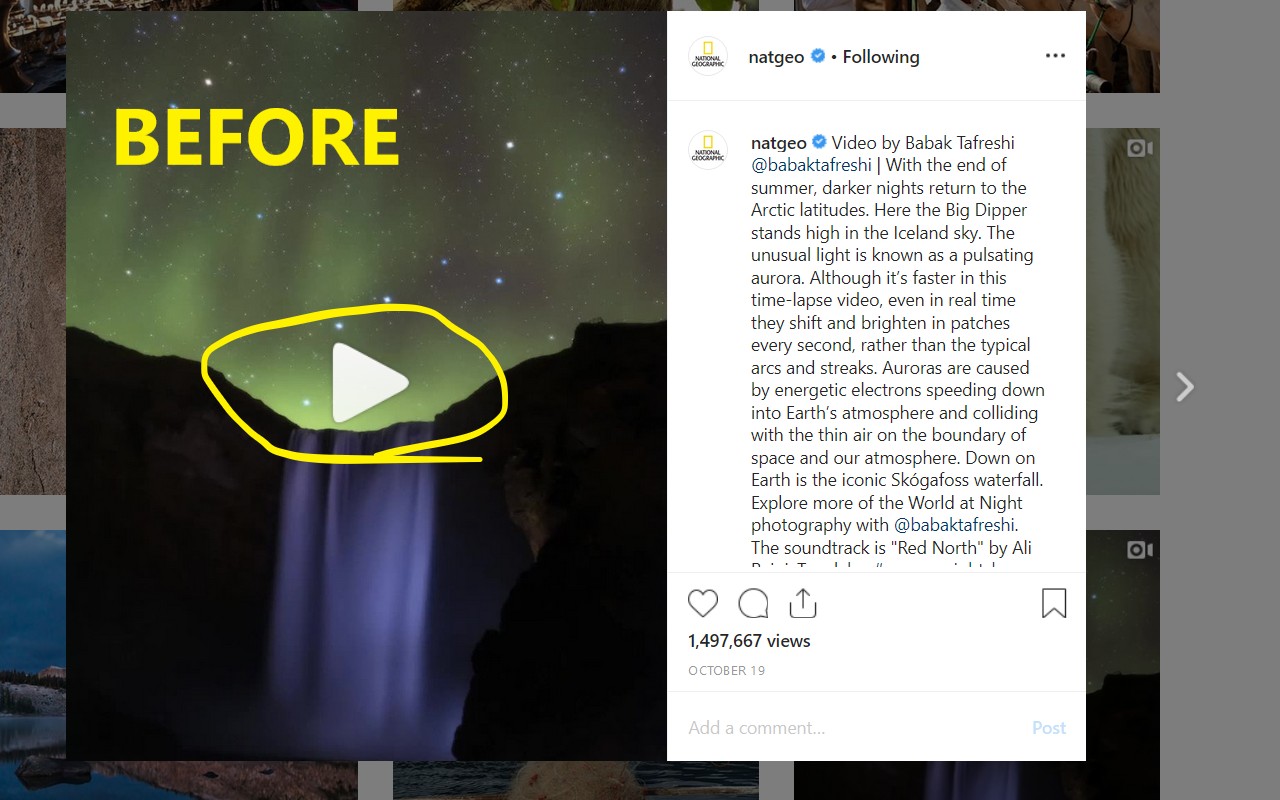
Controls for Instagram Videos is a lightweight browser extension that adds standard HTML5 video playback controls to Instagram videos embedded in web pages. Normally, Instagram videos only allow basic play and pause functionality, but this extension reveals a full set of native video player controls including a seek bar (scrubber) for jumping to any point in the video, volume slider, play/pause button, Picture-in-Picture mode, fullscreen toggle, and on some videos a download button. The extension activates automatically on any page containing an Instagram video-no manual setup required. Simply load a page with an Instagram video and click the video to start playback; the controls appear immediately.
Key Features
- Automatic detection and control injection: The extension scans pages for Instagram video elements and overlays the HTML5 video player controls. It works on all sites that embed Instagram videos, including instagram.com itself and third-party pages that use Instagram embeds.
- Full playback control set: After activation, you get a seek bar to scrub through the video, volume slider, play/pause button, Picture-in-Picture button for floating video, fullscreen button, and a download button (where supported). This is especially useful on Instagram's own site where native controls are hidden.
- Customizable hotkeys for volume and speed: You can adjust volume and playback speed using keyboard shortcuts. Default shortcuts: Alt+Up/Down for volume, Ctrl+Up/Down (Windows/Linux) or Cmd+Up/Down (Mac) for speed. All hotkeys are configurable via chrome://extensions/shortcuts.
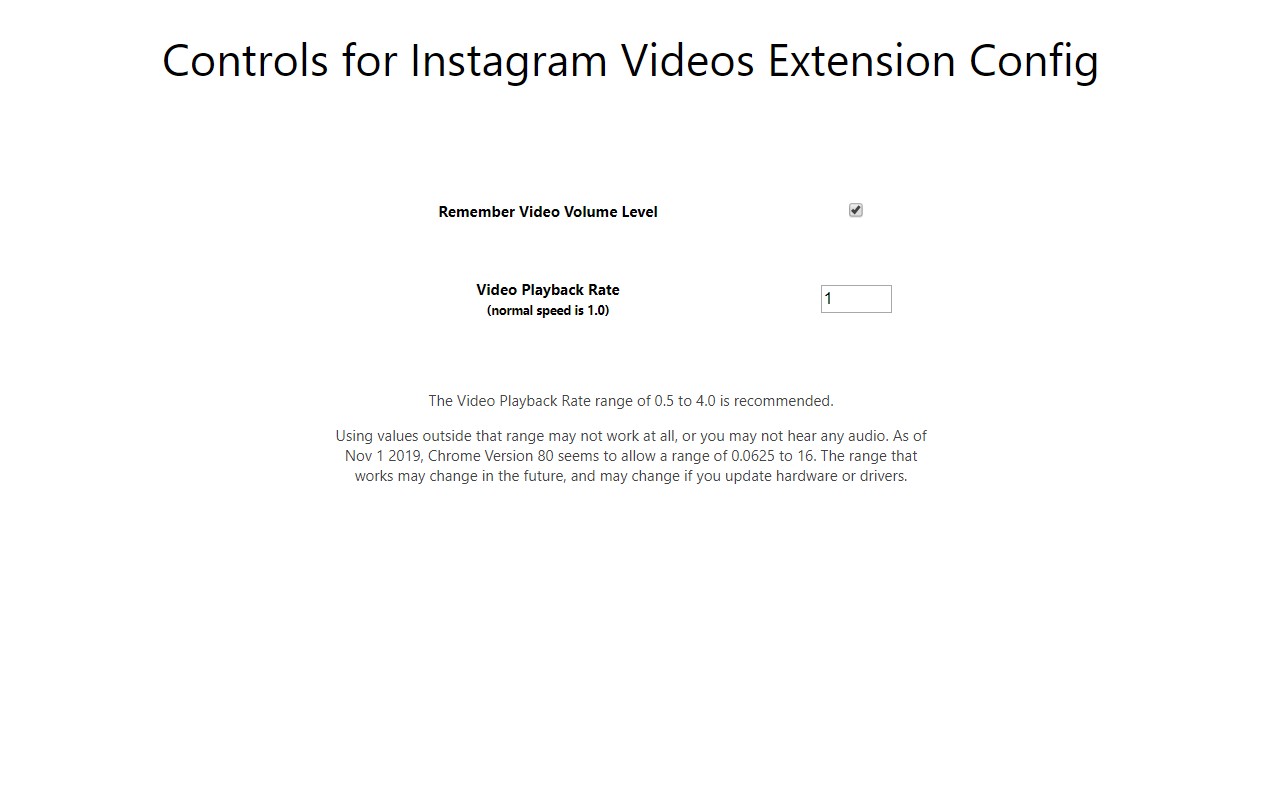
- Persistent volume and speed settings: The extension can remember your preferred volume and playback speed across sessions. Enable this in the options page (right-click extension icon > Options). Note: this feature may not work in some cases due to Instagram changes.
- Compatibility with stories and reels: The extension works on Instagram stories and reels, though on stories you must use Instagram's own play/pause button because the video control button may not function. On reels, the extension reduces the background shade that covers most of the video for a less disruptive experience.
- Adaptation to Instagram updates: The extension is regularly updated to maintain compatibility with Instagram's evolving code. Recent fixes include support for reels (Feb 2023), improved control clickability on home feed videos, and better handling of story videos to avoid overlap with the "Send Message" text box.
To use the extension, after installation you must reload any browser tabs that were open beforehand, otherwise the extension will not run on those pages. Note that the download button may not work on many videos due to Instagram changes; it remains functional on some videos. For the best experience on pages where videos autoplay as you scroll (e.g., home feed), pause videos by clicking the center of the video rather than the small pause button at the lower left, as this ensures the video stays paused when scrolling. The extension is independently developed and not affiliated with Instagram.
Related


