
ChatHub - ChatGPT, Gemini, Claude side by side
Compare responses from ChatGPT, Gemini, Claude, and more side by side in one browser extension.
What it does
Permissions and access
Taken from the extension's own manifest file inside the package. The store listing does not spell this out, so it is worth reading before you install.
| Permission | What it allows |
|---|---|
declarativeNetRequestWithHostAccess | Block or modify requests on sites it can access |
sidePanel | Show a panel beside the page |
storage | Store its own settings and data |
unlimitedStorage | Store unlimited data on your computer |
Requests 4 permissions — extensions doing the same job average 5.7.
Technical details
Show all 11 languages
Keyboard shortcuts
| Shortcut | Action |
|---|---|
| Alt+J | Open ChatHub app |
Description
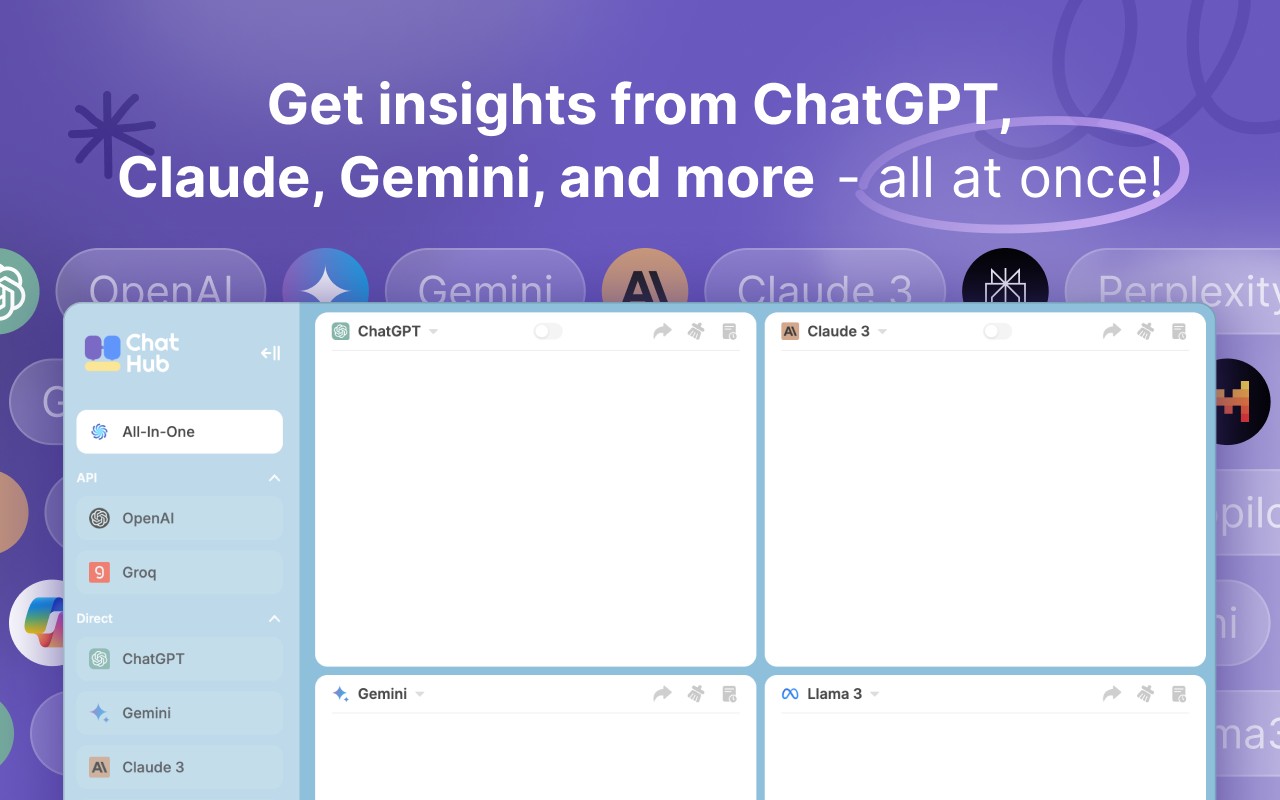
ChatHub is a browser extension that lets you use multiple AI chatbots at the same time, including ChatGPT, Gemini, Claude, Llama, and others. Instead of switching between different tabs or apps, you can view their responses side by side, making it easier to compare outputs, choose the best answer, or get a broader perspective on a question.
Key Features
- Multi-chatbot comparison: Open several chatbots in the same interface and see their answers arranged in parallel columns. This is useful when you want to evaluate different AI models for accuracy, tone, or completeness on the same prompt.
- Three ways to access AI models: You can use your existing accounts (e.g., ChatGPT Plus) by simply being logged in on your browser; use your own API keys for services like OpenAI or Anthropic on a pay-as-you-go basis; or subscribe to ChatHub's own service to access over 20 AI models without managing separate accounts or keys.
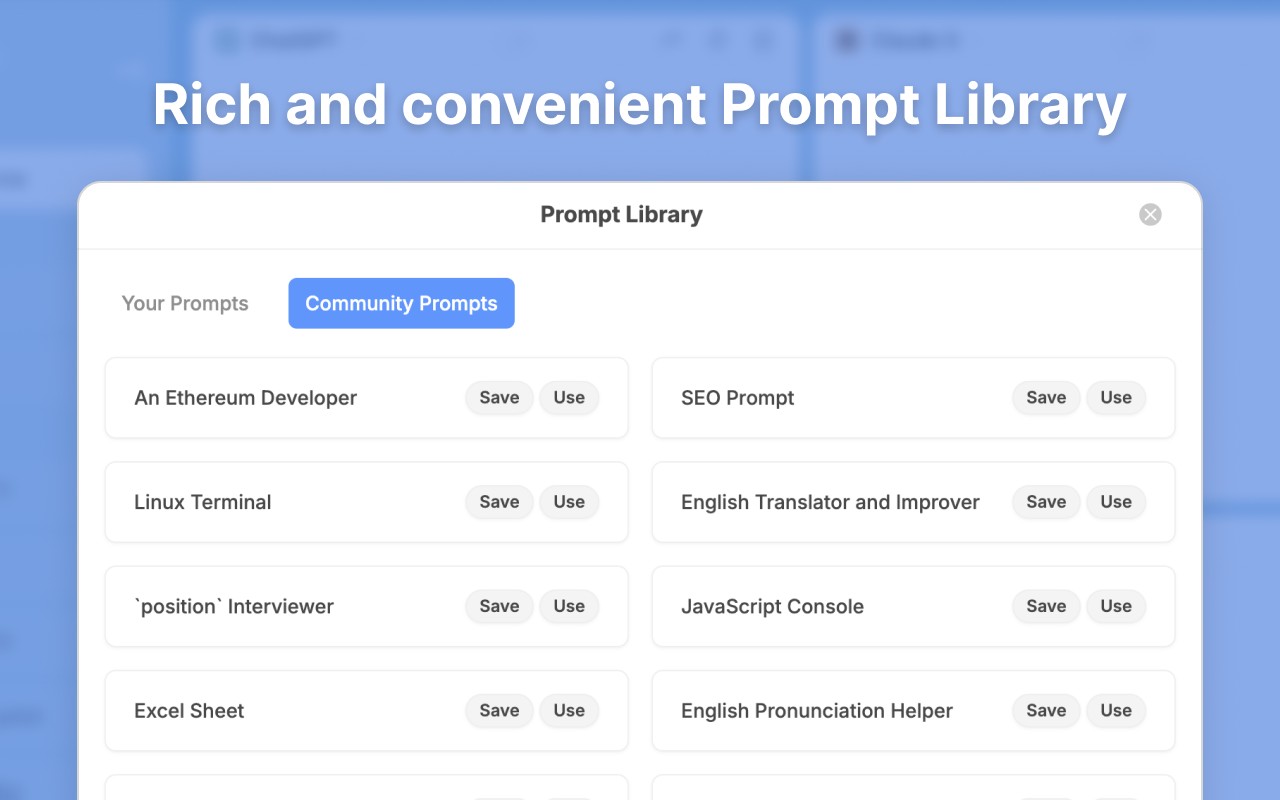
- Prompt library: Store your frequently used prompts and discover prompts shared by others. This saves time when you regularly ask similar questions or need templates for specific tasks like coding, writing, or brainstorming.
- Local chat history: All your conversations are saved locally on your device. You can search through past chats with full-text search, which helps when you need to recall a previous answer or continue a discussion.
- Markdown rendering and code highlighting: Chat responses formatted with Markdown are displayed properly, and code blocks are highlighted for readability. This is especially helpful for developers or anyone sharing technical content.
- Dark mode: Switch to a dark theme for comfortable reading in low-light environments, reducing eye strain during extended use.
- Smart web access: The extension can fetch up-to-date information from the internet to improve chatbot responses on topics that require current data, such as news, weather, or recent events.
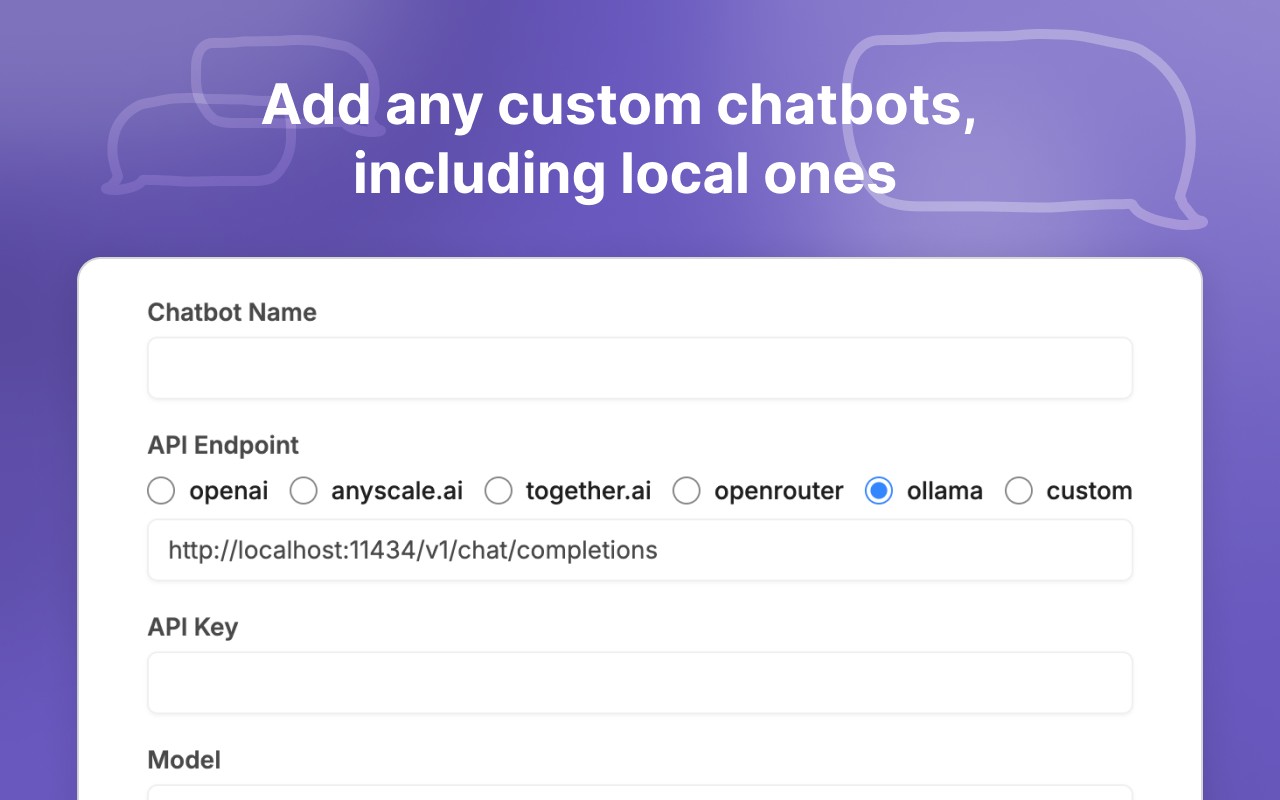
- Custom chatbots: You can integrate any OpenAI-compatible API to create your own chatbot. This allows you to use custom models or specialized services within the same interface.
- Keyboard shortcuts: Quickly open the extension or switch between chatbots using customizable keyboard shortcuts, speeding up your workflow.
ChatHub is designed for anyone who regularly interacts with multiple AI assistants and wants a unified, efficient way to manage them. By bringing together different models, account options, and productivity tools, it reduces the friction of jumping between services and helps you get more accurate, diverse answers.
Extensions that do the same job
Matched by what these extensions actually do, not by store category, and sorted so the ones asking for the least access come first.
| Extension | Site access | Permissions | Users | Rating |
|---|---|---|---|---|
| ChatHub - ChatGPT, Gemini, Claude side by side — this page | All sites | 4 | 200K | 4.7★ |
| Fathom AI Note Taker for Google Meet | Limited | 4 | 500K | 4.9★ |
| NoteGPT: YouTube Summary, Chat with AI Assistant, ChatGPT DeepSeek Claude | Limited | 3 | 400K | 4.9★ |
| AI Code Finder, Alerts, Ask Questions about Papers: CatalyzeX | Limited | 3 | 50K | 4.8★ |
| Salesforce Inspector Advanced | Limited | 1 | 40K | 4.5★ |
| Ghostwrite: ChatGPT Email Assistant | Limited | 3 | 20K | 4.0★ |
| Math Solver for Chrome - AI Math Problem Solver | Limited | 4 | 10K | 4.9★ |
Want the same thing with less access? Fathom AI Note Taker for Google Meet, NoteGPT: YouTube Summary, Chat with AI Assistant, ChatGPT DeepSeek Claude, AI Code Finder, Alerts, Ask Questions about Papers: CatalyzeX ask for fewer permissions than this one.
Store data last checked August 14, 2026.