
Turbo VPN - Secure Free VPN Proxy
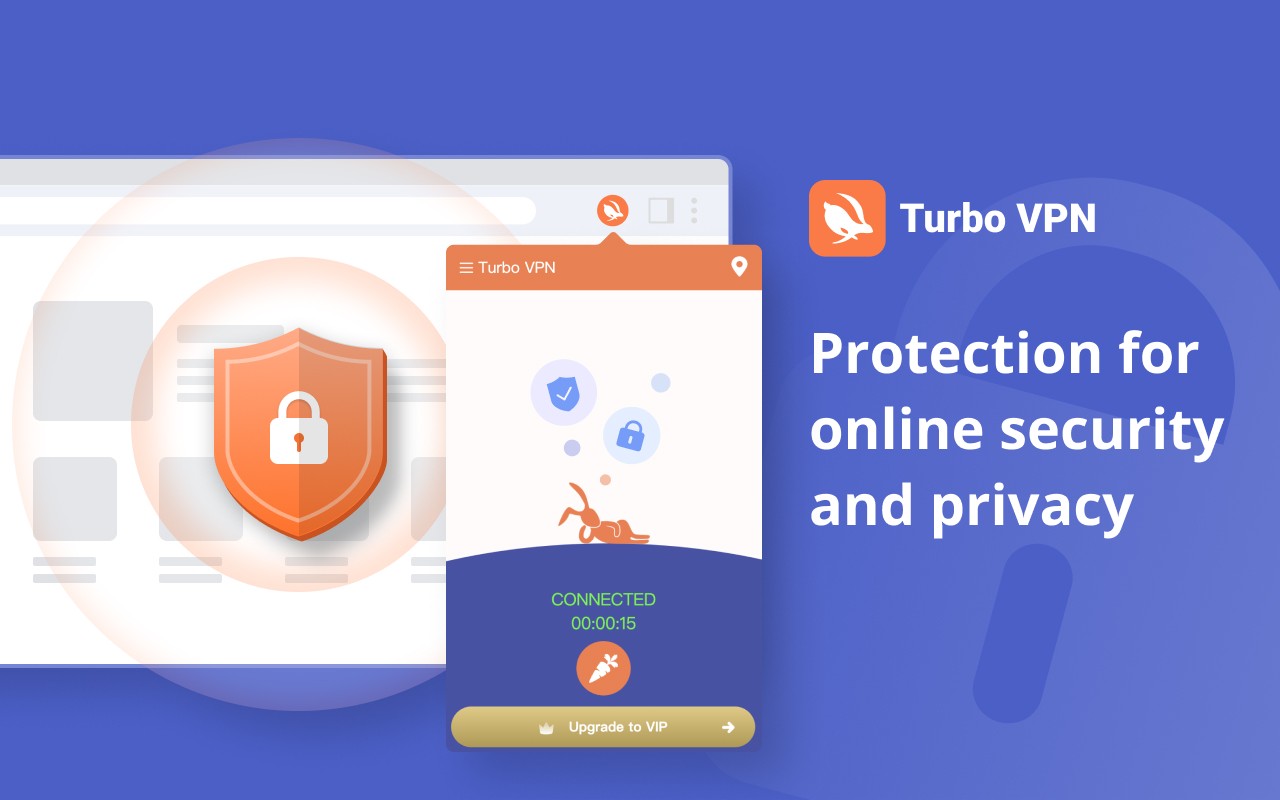
Turbo VPN is a free Chrome extension that provides unlimited VPN proxy to bypass geo-restrictions and encrypt your

What it does
Permissions and access
Taken from the extension's own manifest file inside the package. The store listing does not spell this out, so it is worth reading before you install.
| Permission | What it allows |
|---|---|
activeTab | Access the current tab when you click the extension |
proxy | Route your traffic through a proxy |
storage | Store its own settings and data |
storage | Store its own settings and data |
webRequest | Watch your network requests |
webRequestAuthProvider | webRequestAuthProvider |
Requests 6 permissions — extensions doing the same job average 6.9.
Technical details
Show all 19 languages
Description
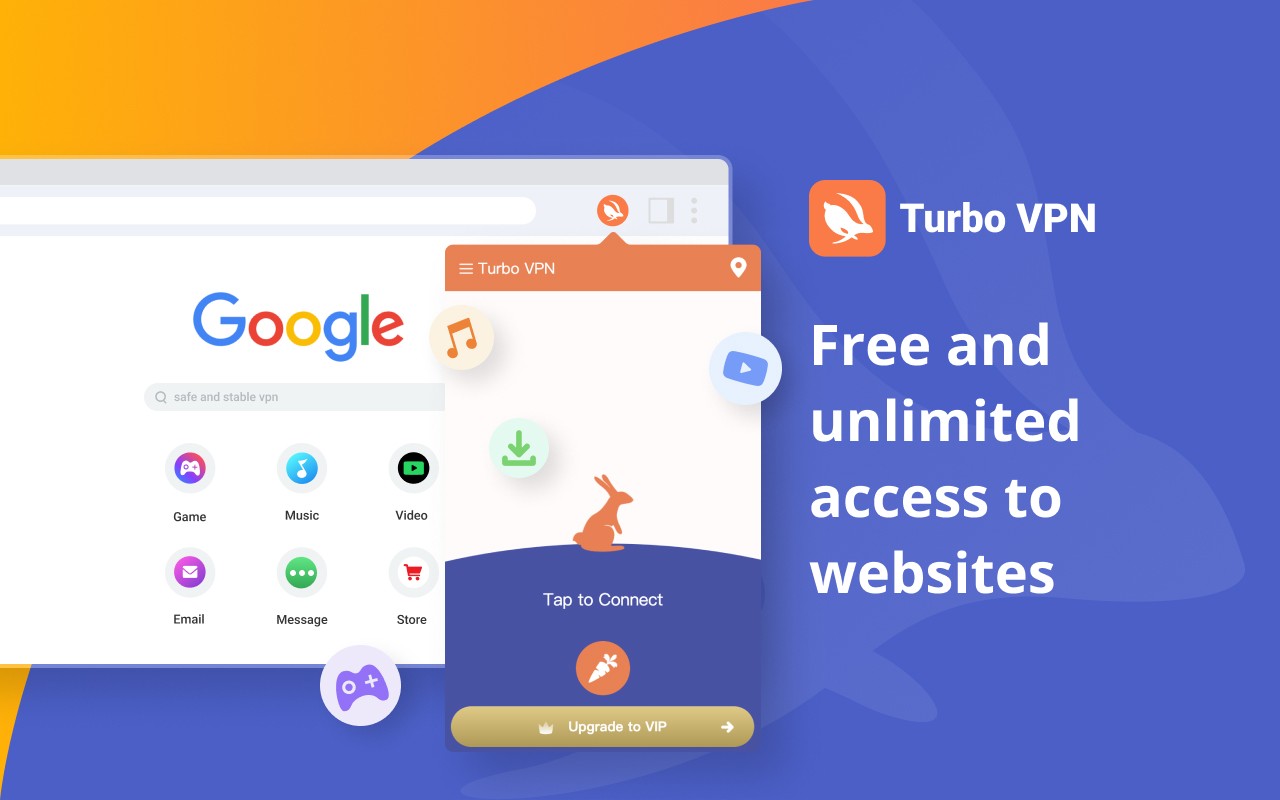
Turbo VPN is a free and unlimited VPN proxy extension for Chrome that enables secure and private internet access. It allows users to bypass regional restrictions and access blocked websites from any location, including offices, schools, cafes, hotels, and airports. With a single click, you can connect to the fastest available server and enjoy uninterrupted browsing with no time limits.
Features
- Access geo-blocked content: Stream movies, live sports, TV shows, videos, music, and games from around the world with a stable and fast connection. Chat with friends across regions, browse blocked forums, news sites, and social networks like Twitter or Facebook. Access shopping websites and online banking services without regional restrictions, whether you are abroad or on a business trip.
- Anonymous and secure connection: Turbo VPN encrypts your network traffic over WiFi hotspots or any network condition, ensuring anonymous and secure browsing without tracking. Multiple military-grade network protocols mask your online activities and protect sensitive data wherever you are.
- Stable and fast servers: Unlimited free VPN servers with no time limits or interruptions. Regional-specific streaming servers are available for Netflix (US, UK, KR, etc.), YouTube, Hotstar, Disney+, HBO, and more.
- User-friendly VPN experience: Unlimited free VPN service with no time limits. Premium subscription offers higher-speed servers and specific server locations, backed by a 30-day money-back guarantee and 24-hour online customer support in all languages. Available on multiple platforms including Chrome, Windows, macOS, Android, and iOS.
To use Turbo VPN on Chrome, add the extension from the Chrome Web Store. Open the extension list in Chrome and click on Turbo VPN to display the interface. Click the "one tap to connect" button to automatically connect to the fastest free VPN server or a premium server of your choice. Alternatively, open the server list to select a desired location. Once connected, the safest virtual private network is established, providing a secure and free VPN experience on Chrome.
Extensions that do the same job
Matched by what these extensions actually do, not by store category, and sorted so the ones asking for the least access come first.
| Extension | Site access | Permissions | Users | Rating |
|---|---|---|---|---|
| Turbo VPN - Secure Free VPN Proxy — this page | All sites | 6 | 800K | 3.5★ |
| UltraSurf Security, Privacy & Freedom VPN | Limited | 5 | 900K | 4.6★ |
| BelkaVPN is VPN, Proxy to Unblock any sites | Limited | 8 | 5K | 3.3★ |
| Free VPN Proxy - 1VPN | All sites | 10 | 2M | 4.7★ |
| Free VPN For Chrome & Ad blocker - Planet VPN | All sites | 14 | 1M | 4.6★ |
| Free VPN Proxy - VPN for Chrome uVPN | All sites | 8 | 900K | 4.5★ |
| AdGuard VPN: free & secure proxy | All sites | 11 | 400K | 4.1★ |
Want the same thing with less access? UltraSurf Security, Privacy & Freedom VPN, BelkaVPN is VPN, Proxy to Unblock any sites, MEGA ask for fewer permissions than this one.
Store data last checked August 14, 2026.