
Privacy Badger
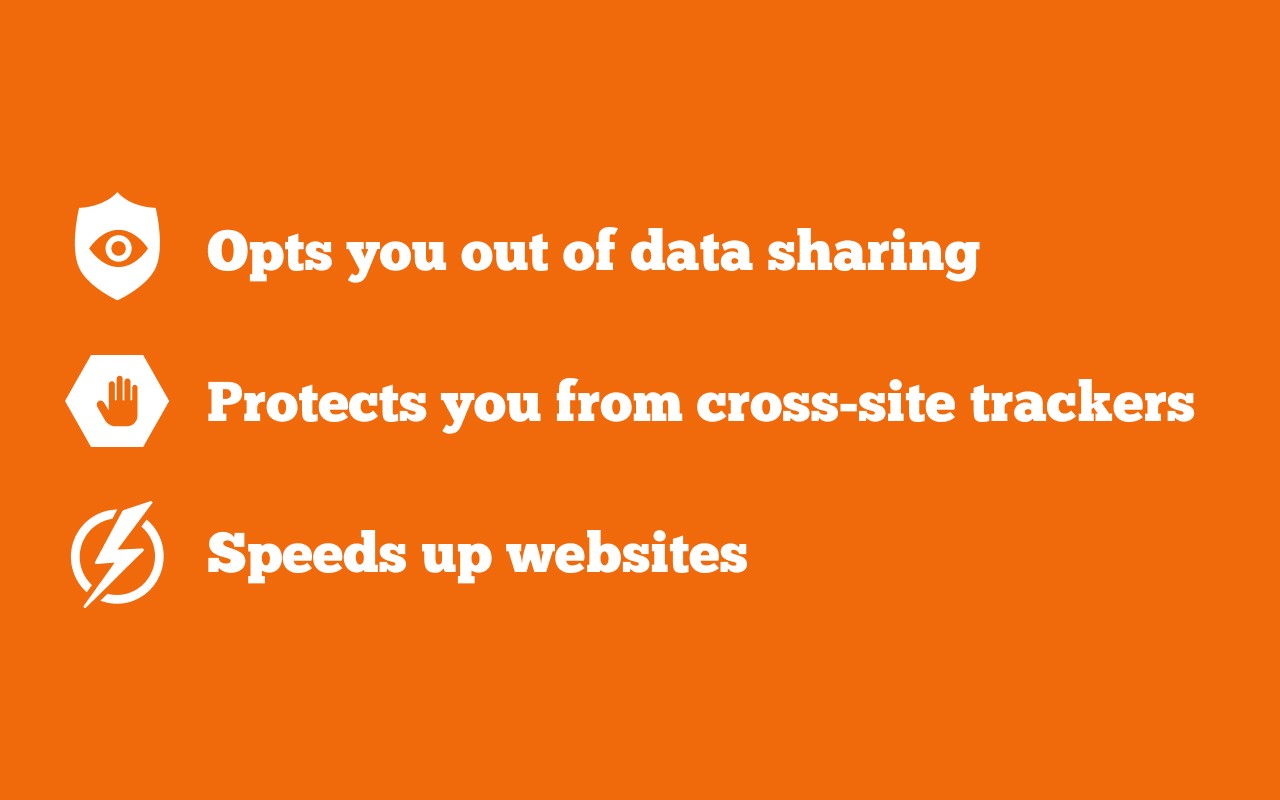
Blocks hidden trackers automatically and sends privacy signals to stop data sharing and tracking.

What it does
Permissions and access
Taken from the extension's own manifest file inside the package. The store listing does not spell this out, so it is worth reading before you install.
| Permission | What it allows |
|---|---|
alarms | Schedule background tasks |
declarativeNetRequest | Block or modify network requests |
privacy | Change your privacy settings |
scripting | Run its own code on pages |
storage | Store its own settings and data |
tabs | See the addresses and titles of your open tabs |
webNavigation | See which pages you navigate to |
webRequest | Watch your network requests |
Requests 8 permissions — extensions doing the same job average 6.8.
Technical details
Show all 29 languages
Description
Privacy Badger is a browser extension developed by the Electronic Frontier Foundation (EFF), a leading nonprofit focused on digital rights. Its primary function is to automatically detect and block hidden trackers that monitor your online activity without your knowledge. Unlike many other blocking tools that rely on manually curated lists, Privacy Badger learns on the job: it observes the domains you visit and identifies those that appear to be tracking you across multiple sites. Once it determines a tracker is ignoring your privacy preferences, it takes action to prevent that tracker from loading.
Key Features
- Automatic Tracker Blocking: Privacy Badger continuously analyzes the behavior of third-party domains. When it sees the same domain tracking you on different websites, it classifies it as a tracker and blocks its content from loading. This adaptive approach means it can catch new or unknown trackers without needing updates.
- Global Privacy Control (GPC) Signal: The extension sends the Global Privacy Control signal to every website you visit, legally indicating that you do not want your data shared or sold. This is especially useful in jurisdictions where GPC has legal weight, such as under the California Consumer Privacy Act (CCPA).
- Do Not Track (DNT) Signal: Privacy Badger also sends the Do Not Track header, a longstanding request to websites to refrain from tracking your browsing. While not all sites honor DNT, it provides an additional layer of privacy preference signaling.
- Click-to-Activate Placeholders: For trackers that may have functional value, such as embedded videos, comments widgets, or social media buttons, Privacy Badger replaces them with a placeholder. You can click on the placeholder to load the content only when you want to interact with it, preventing automatic loading and tracking.
- Outgoing Link Tracking Removal: The extension strips tracking parameters from links you click on Facebook and Google, preventing these platforms from recording your clicks to other sites. This protects your browsing habits from being collected by these services.
- Transparency and Control: Privacy Badger provides a clear interface showing which trackers have been blocked or allowed. You can adjust the slider for each domain to always block, always allow, or let Privacy Badger decide. This gives you granular control over your privacy settings.
Privacy Badger is designed for users who want a privacy tool that works out of the box without requiring complex configuration. Its learning algorithm means it adapts to your browsing patterns, blocking new trackers as they appear. The extension is open-source and regularly updated by the EFF to address emerging tracking techniques. For more details, refer to the official FAQ or contact the development team via email.
Extensions that do the same job
Matched by what these extensions actually do, not by store category, and sorted so the ones asking for the least access come first.
| Extension | Site access | Permissions | Users | Rating |
|---|---|---|---|---|
| Privacy Badger — this page | All sites | 8 | 1M | 4.5★ |
| Malwarebytes Browser Guard | All sites | 13 | 11M | 3.9★ |
| Online Security | All sites | 18 | 10M | 3.6★ |
| Trend Micro ID Protection | All sites | 11 | 100K | 4.4★ |
| Osprey: Browser Protection | Limited | 3 | 10K | 4.9★ |
| Anti-Grabify | Limited | 2 | 3K | 4.7★ |
| AegisWeb3 | All sites | 2 | 70K | 4.8★ |
Want the same thing with less access? Osprey: Browser Protection, Anti-Grabify, AegisWeb3 ask for fewer permissions than this one.
Store data last checked August 14, 2026.