
Free VPN for Chrome - Titan Tunnel VPN
Free Chrome VPN extension for fast, secure browsing, unblocking websites, and hiding your IP address with unlimited
Description
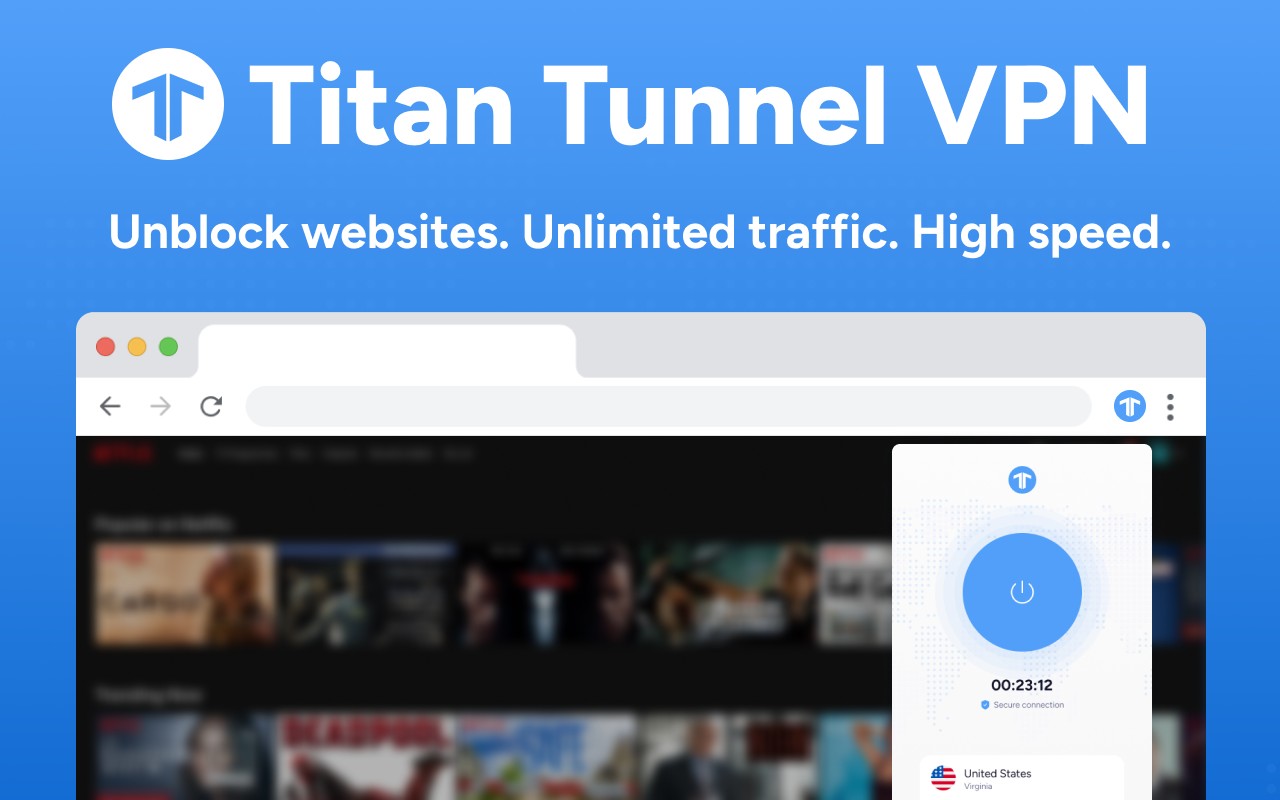
Titan Tunnel VPN is a free Chrome extension designed to provide fast, secure, and unrestricted internet access. It protects your digital privacy by encrypting your traffic and hiding your IP address, allowing you to browse without being tracked by hackers, advertisers, or ISPs. The extension also helps you bypass geo-blocks and censorship, so you can access content from streaming services, social networks, and websites that may be restricted at school, work, or while traveling. With a simple one-click setup, you can start using it immediately without complex configurations.
Key Features
- Unblock Websites with Ease: Use Titan Tunnel VPN to access geo-restricted content, bypass school or workplace Wi-Fi filters, and overcome online censorship. Whether you want to stream a show available only in another country, play online games, or browse social media freely, this extension removes barriers effortlessly.
- Unlimited Bandwidth and High Traffic: There are no data caps or traffic limits. You can download large files, stream HD videos, play online games, and watch YouTube without worrying about running out of bandwidth. This makes it suitable for heavy internet users.
- Fast Internet Connection: The extension leverages a vast network of servers to provide ultra-fast speeds, ensuring smooth browsing, streaming, and gaming. The auto-selected server feature connects you to the nearest server based on your network and device, optimizing speed automatically.
- Access to Many Virtual Locations: Choose from multiple server locations worldwide to change your virtual location. This allows you to access region-specific content, use apps or services blocked in your country, or compare prices on platforms like Amazon and eBay from different regions to find better deals.
- Full Online Privacy Protection: Your online activities become invisible to third parties such as hackers, internet service providers, advertisers, and government agencies. The extension encrypts all your internet traffic and routes it through a secure tunnel, preventing snooping and monitoring.
- Anonymous IP Address: Your real IP address is masked, and you are assigned a new IP from the chosen server location. This hides your sensitive data and geographic location, letting you surf the web anonymously and overcome geo-restrictions.
- Robust Protection Against Threats: The internet is full of dangers like malware, phishing links, fake websites, and infected pop-ups. Titan Tunnel VPN shields you from these cybersecurity risks, providing a safer browsing experience.
- Enhanced Safety on Public Wi-Fi: When connected to unprotected Wi-Fi networks in hotels, airports, cafes, or other public places, the extension secures your confidential information. It protects passwords, financial details, and other private data from interception, whether you are traveling or working remotely.
- No Connection or Activity Logs: The VPN service does not collect or store any personal information, including search history, device data, IP address, or location details. Your privacy is prioritized, and all activities remain anonymous.
- Top-Level Encryption: All internet traffic is encrypted using advanced protocols, creating a secure tunnel that hides your digital footprint from nosy third parties. This ensures that your data remains private and inaccessible to unauthorized entities.
- Smooth One-Step Setup: No manual configuration is needed. Simply add the extension to Chrome, click Connect, and you are protected. All key settings are applied automatically, making it ideal for users who want a hassle-free VPN experience.
Titan Tunnel VPN is a comprehensive tool focused on user safety, offering essential VPN features for seamless and secure browsing. The setup takes just a couple of minutes, and once active, you can surf privately, unblock websites, and enjoy internet freedom at all times. The extension respects your privacy and does not record personal data; for more details, refer to the Privacy Policy and Terms of Use provided.
Related


