
Tasks for Canvas - now supporting Blackboard, D2L Brightspace
Adds a to-do list sidebar with progress rings for Canvas, Blackboard, and D2L Brightspace.
What it does
Permissions and access
Taken from the extension's own manifest file inside the package. The store listing does not spell this out, so it is worth reading before you install.
| Permission | What it allows |
|---|---|
storage | Store its own settings and data |
Requests 1 permission — extensions doing the same job average 5.0.
Technical details
Description
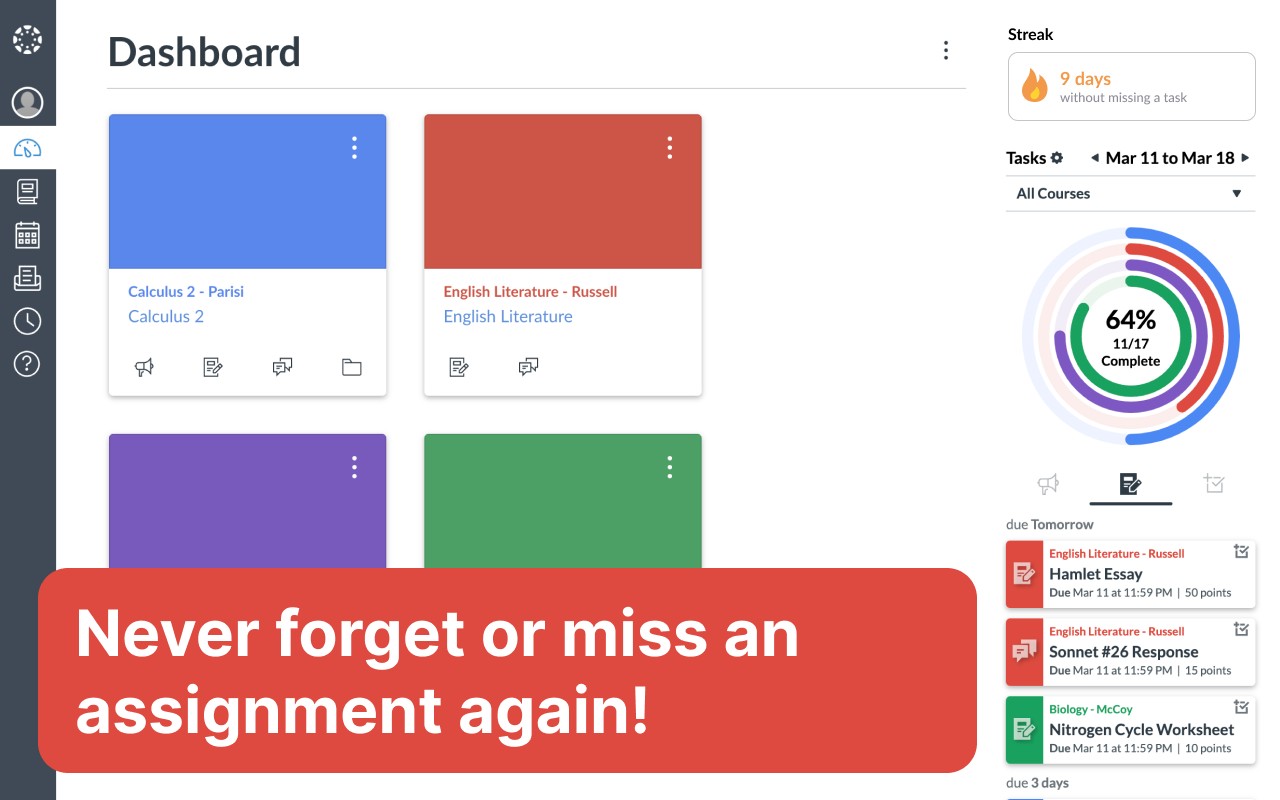
Tasks for Canvas is a browser extension that adds a to-do list sidebar to Canvas, Blackboard, and D2L Brightspace learning management systems. After installing, you need to reload the page for the extension to activate. It now supports Blackboard and D2L Brightspace in addition to Canvas. The extension helps you keep track of weekly assignments by showing a progress chart and a detailed task list directly in the dashboard. It also includes a streak feature that rewards you for submitting assignments before their due dates, and it can sync assignments from Gradescope automatically.
Key Features
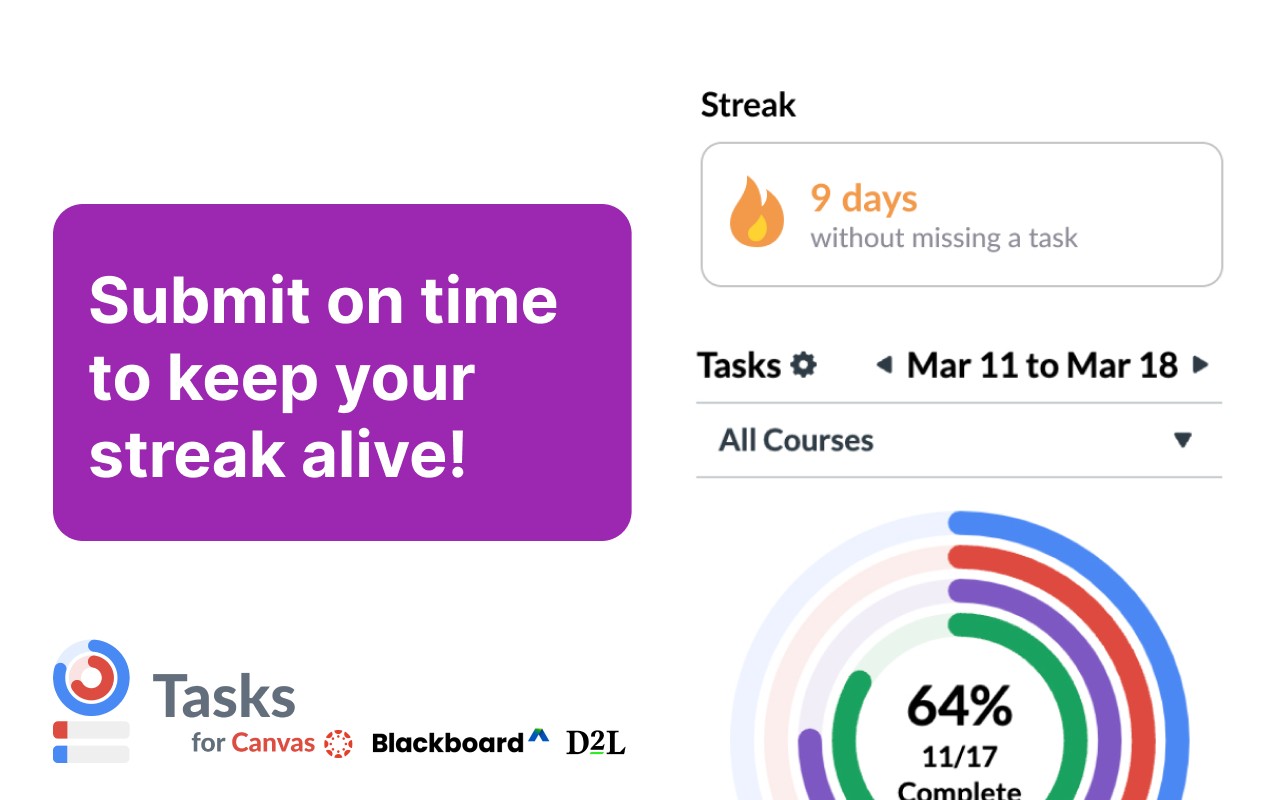
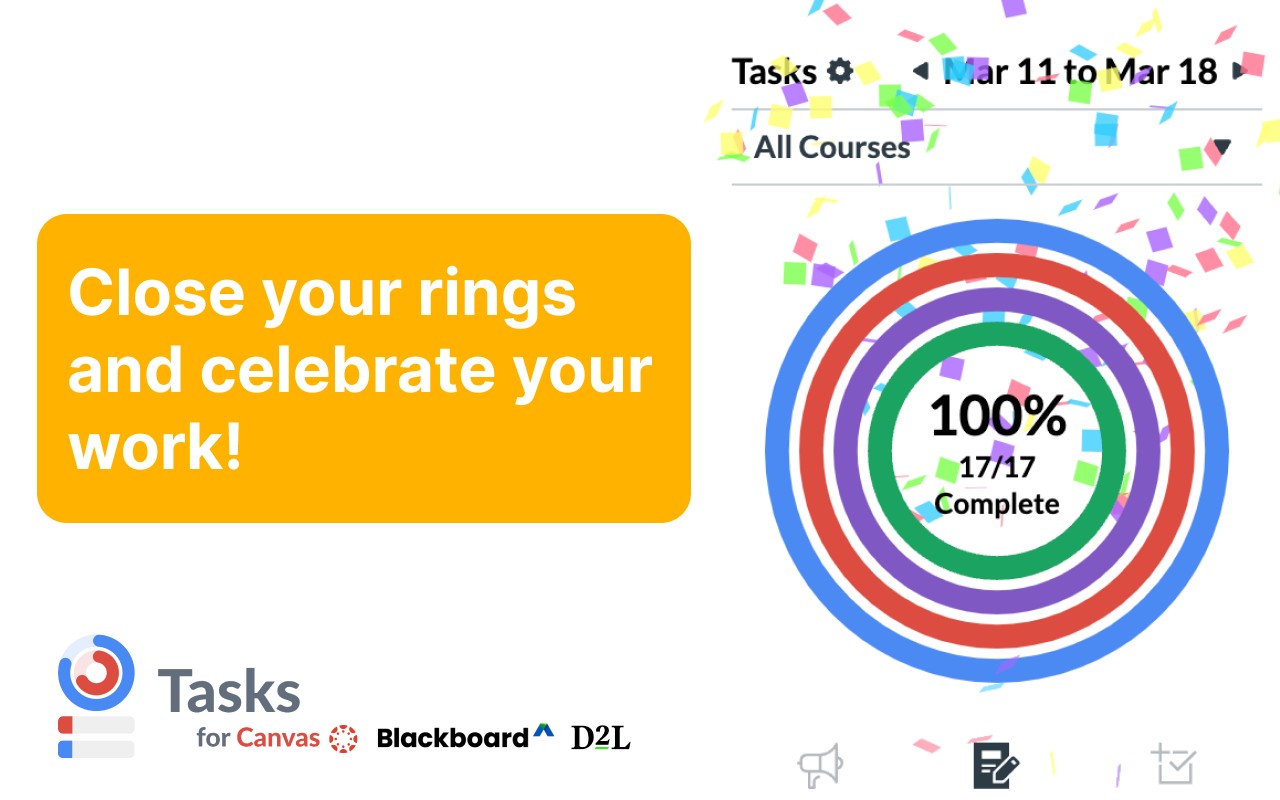
- Color-coded progress rings: A chart displays rings for each course, colored differently. As you complete assignments during the week, the rings fill up to show your progress. This visual feedback helps you see at a glance how much work remains in each course.
- Detailed to-do list: The sidebar lists all active assignments that count toward the rings. Each task shows the assignment name, course, type (e.g., quiz, homework), due date, point value, and a direct link to the assignment page. This makes it easy to prioritize and access your work.
- Recent announcements: A section displays the latest announcements from your courses, so you don't miss important updates from instructors.
- Custom tasks: You can create your own task items, for example, to add study sessions or personal deadlines. These tasks can be linked to a course or left uncategorized.
- Filter by course: Use the course dropdown to filter the rings and task list to show only assignments from selected courses. This is useful when you want to focus on a specific subject.
- View past and future weeks: Navigate between weeks to see assignments from previous weeks or plan ahead for upcoming ones. The rolling view option shows only tasks due from the current day onward, and you can choose a semester view to see all assignments for the term.
- Toggle completed/incomplete tasks: Switch between viewing only unfinished tasks or all tasks including completed ones. Completed tasks show their grading status (e.g., graded or pending).
- Manual completion: Mark assignments as complete manually by clicking a button. This is helpful for tasks that are not automatically marked done, such as offline submissions. Completed tasks sync across devices if you use the same browser profile.
- Streak feature: Earn streaks by submitting assignments early. The extension tracks consecutive early submissions and displays your current streak. You can see your streak rank and get instant updates when you submit.
- Gradescope integration: Automatically sync your Gradescope assignments into the task list. This ensures you don't forget about assignments from linked Gradescope courses.
- Customization options: From the options page, you can adjust settings like the time format (12-hour or 24-hour), enable a three-day view, configure the list length, choose a custom theme color, and decide whether to show locked assignments or ungraded assignments for instructors. Changes take effect immediately.
- Works across views: The sidebar appears in Card View, List View, Recent Activity View, and on individual course pages. It also works with dark mode extensions.
- Smart filtering: Only courses with active assignments are displayed. Assignments with no submissions and ungraded appear in the 'Unfinished' section. Zero-point assignments (like extra credit) appear in the list but do not count toward the progress rings.
This extension is unofficial and not affiliated with Instructure, Blackboard, or D2L. It uses browser storage to save your preferences and communicates only with the official APIs of the respective LMS. No user data is collected or shared.
Extensions that do the same job
Matched by what these extensions actually do, not by store category, and sorted so the ones asking for the least access come first.
| Extension | Site access | Permissions | Users | Rating |
|---|---|---|---|---|
| Tasks for Canvas - now supporting Blackboard, D2L Brightspace — this page | All sites | 1 | 800K | 9.0★ |
| Todoist for Chrome: Planner & Calendar | Limited | 6 | 500K | 4.7★ |
| Careerflow AI Job Application Tracker, ATS Resume Checker, Autofill & more | All sites | 3 | 200K | 4.4★ |
| InsC - Instagram comment picker & exporter | Limited | 4 | 3K | 4.6★ |
| Modern Glass Widget Theme-X Evolution | Limited | 4 | 3K | 4.4★ |
| Anime Girl and Kuromi Live Wallpaper | Limited | 1 | 1K | 4.8★ |
| Simplify Copilot - Autofill job applications, job tracker & AI resumes | All sites | 10 | 500K | 4.9★ |
Store data last checked August 14, 2026.