
PlusThat
Adds a side panel to read and write public comments and private messages on any webpage.
Description
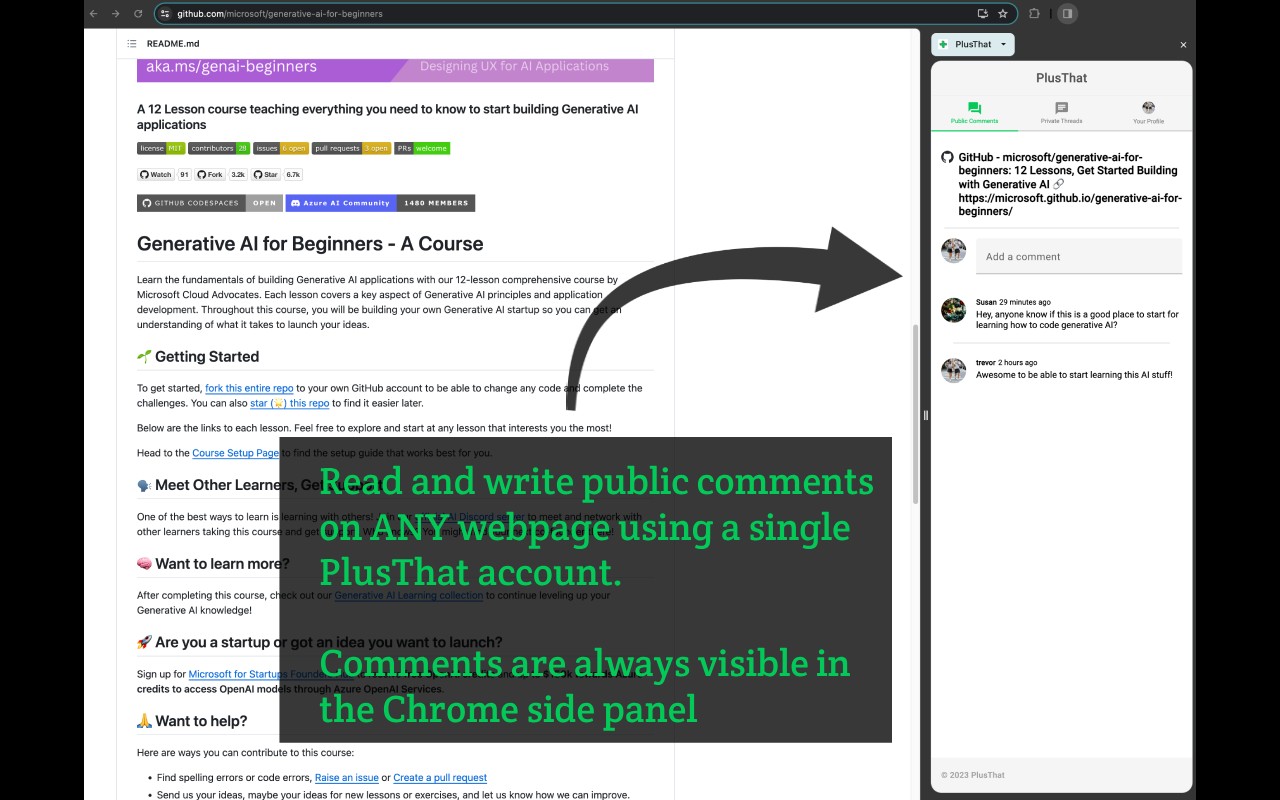
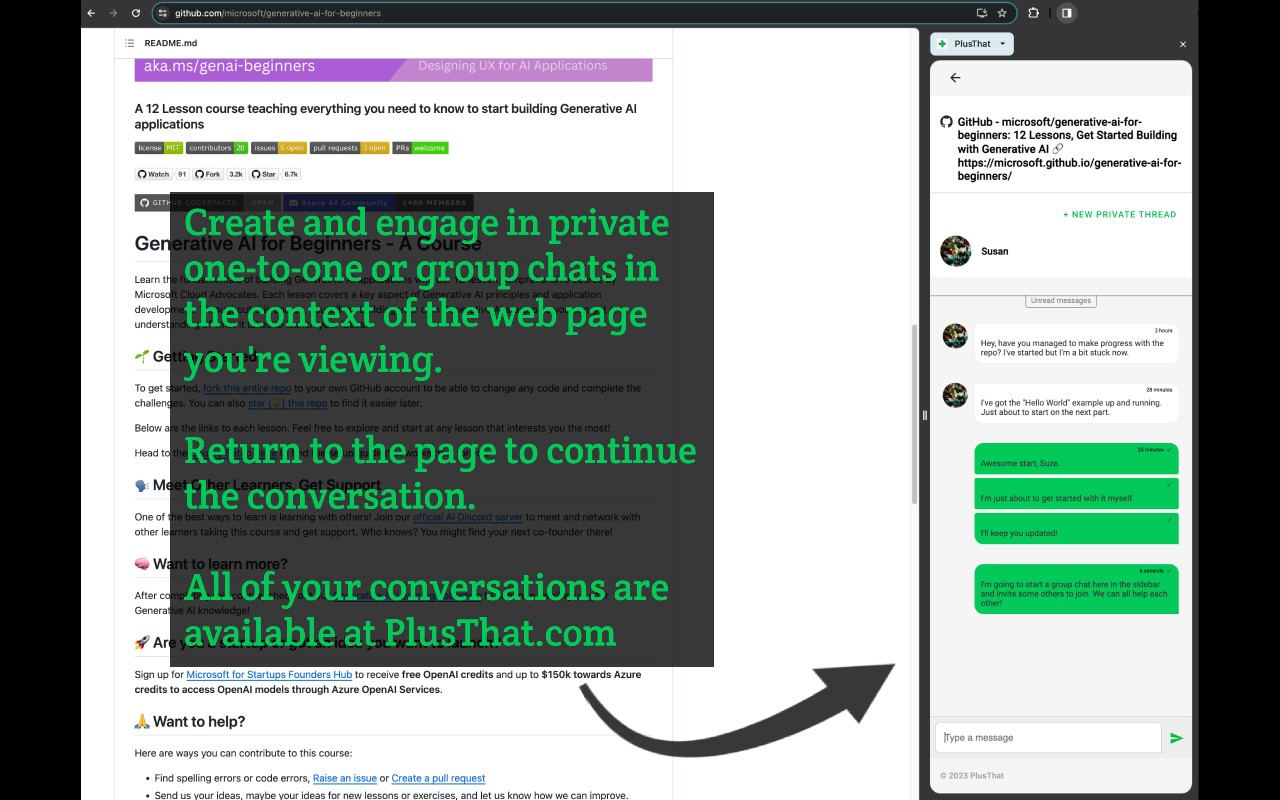
PlusThat is a Chrome extension that adds a side panel to your browser, enabling you to read and write public comments and private messages on any webpage. By using a single PlusThat account, you can engage with other users across different websites without leaving the page. The side panel automatically updates its content based on the URL of the active tab, showing relevant comments and chat threads for that specific page.
Key Features
- Public Comments: You can read and post public comments that are tied to the current webpage's URL. This is useful for discussing articles, product pages, or any online content with a community of PlusThat users. Comments are visible to everyone and persist across sessions.
- Private Chat: Send and receive private messages within the side panel. This allows for one-on-one conversations or group chats without switching to a separate messaging app. Private threads are linked to the page context, making it easy to collaborate or share thoughts discreetly.
- Contextual Updates: As you navigate to a different webpage, the side panel refreshes to display comments and messages associated with that new URL. This ensures you always see relevant content without manual reloading.
- Multiple Ways to Open the Side Panel: You can access PlusThat via a right-click context menu entry, by clicking the puzzle piece icon in the Chrome toolbar and selecting PlusThat, or by using the keyboard shortcut Alt+Shift+P (Option+Shift+P on Mac). Once opened, you can pin the panel for quick access.
- Privacy-Focused Design: The extension requests permission to view browser history solely to read the URL and title of the current page. It does not access or modify page content, nor does it collect sensitive data. No URL is stored on PlusThat servers unless you actively interact with it (e.g., by posting a comment or being part of a private message thread). The extension does not track your browsing behavior.
In practice, PlusThat is ideal for users who want to discuss content on websites that lack native commenting systems, or for teams who need a lightweight way to communicate while browsing. For example, you could leave a public tip on a recipe page, or start a private conversation about a project document. The extension works on any webpage, and all interactions are managed through your PlusThat account.
Related


