
Image Collective: Webpage to Gallery
Collects and displays all images from the current webpage in a filterable, navigable gallery.
Description
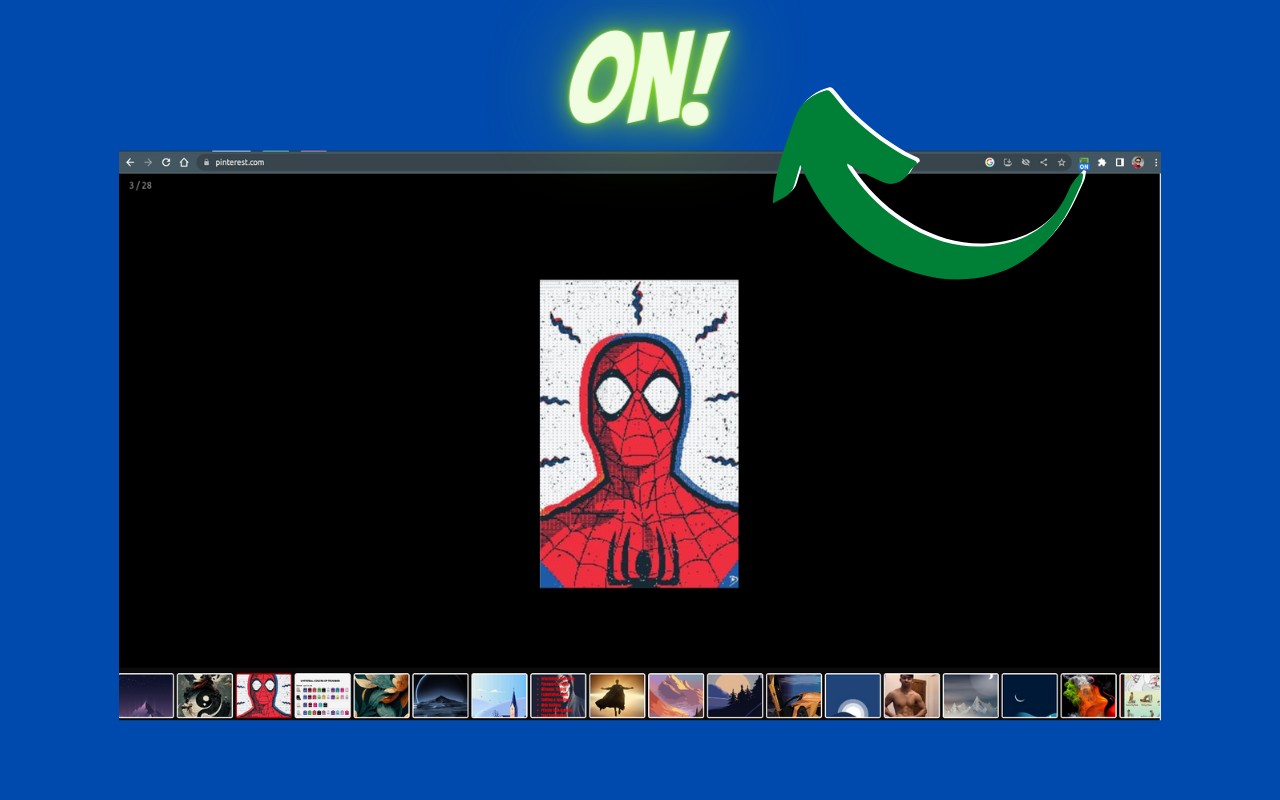
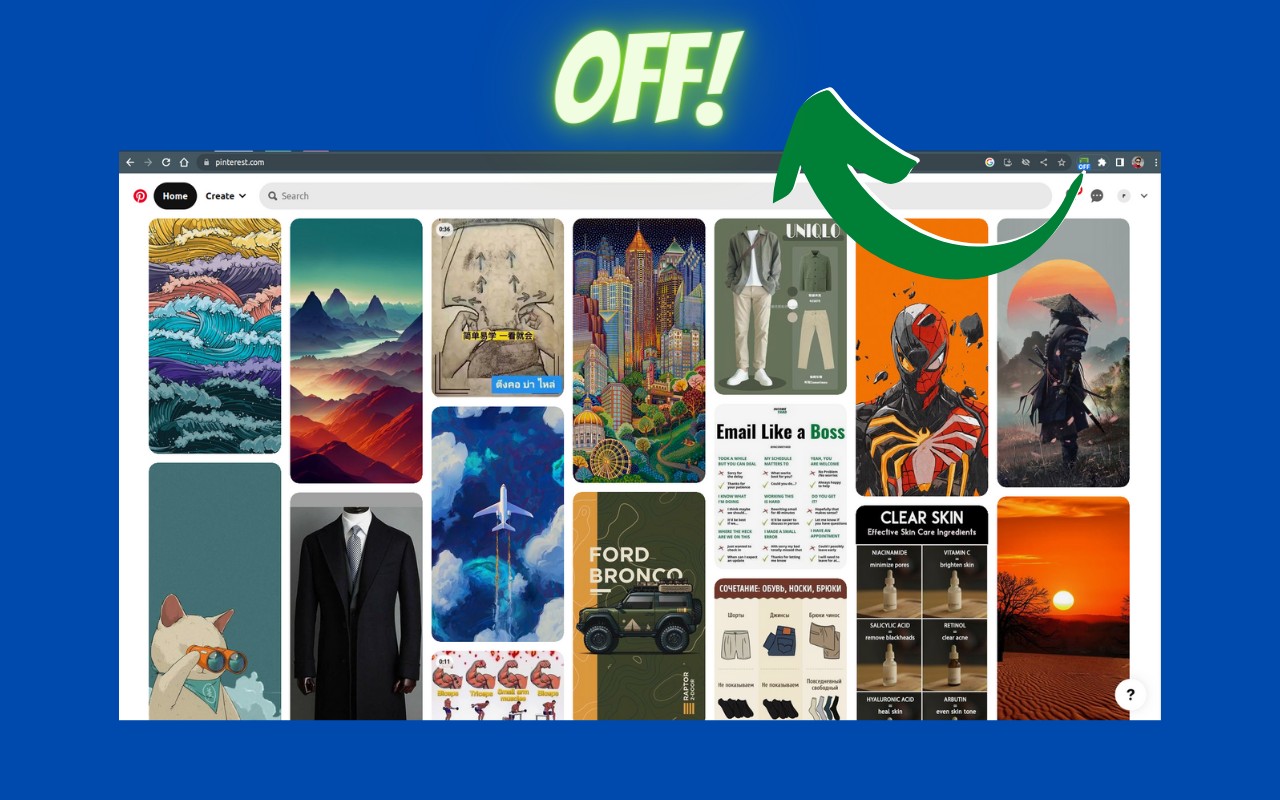
The Image Collective: Webpage to Gallery extension transforms how you interact with images on any website. Instead of scrolling through a cluttered page, you can instantly gather all images into a clean, organized gallery. This is especially useful for browsing art portfolios, reading manga or comics, reviewing product photos, or collecting visual inspiration. The extension works by scanning the current webpage for all embedded images and presenting them in a unified interface, eliminating the need to manually open each image in a new tab.
Key Features
- Smart Image Filtering: You can filter out small icons, thumbnails, or decorative elements by setting minimum width and height dimensions. This helps you focus on meaningful content like full-sized photos or illustrations. The filter settings are saved per website, so you don't have to reconfigure them each time. For example, on a news site you might exclude 50x50 avatars, while on an art gallery you'd keep all images.
- Automatic Image Preloading: The extension can fetch and preload all images on the page without waiting for the page to fully load. This means you can start browsing the gallery almost immediately, even on image-heavy pages. It's particularly beneficial for slow connections or pages with lazy-loaded images.
- Keyboard Navigation: Use the left and right arrow keys to move between images. This allows for rapid browsing without touching the mouse, ideal for reviewing many images in sequence.
- Zoom Controls: Zoom in to examine details (e.g., brush strokes in a painting) or zoom out to see the full composition. The zoom is smooth and responsive.
- Multiple View Modes: Switch between a gallery view (images arranged in a grid) and a thumbnail view (smaller previews with a selected image enlarged). Each mode suits different tasks: thumbnail view for quick scanning, gallery for comparing multiple images side by side.
- Full-Screen Mode: Enter full-screen to eliminate browser chrome and page distractions, giving you an immersive viewing experience. This is great for presentations or focusing on a single image.
The extension is lightweight and requires no configuration beyond installation. It works on any webpage, dynamically adapting to the site's structure. Whether you're a designer gathering references, a shopper comparing products, or a casual browser, Image Collective streamlines image viewing into a fast, keyboard-friendly workflow.
Related


