
Download PicsArt For PC, Windows and Mac
Open PicsArt image editor in Chrome to rotate, crop, filter, annotate, and more with a single click.
Description
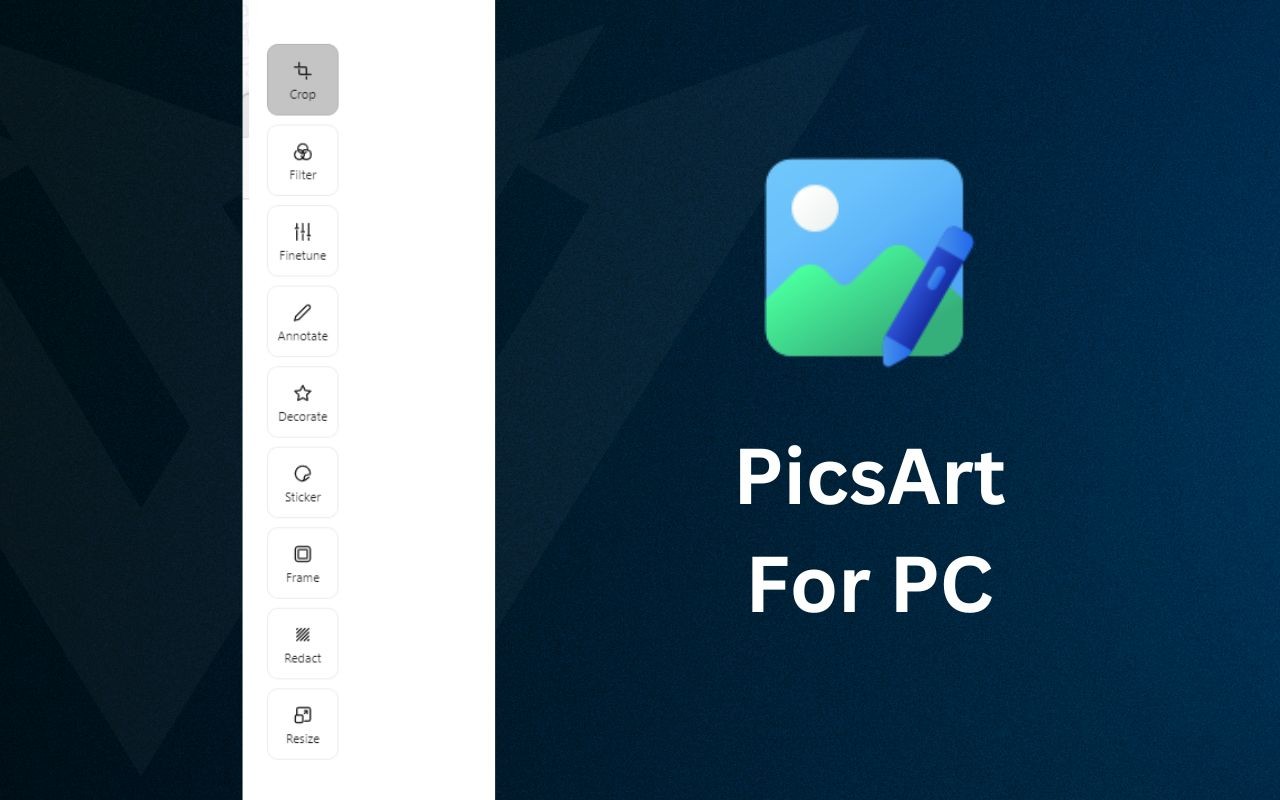
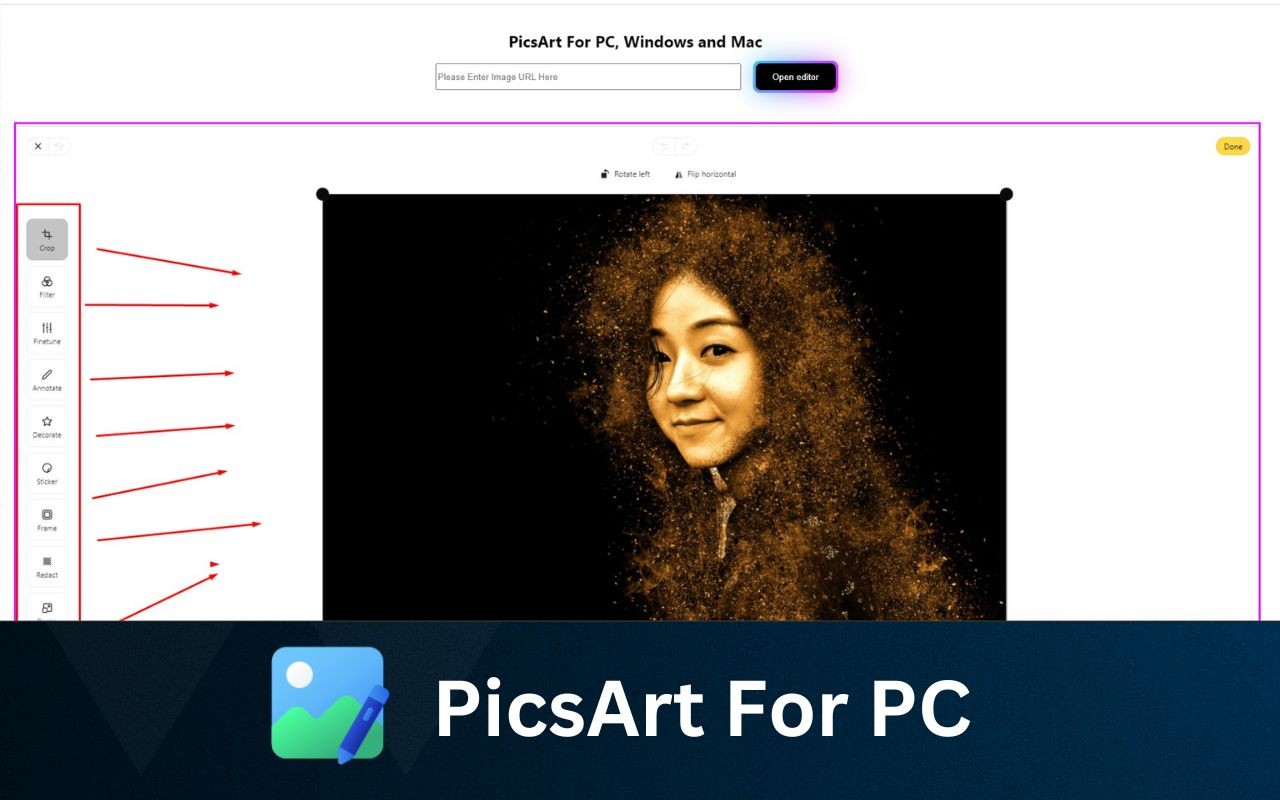
The PicsArt for PC, Windows, and Mac Chrome extension brings a full-featured image editor directly into your browser, allowing you to enhance photos without leaving the web. By clicking the extension icon, you can paste an image URL and instantly open an editing interface with a comprehensive set of tools. This is especially useful when you quickly need to adjust an image for a social media post, a blog, or a presentation, without downloading separate software.
Key Features
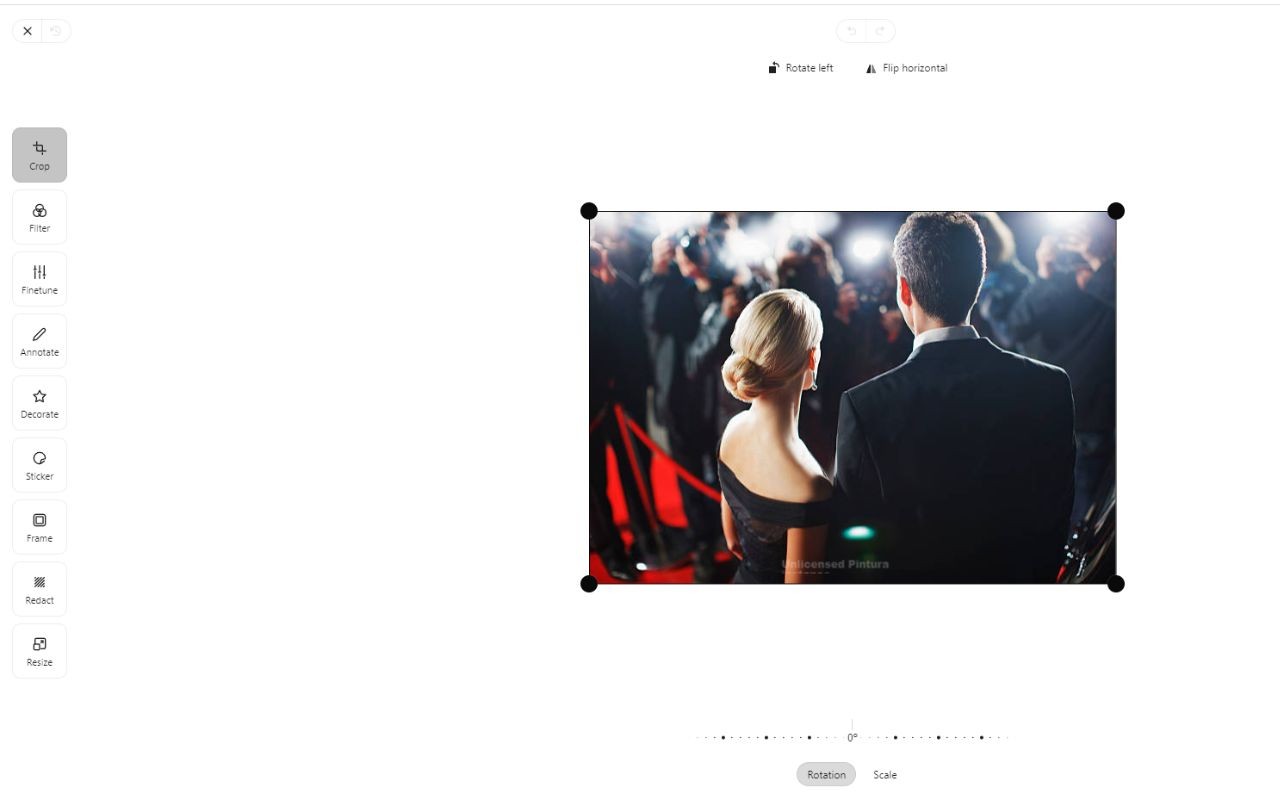
- Rotate Image: Change the orientation of your photos to portrait, landscape, or any angle. Useful for correcting a tilted horizon or aligning an image for a specific layout.
- Crop Image: Trim unwanted edges or focus on a specific subject. Ideal for removing distractions from the background or preparing images for thumbnails.
- Filters: Apply a variety of preset filters to give your photos a distinct look, such as vintage, black-and-white, or cinematic tones. Great for quickly adding mood or style.
- Fine-tune: Adjust brightness, contrast, saturation, and other parameters to achieve the perfect exposure and color balance. Essential for correcting poorly lit photos or enhancing details.
- Annotate: Add text or draw freehand on your images. Useful for creating memes, highlighting parts of a screenshot, or adding captions for social media.
- Decorate: Beautify photos with decorative elements like borders, patterns, or overlays. Perfect for making greeting cards or festive posts.
- Stickers: Access a library of stickers to add fun elements like emojis, shapes, or themed icons. Great for casual edits or engaging content.
- Frames: Add stylish borders or frames around your images, such as rounded corners or film-like edges. Useful for creating consistent social media aesthetics.
- Redact Feature: Blur or black out sensitive information like names, addresses, or numbers. Essential for sharing screenshots publicly while protecting privacy.
- Resize: Change the width and height of your image to specific pixel dimensions. Useful for fitting platform requirements like Twitter banners or LinkedIn profile pictures.
- Scale: Adjust the overall size of the image proportionally without distorting it. Helpful for reducing file size or preparing images for print.
This extension works entirely within the Chrome browser, so no additional downloads or installations are required. It is designed for users who need a quick, accessible photo editor for everyday tasks-whether you are a professional editing images on the go, a content creator preparing visuals, or someone who occasionally touches up personal photos. The workflow is simple: install, click the icon, paste an image URL, and start editing. Please note that this extension is an independent tool and is not affiliated with the official PicsArt Android app or its developers.
Related


