
TrafficLight
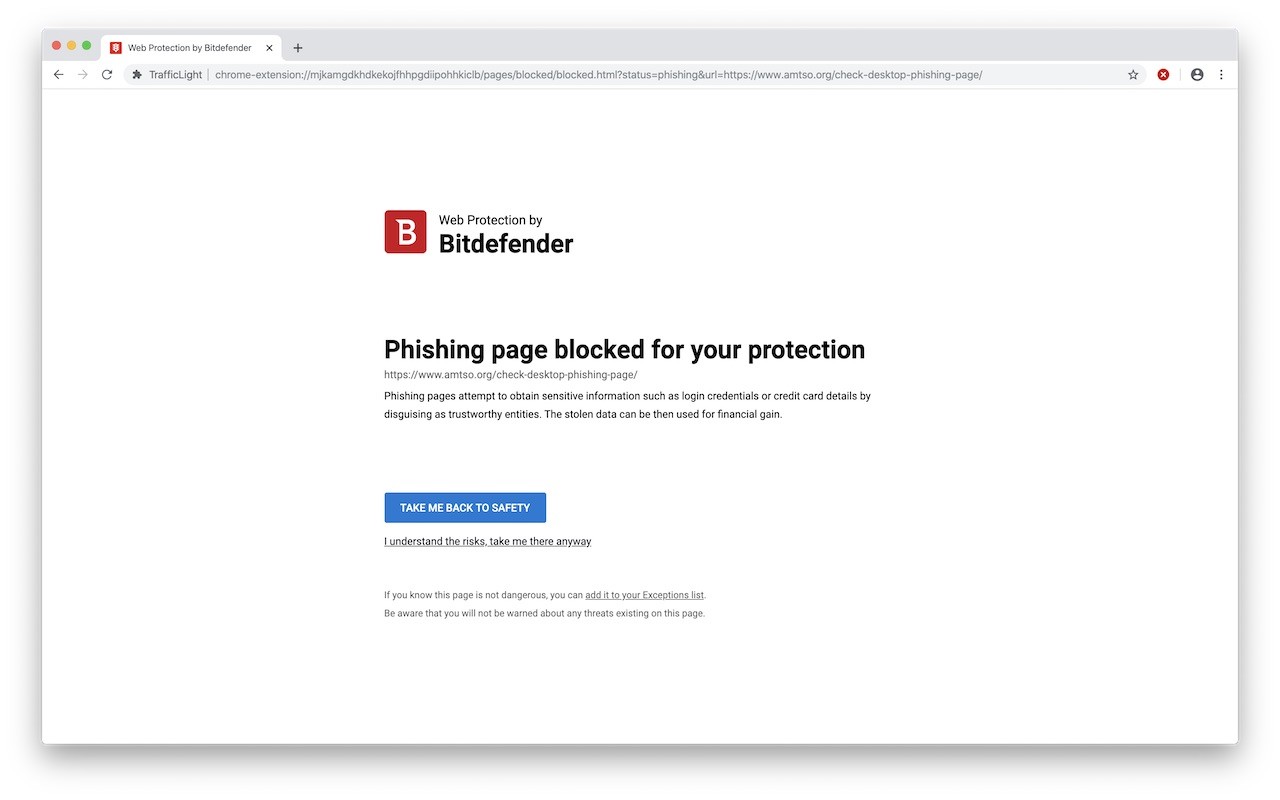
Bitdefender TrafficLight scans web pages in real time to block malware, phishing, and other online threats.
What it does
Permissions and access
Taken from the extension's own manifest file inside the package. The store listing does not spell this out, so it is worth reading before you install.
| Permission | What it allows |
|---|---|
alarms | Schedule background tasks |
alarms | Schedule background tasks |
declarativeNetRequest | Block or modify network requests |
downloads | Manage your downloads |
nativeMessaging | Talk to programs installed on your computer |
scripting | Run its own code on pages |
scripting | Run its own code on pages |
storage | Store its own settings and data |
tabs | See the addresses and titles of your open tabs |
webRequest | Watch your network requests |
Requests 10 permissions — extensions doing the same job average 6.8.
Technical details
Show all 21 languages
Description
Bitdefender TrafficLight is a browser extension that enhances your online security by scanning web pages for threats in real time. It operates without slowing down your browsing or consuming excessive system resources, as much of the processing is handled in the cloud. The extension uses intelligent engines to perform various checks on every page you visit, providing robust protection against phishing, malware, and other online dangers.
Key Features
- Real-Time Threat Scanning: TrafficLight examines each page you access for malware, phishing attempts, malvertising, and other threats. This continuous monitoring ensures that even legitimate websites that have been recently compromised are detected and flagged before they can harm you.
- Precise Blocking: Instead of blocking an entire website when only certain pages are malicious, TrafficLight targets only the harmful elements. This allows you to continue browsing the rest of the site safely, giving you control over your experience without unnecessary restrictions.
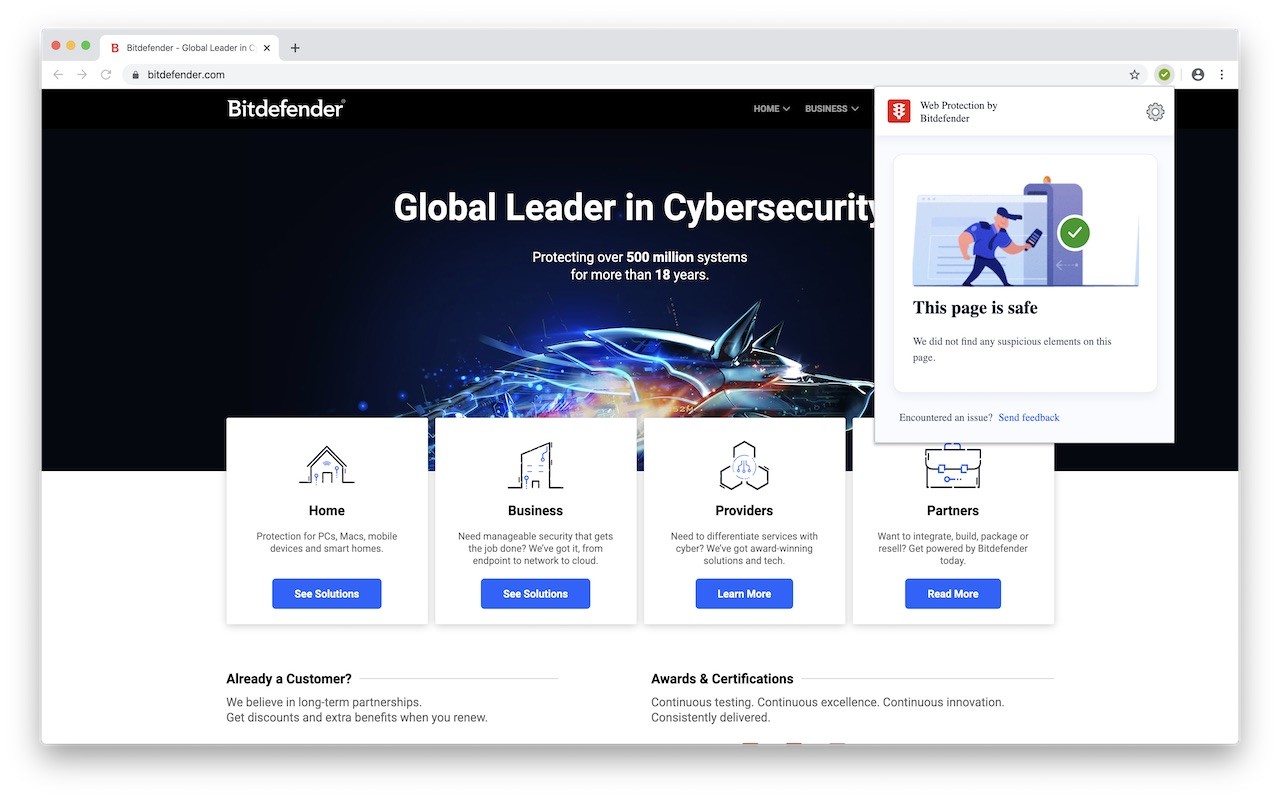
- Unobtrusive Interface: The extension does not add a toolbar to your browser, keeping your interface clutter-free. It remains invisible until you need it, at which point you can interact with it via a simple mouse gesture. This design ensures that security features are available without interfering with your normal browsing flow.
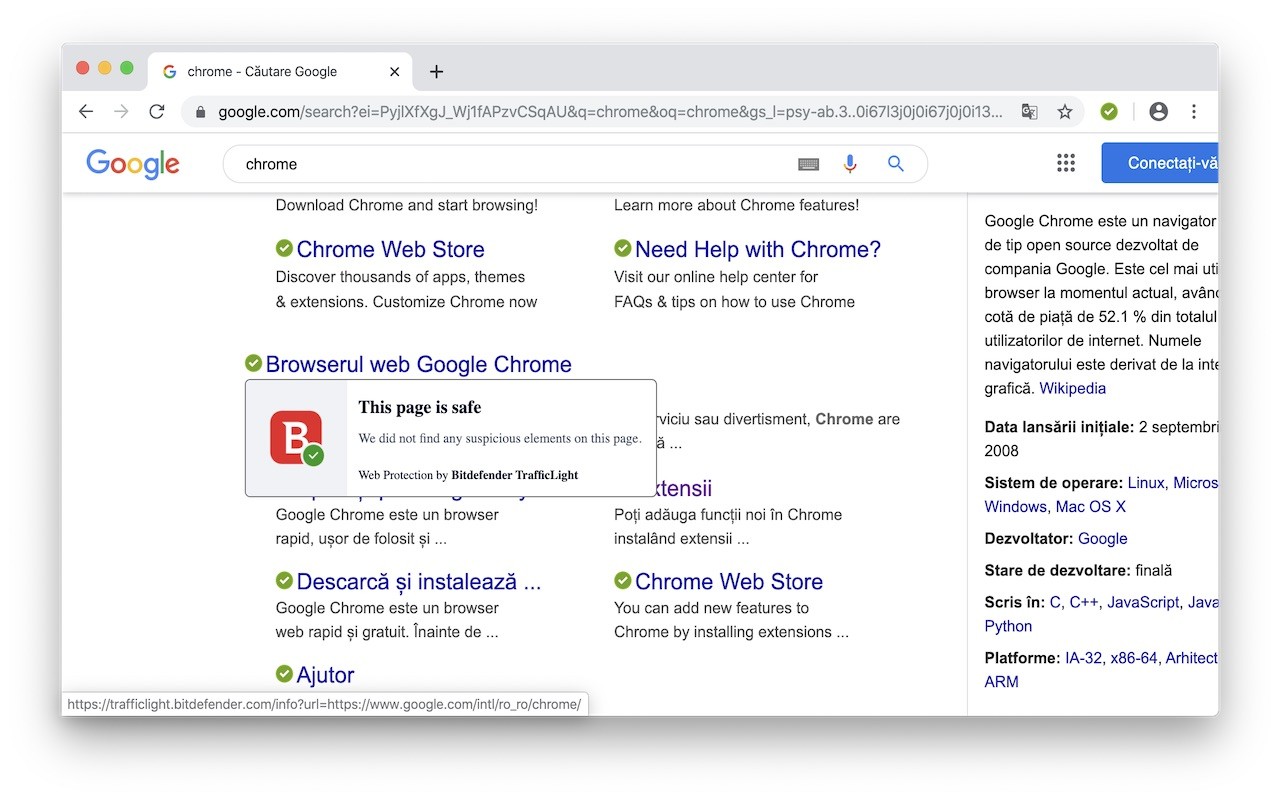
- Search Result Protection: TrafficLight marks malicious or fraudulent websites directly in search engine results. This helps you avoid dangerous links before clicking on them, providing an additional layer of safety during your online searches.
By combining cloud-based processing with lightweight local checks, TrafficLight delivers effective security without compromising performance. Whether you are shopping, banking, or simply browsing, the extension works silently in the background to protect you from evolving online threats. Its precision-based blocking and unobtrusive design make it suitable for users who want robust protection without disrupting their workflow.
Extensions that do the same job
Matched by what these extensions actually do, not by store category, and sorted so the ones asking for the least access come first.
| Extension | Site access | Permissions | Users | Rating |
|---|---|---|---|---|
| TrafficLight — this page | All sites | 10 | 1M | 4.4★ |
| Osprey: Browser Protection | Limited | 3 | 10K | 4.9★ |
| Anti-Grabify | Limited | 2 | 3K | 4.7★ |
| AegisWeb3 | All sites | 2 | 70K | 4.8★ |
| Netcraft Extension | All sites | 3 | 70K | 4.4★ |
| Malwarebytes Browser Guard | All sites | 13 | 11M | 3.9★ |
| Online Security | All sites | 18 | 10M | 3.6★ |
Want the same thing with less access? Osprey: Browser Protection, Anti-Grabify, AegisWeb3 ask for fewer permissions than this one.
Store data last checked August 14, 2026.