
Featured
KeepMyTabs
Saves and restores named tab sessions to reduce RAM usage and organize browsing.
Description
KeepMyTabs helps you manage browser clutter by saving the entire set of open tabs as a named session and restoring them later. Instead of leaving dozens of tabs open-which drains battery and consumes RAM-you can store tab states and reload them on demand. This is especially useful when researching multiple topics, working on different projects, or preparing a set of resources for later use.
Key Features
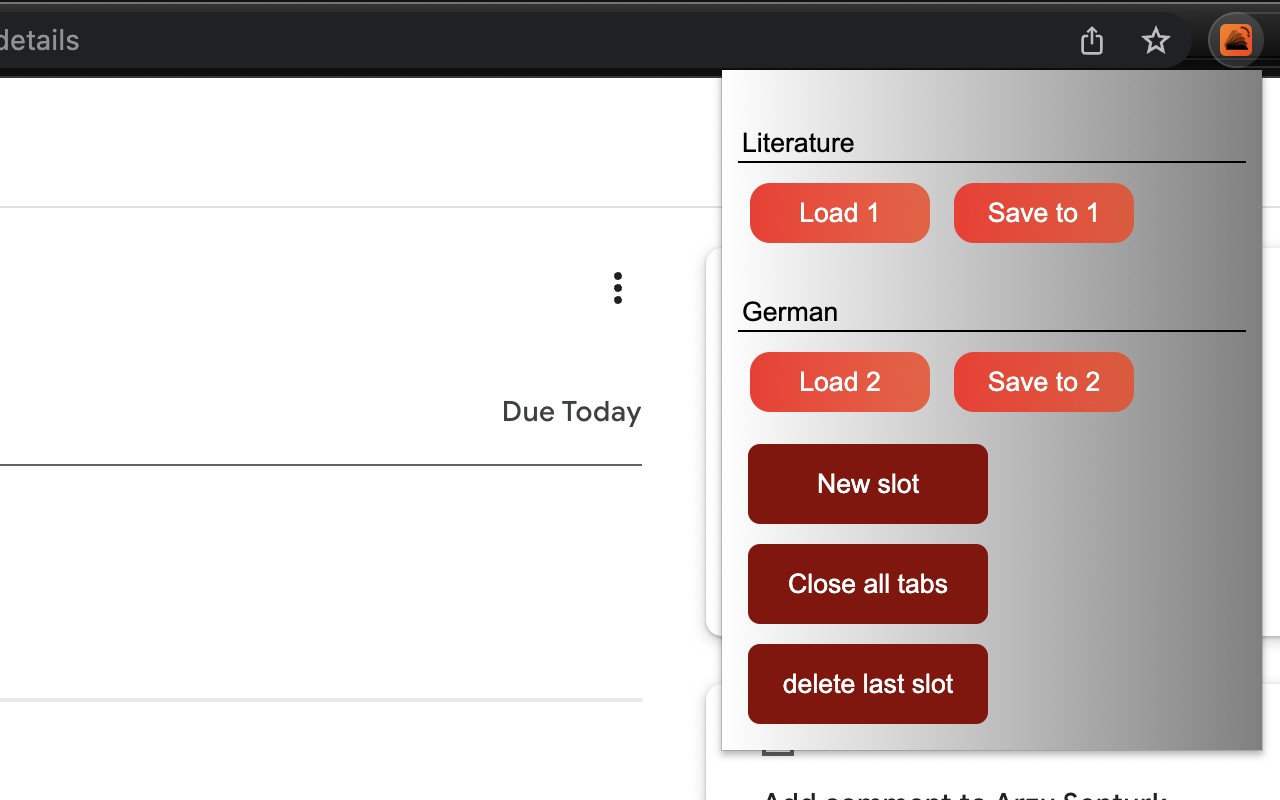
- Save Tab Sessions: Assign a custom name to a slot and click the save button to store all current tabs in that slot. This captures every open tab across all windows, preserving their order and URLs.
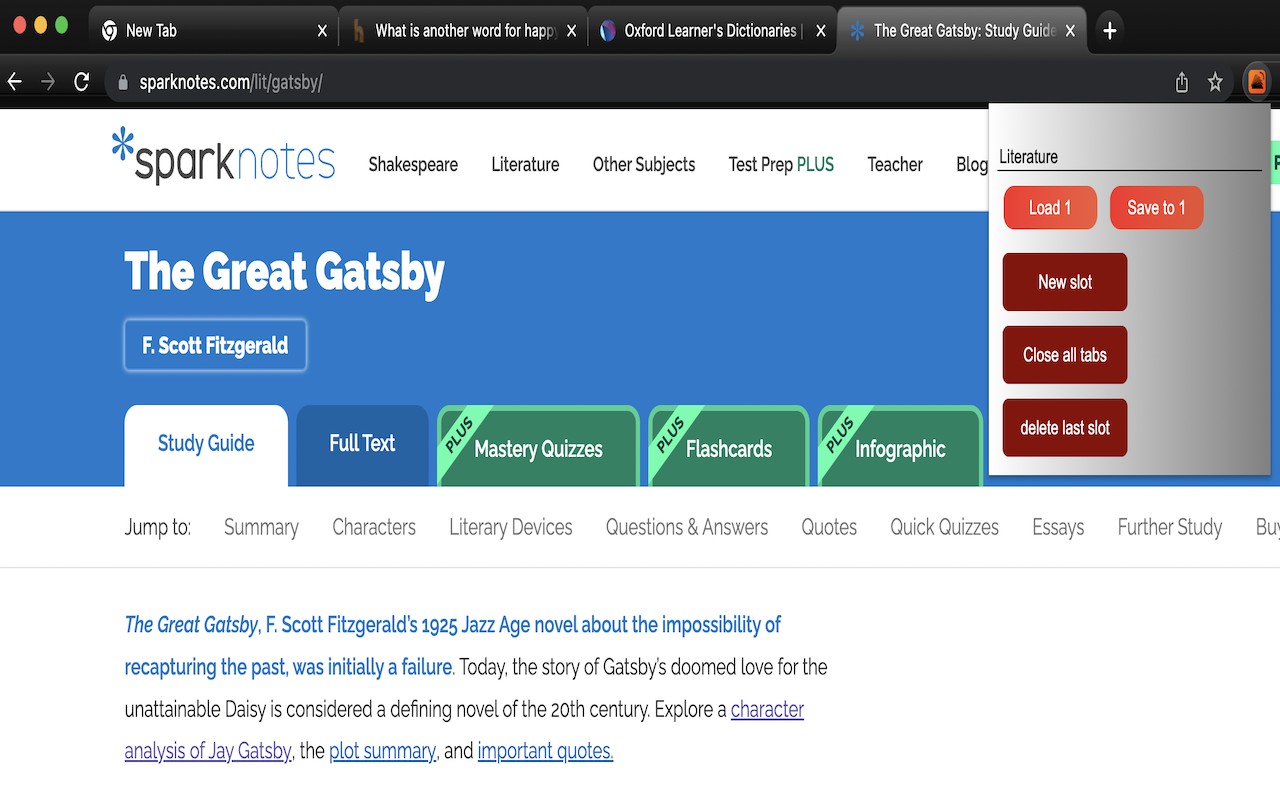
- Restore Saved Sessions: When you need the tabs back, click restore on the corresponding slot. KeepMyTabs closes all existing tabs and opens the saved ones in the exact order they were saved. Ideal for switching between work and personal contexts without losing progress.
- Named Slots: Each slot can be labeled with a meaningful name (e.g., "Research", "Project X", "Travel Plans") so you can quickly identify and manage multiple sessions. No more guessing what a slot contains.
- Simple One-Click Interface: The extension provides a straightforward popup with save and restore buttons for each slot. No complex setup or configuration required-just name, save, and restore as needed.
Use KeepMyTabs to reduce tab overload, improve system performance, and keep your browsing organized. It's a practical tool for anyone who frequently works with many tabs and needs a lightweight way to save and recall tab groups without relying on bookmarks or manual lists.
Related

Open Multiple URLs
Accessibility
Opens a list of URLs in new tabs from pasted plain text.
ViewFeatured

I still don't care about cookies
Accessibility
Automatically blocks or accepts cookie consent pop-ups on websites.
ViewFeatured

shortsKiller
Accessibility
Removes YouTube Shorts from homepage, sidebar, search results, and recommendations.
ViewFeatured

ThickGPT
Accessibility
Makes the ChatGPT input textarea taller for easier typing of long prompts and code.
ViewFeatured

Abbrevihater
Accessibility
Automatically expands abbreviations and acronyms on webpages for clearer reading.
ViewFeatured

CapMonster Cloud — automated captcha solver
Accessibility
Automatically solves reCAPTCHA, Cloudflare, GeeTest, and text CAPTCHAs using AI in Chrome background mode.
ViewFeatured